
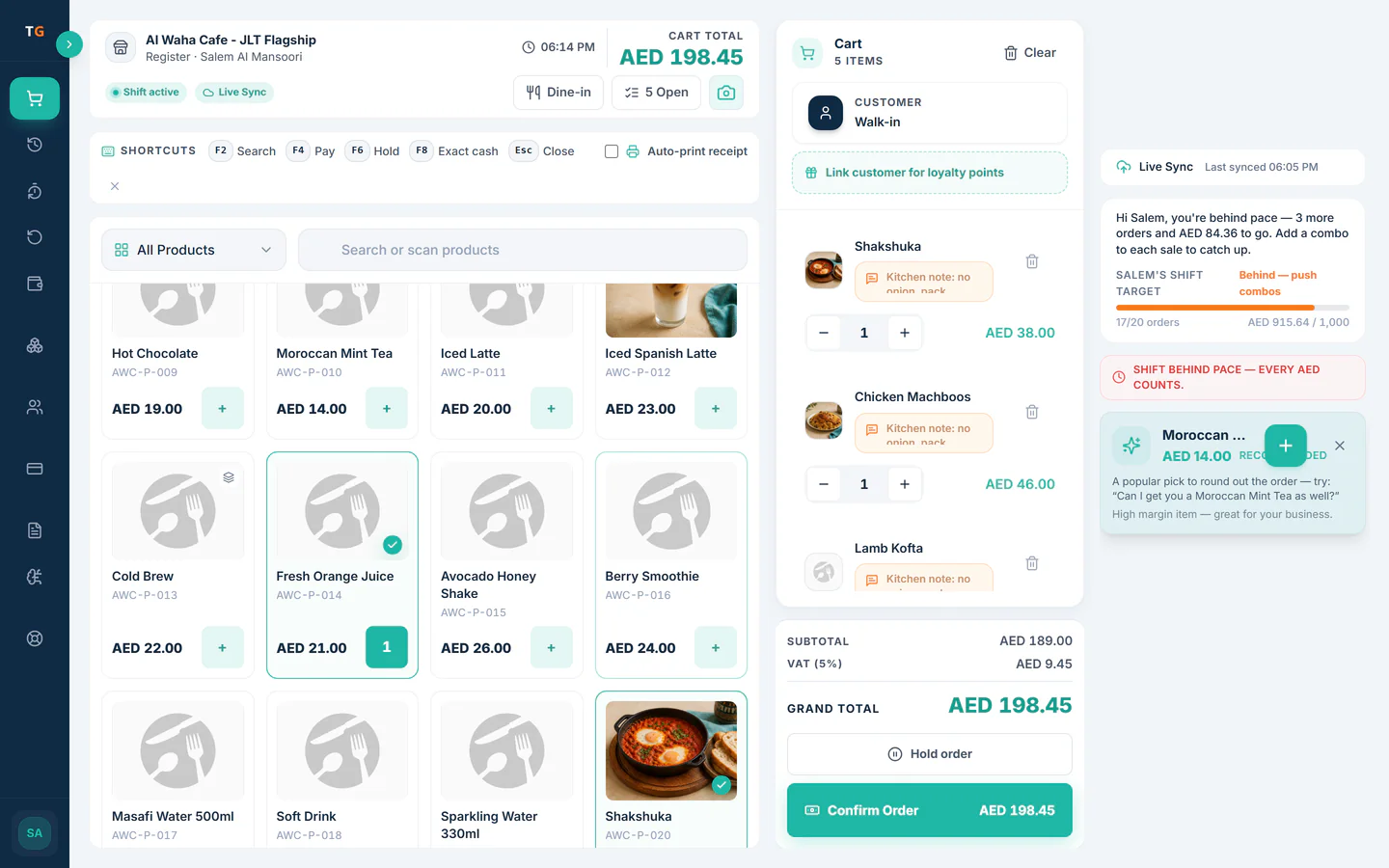

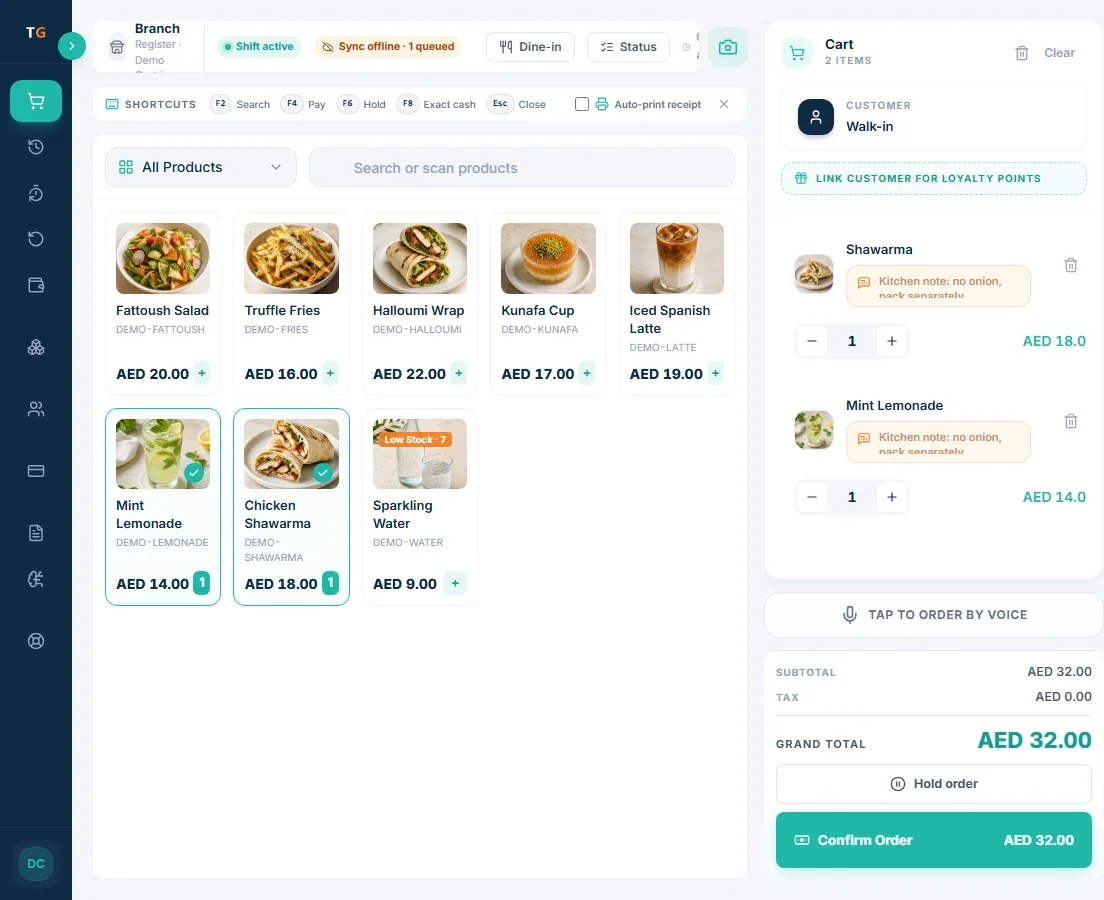
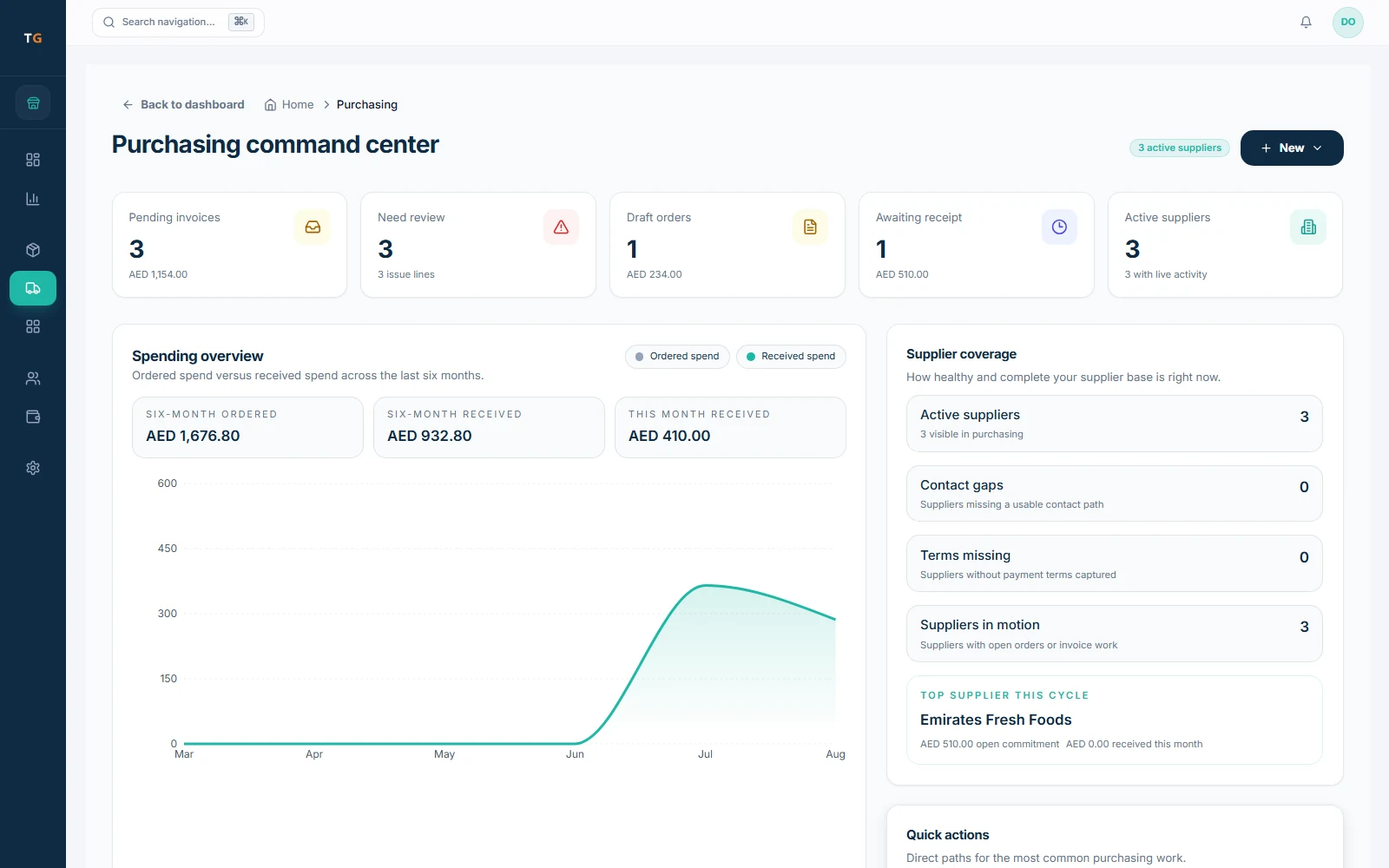
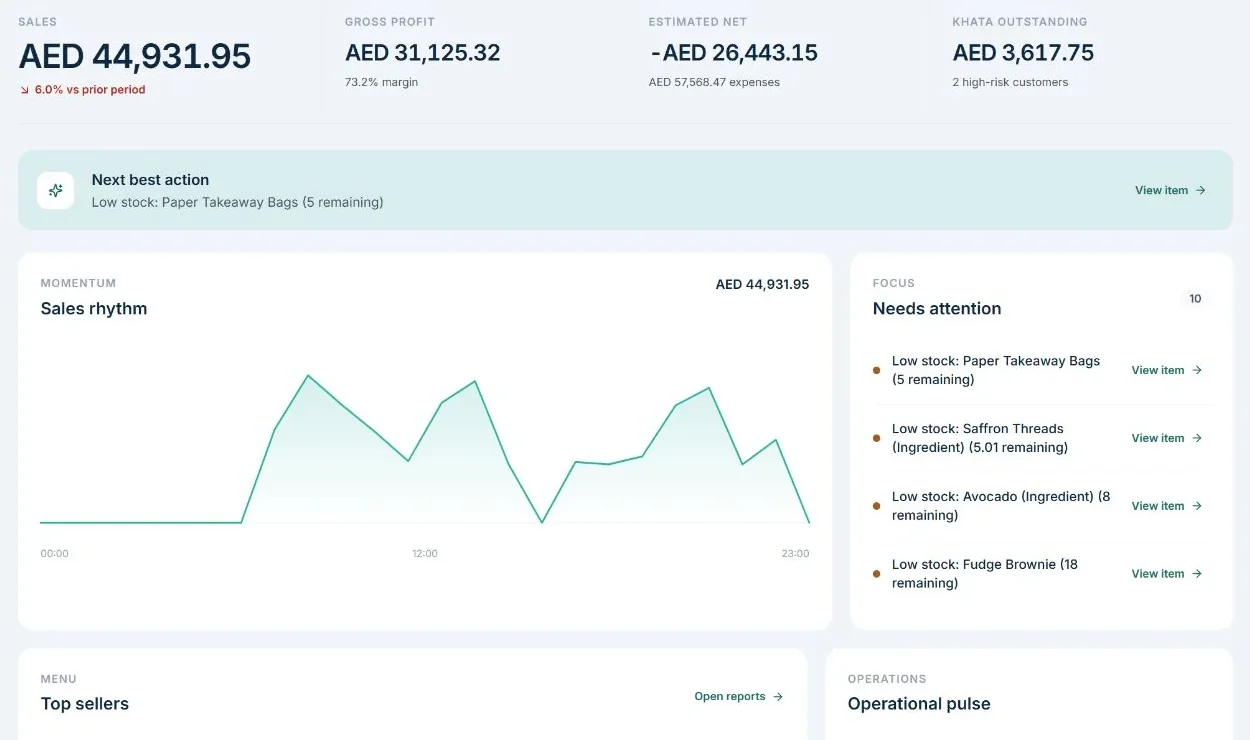


TajerGo restaurant POS dashboard for a UAE restaurant showing month-to-date sales, gross profit, sales overview and customer credit risk

Restaurant POS system UAE: your team should run the restaurant, not the software.

TajerGo connects billing, kitchen, stock and purchasing into one operating record, then turns the day’s activity into clear priorities an owner can review.

Free plan, AED 0. No card needed.

More clarity behind every sale.

  1. 01

    Faster orders and smoother checkout

    Take counter and dine-in orders, split enabled payments, and issue configured receipts in one selling flow.

  2. 02

    Better control of purchases and receiving

    Create branch purchase orders, then record what physically arrived before closing the record.

  3. 03

    Clearer portion and margin signals

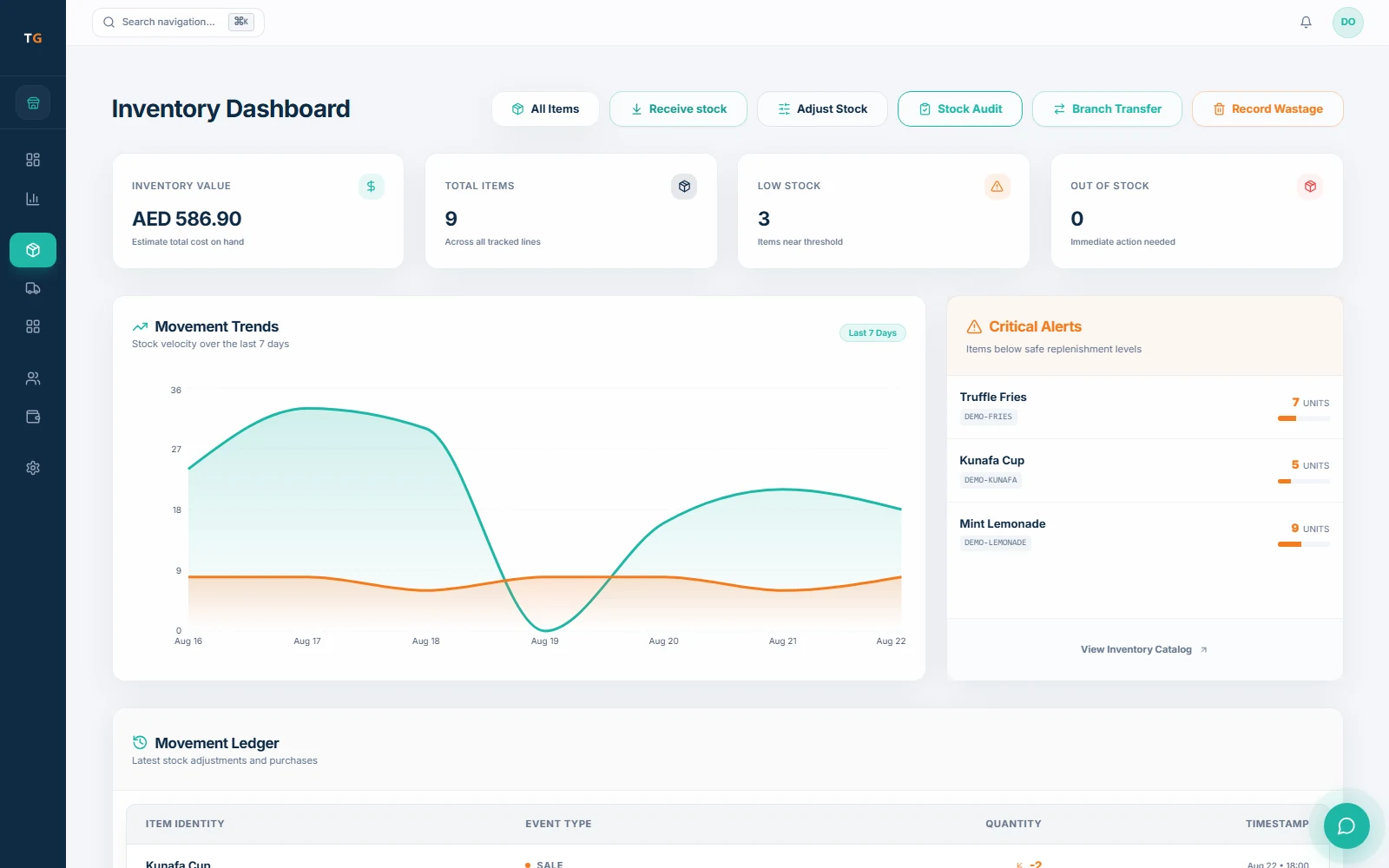
    Configured recipes, units, and stock rules connect menu sales to ingredient movement and cost signals.

  4. 04

    Supplier invoices reviewed before approval

    Review prepared supplier, total, and line-item data before approved stock effects are recorded.

Explore TajerGo features
TajerGo point of sale and billing workspace using demonstration data

Restaurant intelligence

Beyond traditional POS

Nine focused capabilities help restaurant teams review the records, signals, and decisions that need attention.

01 · Extract and match

Supplier invoice scanning

Prepare supplier, tax, total, and line-item fields for staff review.

Answers for UAE restaurant owners

Choose the operating system, not only the till.

A restaurant POS should be evaluated across service, kitchen, stock, tax setup, connectivity, switching, and the owner view.

How should UAE VAT and TRN setup work?

The system should support AED pricing, tax treatment, and receipt details that match the merchant setup. Final tax configuration should be checked with the restaurant's own adviser.

Read the VAT billing guide

How should inventory connect to the POS?

Recipes, stock movements, wastage, receiving, and sales should sit in the same operating model, with branch access kept clear.

Explore restaurant inventory

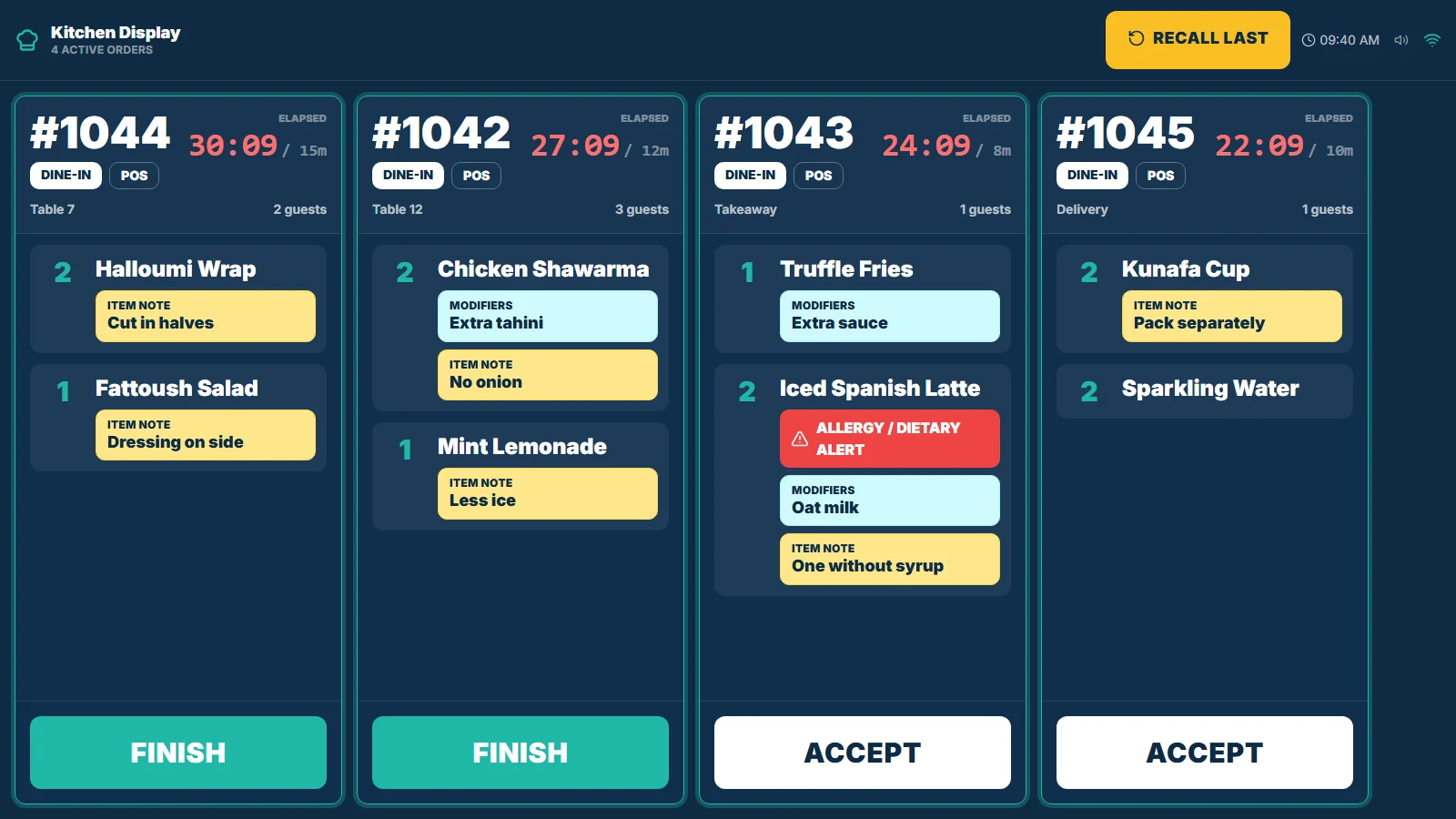
What should a kitchen display system handle?

Kitchen teams need the order, station, and preparation state. Customer information that is not needed for preparation should stay outside the kitchen workflow.

Explore kitchen operations

What makes switching from a legacy POS safer?

A documented data review, hardware check, training plan, cutover sequence, offline expectation, and support handover should be agreed before go-live.

Open the help center

Built around UAE restaurant work

Local operating details belong in the system.

TajerGo is designed around the language, money, tax configuration, permissions, and customer-credit workflows UAE restaurant teams need to review.

  • English and Arabic foundations
  • AED and VAT/TRN receipt setup
  • Role and branch access controls
  • Branch-aware inventory workflows

A safer switch

Changing systems should not put service at risk.

Migration begins with the restaurant you already run. We review what can move, what needs preparation, and how the team will be supported before a go-live date is agreed.

  • Hardware compatibility reviewed
  • Offline expectations confirmed
  • Role-based team training
  • Go-live support agreed
  1. 01

    Review

    Map menus, customers, opening stock, branches, and the export available from the current system.

  2. 02

    Prepare

    Confirm import scope, hardware compatibility, VAT/TRN setup, and supported offline expectations.

  3. 03

    Train

    Walk cashiers, kitchen teams, managers, and owners through the workflows relevant to their roles.

  4. 04

    Switch

    Agree the cutover sequence, go-live support, and the handover after the restaurant starts using TajerGo.

Questions before switching

Clear answers before you change the way your restaurant runs.

TajerGo is the UAE restaurant operating system connecting POS, kitchen, stock, purchasing, and daily profit. Final workflow scope is confirmed for each branch setup.

See TajerGo on your workflow

Find the work and profit your current system misses.

Show us your current POS, branches, menu, stock process, and daily admin. We will demonstrate the TajerGo flows that can remove repeated work and make the owner view clearer.

  • No fabricated performance promise
  • Migration scope confirmed before go-live
  • Product shown with demonstration data

Book on Calendly

Pick a 30-minute slot that suits your service hours.

Choose a time on the TajerGo sales calendar. You will get an instant confirmation and a calendar invite, with no form to fill in first.

Schedule a demo

Opens Calendly in a new tab.