
Help center
TajerGo help & how-to guides
The TajerGo help centre has eight step-by-step guides: VAT and TRN receipts, menus and recipes, kitchen display stations, khata payments, shift close, supplier invoice review, offline sync and VAT reports. Use them before or after you go live.
Popular guides
Start with the guides most teams need first.
Short, step-by-step guides for setting up TajerGo and running it every day.
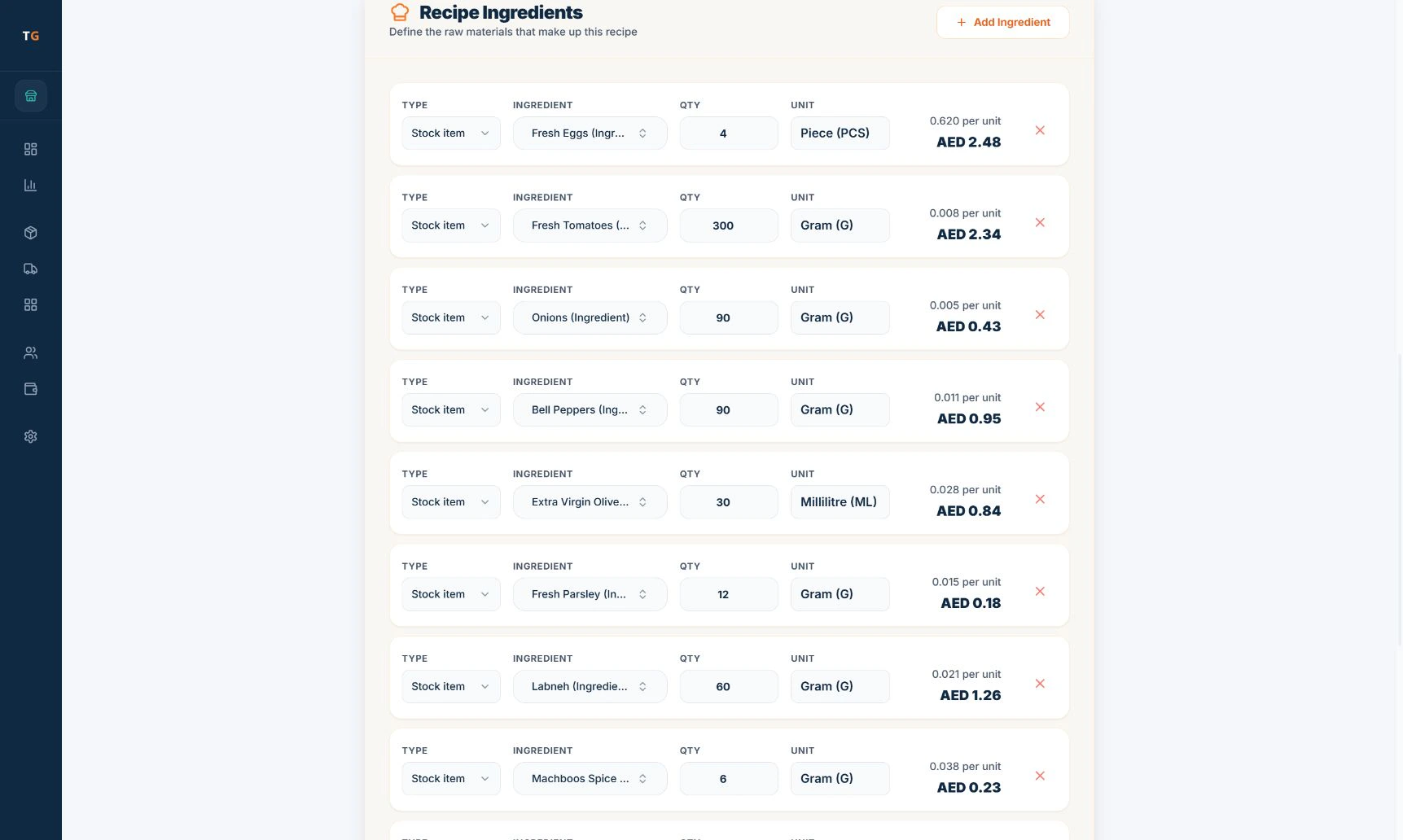 5 stepsHow to create menu items, modifiers and recipesLink each item to its recipe and every sale deducts the ingredients and keeps food cost visible. Set things up in the order below.
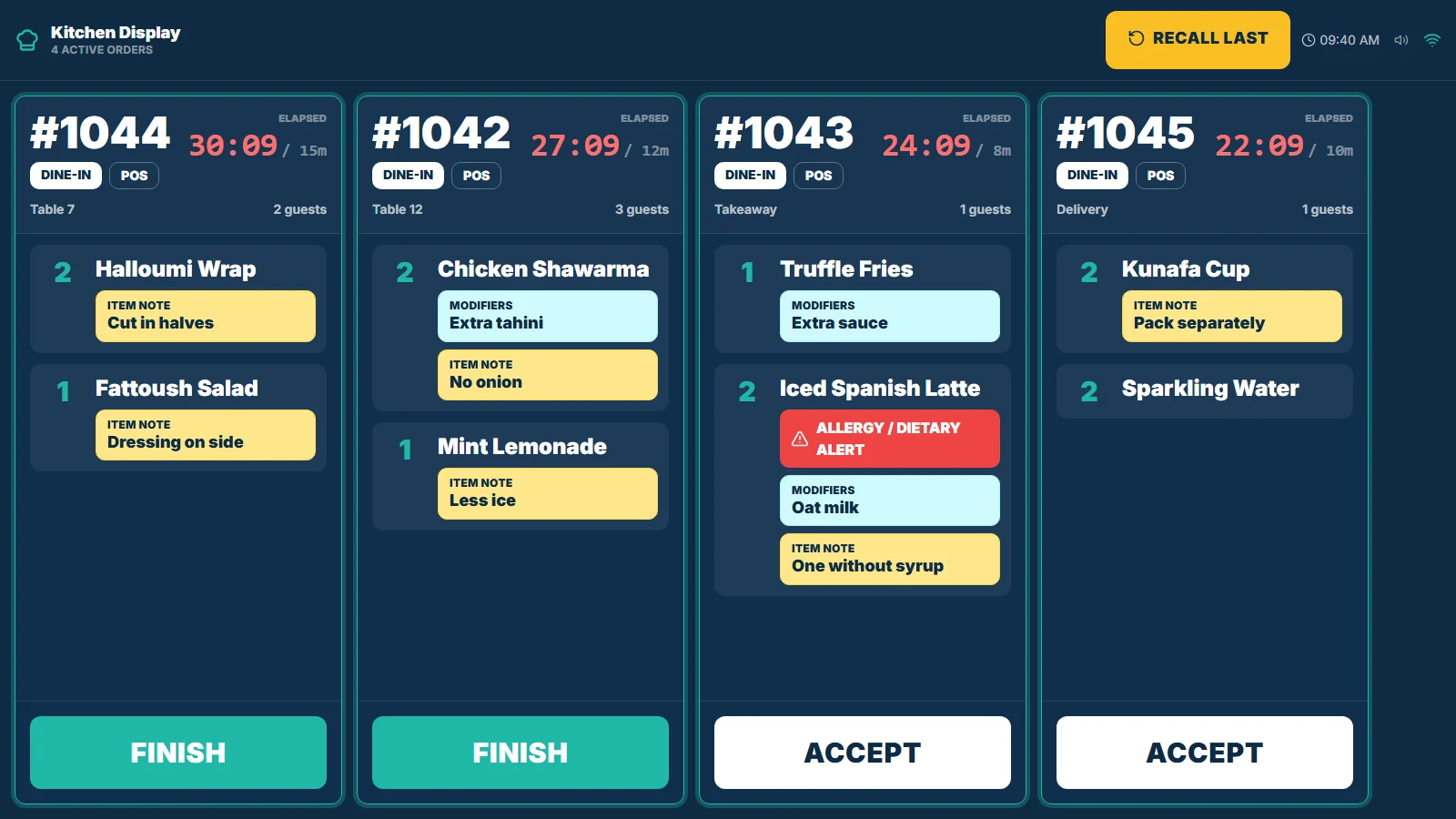 5 stepsHow to set up KDS stations and PINsEach menu item goes to the station that prepares it, and each kitchen screen sits behind a PIN. Set up stations, routing and PINs, then test with one order.
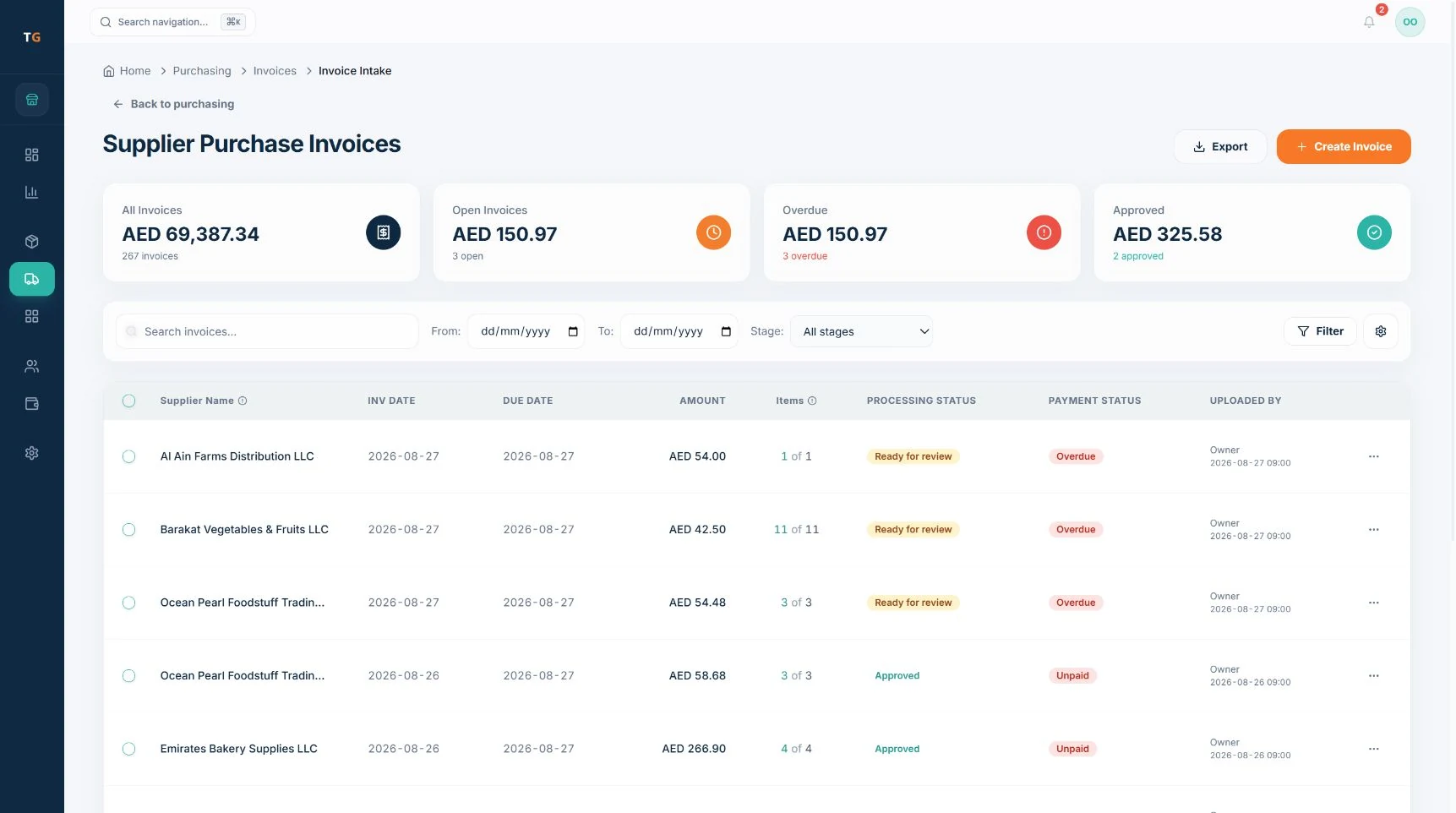 5 stepsHow supplier invoice agent supports stock updatesThe invoice agent prepares the supplier, lines, stock matches and costs from a photo or upload of a supplier invoice. Your team reviews every line before stock changes.
Screens in the guides show demonstration data.
Browse by task
Find the guide for the job in front of you.
AI and agents
Questions
About these guides.
Setup and daily guides for VAT receipts, menus, KDS stations, khata payments, shift close, supplier invoice review, offline sync and VAT reports.
Want this set up for you?
Self-serve setup is free. Assisted setup packages are available: book a demo and we will walk through your menu and branch.
Prefer a call back? Send your details.
Tell us about the business and the setup you need. The team replies by email or phone.