
On this page
- Start with a migration scope, not a demo
- Build the UAE requirements into the target system
- Map every old field to a new field
- Use a relative cutover plan
- The launch-day go or no-go checklist
- Moving from Foodics or Sapaad
- What to measure after go-live
- Common migration mistakes
- In the product
- Frequently asked questions
Quick answer: A safe restaurant POS migration separates historical records from live operating data, tests the menu and payment flow before launch, trains each role on real scenarios, and uses a written go or no-go checklist.
Do not cancel the old system until exports are verified, opening balances reconcile, and the new POS has completed a controlled service test.
Changing a restaurant POS is not mainly a software-installation project. It is an operations project involving the menu, kitchen, inventory, payments, tax records, customer balances, staff permissions and every integration that touches an order.
This checklist is designed for UAE restaurants, cafes, cloud kitchens and multi-branch operators. Use it whether you are moving from spreadsheets, a legacy till, Foodics, Sapaad or another cloud platform.
Specialty coffee operators can pair this checklist with the UAE coffee-counter workflow to test drink modifiers, recipe stock, and counter service against their actual menu.
Start with a migration scope, not a demo
Before choosing a launch date, write down what must move and what only needs to remain accessible as an archive. These are different requirements.
| Data set | Usually needed in the new POS | Usually retained as an archive |
|---|---|---|
| Menu items, prices, taxes and modifiers | Yes | Keep the source export |
| Recipes and units of measure | Yes, if inventory is ingredient-based | Keep the previous recipe version |
| Opening stock quantities and costs | Yes | Keep the signed stock-count sheet |
| Staff accounts and permissions | Yes, after a role review | Do not copy old passwords |
| Customer profiles and consent status | Only where there is a valid business need | Retain according to your policy |
| Khata or customer credit balances | Yes, with an approved opening balance | Keep the detailed old ledger |
| Supplier records and open purchase orders | Usually | Keep closed purchasing history |
| Historical sales and VAT records | Usually not as live transactions | Export and preserve for reporting and audit needs |
Ask each vendor to confirm supported import formats, required fields and who is responsible for cleaning the data. A promise that data can be imported is not enough. Request a sample import using a real but safely redacted menu file.
Build the UAE requirements into the target system
The replacement should be tested against the needs that matter in your operation, not only against a generic feature list.
- VAT and TRN receipt formatting for the sale types you use
- Arabic and right-to-left usability for the staff roles that need it
- Dine-in tables, split bills and modifiers where relevant
- Kitchen display routing by station and order type
- Inventory at the unit and recipe level
- Supplier purchasing and invoice capture
- Offline behavior and the exact limits that apply
- Branch-level permissions, reporting and menu control
- Data exports that you can retrieve without vendor assistance
Use the restaurant POS software UAE guide, Arabic restaurant POS guide, VAT billing software guide and restaurant inventory software guide as separate acceptance checklists.
Cafe operators can also walk through the UAE cafe counter, preparation, stock and owner workflow before turning those requirements into a migration test script.
Abu Dhabi operators can also use the restaurant service and migration workflow for Abu Dhabi to turn these checks into one tailored demo scenario.
Map every old field to a new field
Create a migration workbook with four columns: old field, new field, transformation rule and owner. This catches problems before import day.
Common examples include:
- A single old item called "Cappuccino L/M" becoming one item with two variants
- Free-text kitchen notes becoming controlled modifiers
- Supplier pack prices becoming a base-unit cost
- One shared cashier login becoming named users with role permissions
- An informal credit note becoming a customer ledger opening balance
- Branch-specific menu prices becoming a controlled price list
Do not silently drop fields. Mark each one as migrated, archived, intentionally retired or awaiting a decision.
Use a relative cutover plan
Count back from your launch day instead of assuming every restaurant can migrate in the same number of days. The short version first, then the detail.
Switch POS without losing a trading day
Skip the step-by-step viewStep 1 of 4: Export before you cancel
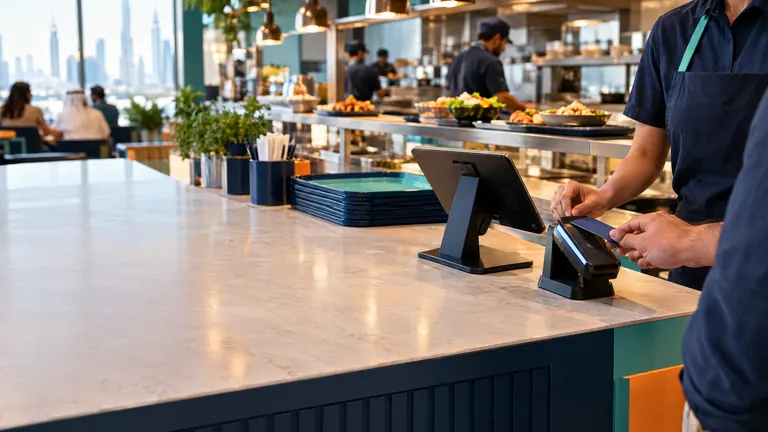
Pull your menu, prices, modifiers, customer list and any open credit balances out of the old system while you still have access.
Menu, customers, open balancesChecklist
Step 2 of 4: Rebuild and test the menu
Set up items, modifiers and tax in the new POS, then ring up test orders for your ten best sellers. On TajerGo you can do this on the free plan.
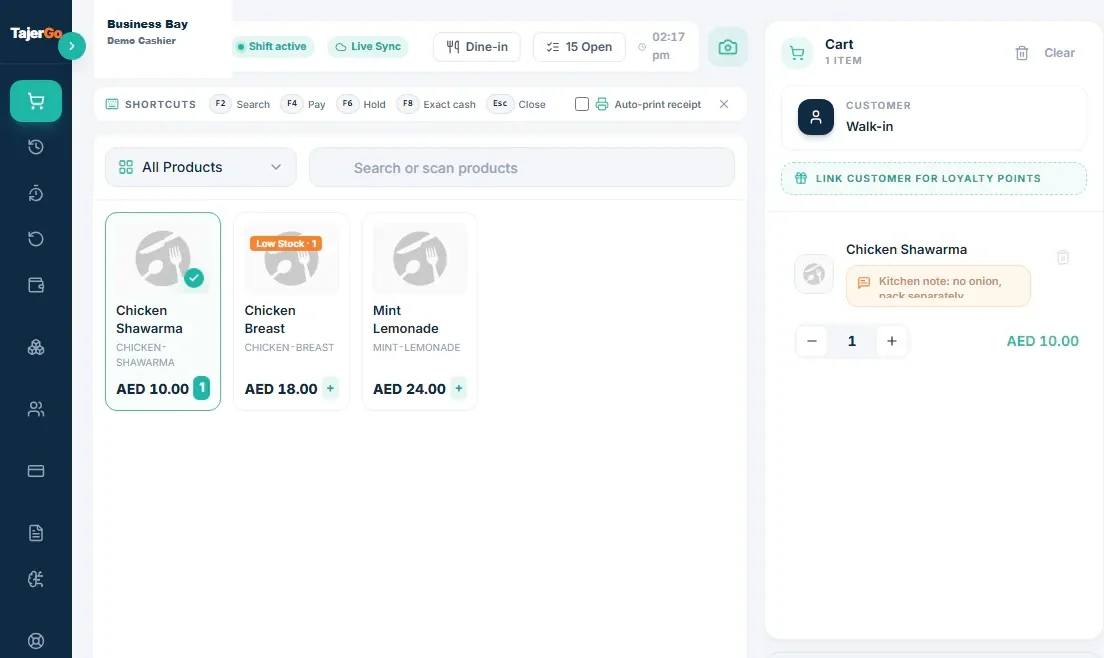
Test order sent to kitchenDemonstration data
Step 3 of 4: Train on a quiet shift
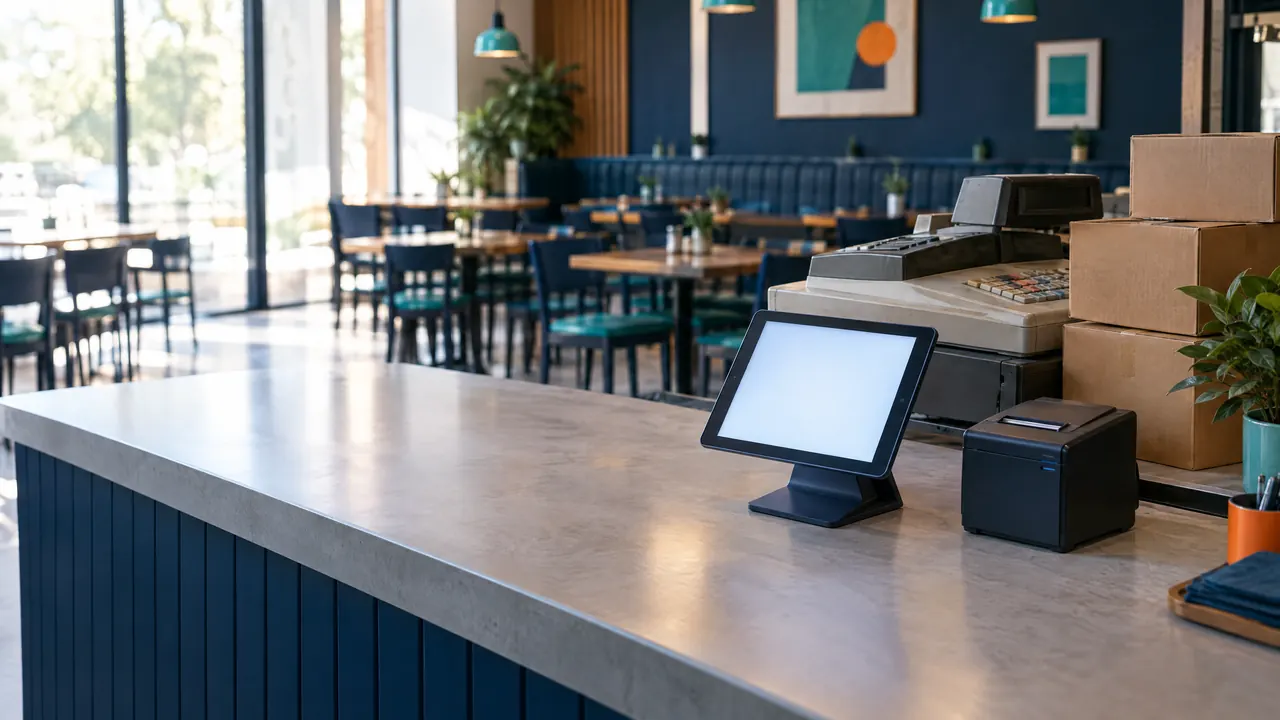
Go live first on your slowest shift, with a manager on the floor. Staff learn the new till on real orders while the pressure is low.

Go-live: Sunday breakfastWorked example
Step 4 of 4: Check the first close
At the end of day one, compare sales, payments and counted cash with what you expected. Retire the old system only when the numbers agree.
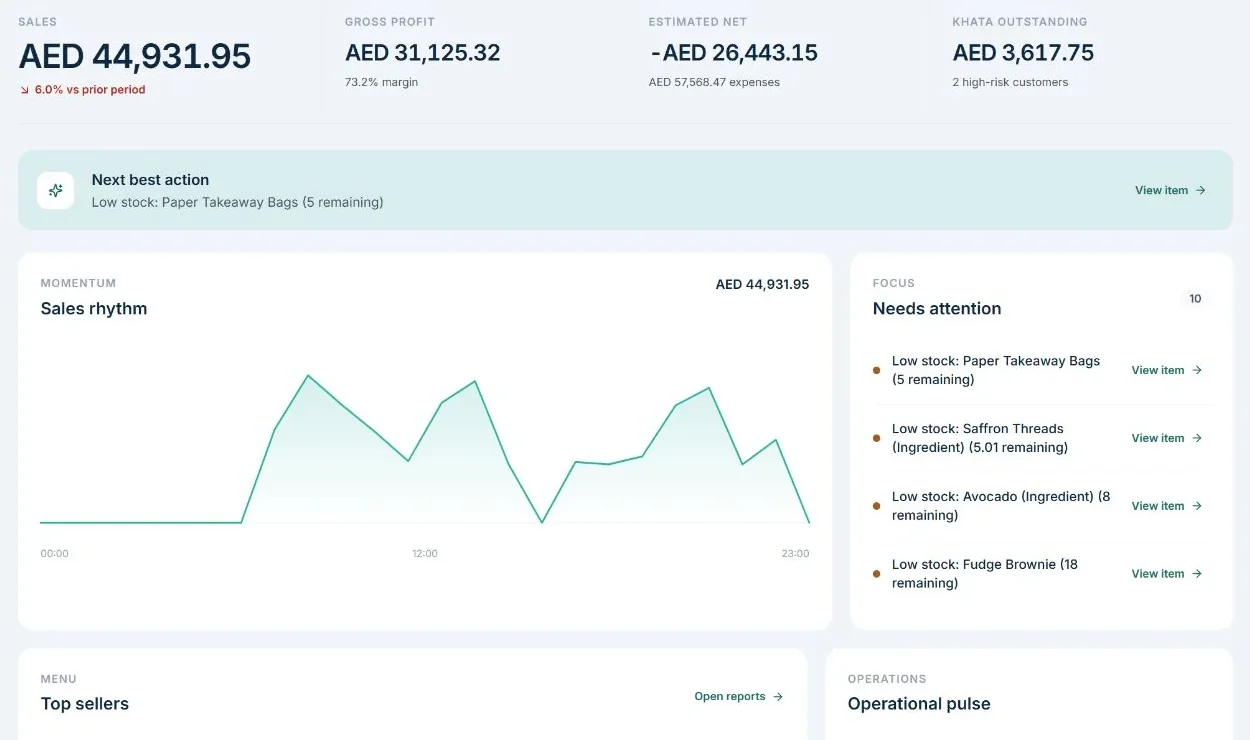
Day one: sales and cash agreeChecklist
Product screens show demonstration data. Venue photos are illustrative.
Read the steps as text
Step 1: export your menu, prices, modifiers, customer list and open credit balances from the old system before you cancel it. Step 2: build the menu, modifiers and tax settings in the new POS, then ring up test orders for your best sellers; TajerGo has a free plan for this. Step 3: train staff on a quiet shift with real orders. Step 4: at the end of the first day, compare sales, payments and cash with what you expected before you retire the old system.
T minus 14 or earlier: discovery and exports
- Name one decision owner and one operational owner.
- Export the menu, modifiers, recipes, suppliers, customers, stock and required history.
- Record every integration, device, printer, payment flow and delivery channel.
- Photograph or export the current receipt formats and kitchen tickets.
- Agree the target branch, shift and low-risk launch window.
T minus 10: clean and import
- Remove duplicate items and inactive staff.
- Standardize units such as kilogram, gram, litre, millilitre, carton and each.
- Resolve duplicate customer and supplier records.
- Import a test set before importing the complete file.
- Produce an exception report for rejected or altered rows.
T minus 7: scenario testing
Run the transactions that create operational risk, not only a simple cash sale:
- Dine-in order with modifiers and a kitchen note
- Split bill and mixed payment
- Refund, void and discount requiring approval
- Takeaway or delivery order routed to the correct station
- Out-of-stock item and substitute item
- Khata sale, repayment and credit-limit warning if used
- Supplier receipt and stock update
- Offline sale and reconnection behavior where supported
- X or live shift report and final shift close
Record expected and actual results. A failed scenario needs an owner and retest date.
For a Dubai branch, test the replacement POS against a Dubai service scenario that covers dine-in, takeaway, kitchen routing, stock attention, and the owner's follow-up questions.
T minus 3: staff rehearsal
Train by role. Cashiers need order and payment scenarios. Kitchen staff need routing and bump flows. Managers need approvals, shift close and exception handling. Owners need dashboards, exports and incident contacts.
Give each role a one-page recovery card covering printer failure, lost connectivity, incorrect price, stuck order and escalation.
T minus 1: freeze and reconcile
Freeze avoidable menu and recipe changes. Complete a physical stock count if opening inventory will move. Reconcile customer credit balances and open purchase orders. Confirm devices, chargers, paper, network access and named support contacts.
The launch-day go or no-go checklist
Do not launch because the calendar says so. Launch when the controls are green.
| Check | Evidence required |
|---|---|
| Menu and prices | Approved comparison against the current live menu |
| VAT and receipt output | Printed test receipts for each relevant sale type |
| Kitchen routing | Test orders visible at the correct stations |
| Payments | Successful test for each enabled tender type |
| Opening stock | Signed reconciliation by branch and key category |
| Customer credit | Approved opening balance total and exceptions |
| Staff access | Named users can perform only their assigned tasks |
| Exports | Owner can download required reports without assistance |
| Recovery | Written fallback and support contact confirmed |
If a critical check is red, postpone the cutover. A delayed launch is cheaper than an uncontrolled dinner service.
Moving from Foodics or Sapaad
The migration method is the same, but ecosystem dependencies deserve extra attention. List accounting links, delivery aggregators, loyalty tools, payment terminals, online ordering, KDS devices and any custom reports. Confirm the replacement for each dependency before signing.
Use the Foodics alternative UAE comparison and Sapaad alternative UAE comparison as starting points, then verify each vendor's current product, price and integration details on its official site. A comparison page cannot know your exact configuration.
Ask the outgoing vendor how long exports remain available after cancellation. Download required files early, store them securely and verify that they open. Never rely on a portal that may be disabled when the subscription ends.
What to measure after go-live
Track a small set of operational signals for the first two weeks:
- Orders that required manual correction
- Kitchen routing errors
- Payment or shift-close exceptions
- Stock items with missing units or costs
- Staff support questions by role
- Difference between expected and actual cash
- Difference between expected and actual opening stock
- Time required to export daily and VAT reports
Review issues after each shift during the stabilization period. Fix the cause in the menu, permission, training or workflow instead of teaching staff a permanent workaround.
Common migration mistakes
Importing every old record. Old duplicates and unused items make the new system harder to operate. Migrate what is needed; archive the rest.
Testing only happy paths. Refunds, split payments, offline behavior and manager approvals reveal more than a basic cash sale.
Changing menu, prices and POS on the same day. Too many variables make errors difficult to diagnose.
Copying old permissions. Migration is the right time to replace shared accounts and excessive access.
Cancelling the old platform too early. Keep required access until exports, balances and statutory records are verified.
Accepting a verbal support plan. Record launch contacts, hours, escalation paths and responsibilities in writing.
Frequently asked questions
How long does a restaurant POS migration take in the UAE?
It depends on menu complexity, branch count, integrations, data quality and training needs. Ask for a scoped plan with milestones instead of accepting a universal timeline.
Can historical transactions be imported into a new POS?
Sometimes, but a complete transaction import is not always the safest or most useful approach. Many operators keep verified history in an accessible archive and move only the operating data and approved opening balances.
Should two POS systems run in parallel?
A controlled parallel check can reduce risk, but double-entering every order can create a different set of errors. Define exactly what will be compared, for how long and which system is the accounting source during the test.
What should I export before leaving Foodics or Sapaad?
Export the data required by your retention policy and future operations, including menus, recipes where available, customers where appropriate, suppliers, credit balances, stock information, sales reports and VAT-related records. Confirm the available export formats directly with the vendor.
How does TajerGo handle migrations?
Migration scope depends on the source platform, branch setup and required data. Use this checklist during a TajerGo demo and obtain written confirmation of supported imports, integrations, responsibilities and launch support for your configuration.
About this guide. Maintained by the TajerGo Editorial Team. Last updated 26 Sep 2026. Worked examples use illustrative numbers, not customer results.