
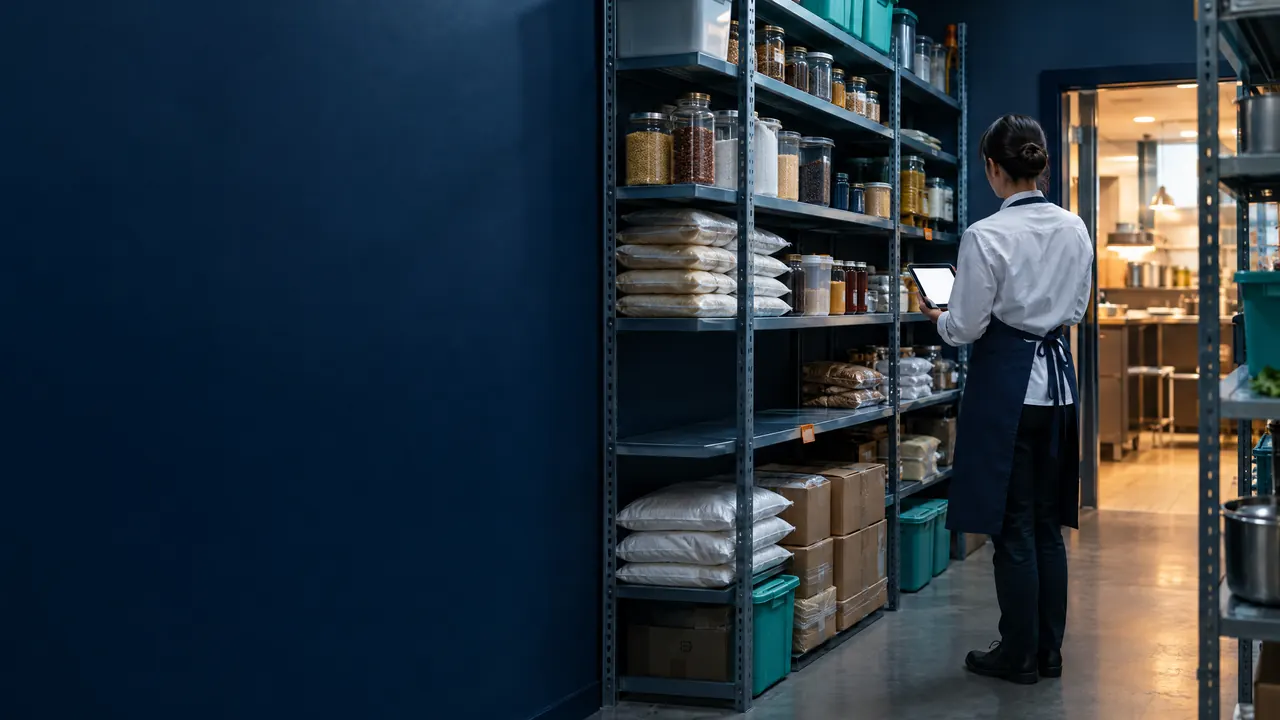
Restaurants & cafés: inventory
Restaurant inventory that moves with every dish sold
TajerGo takes each dish out of stock by its recipe as the sale closes, records receiving, wastage and branch transfers with who, when and why, and warns you when ingredients run low. Stock counts with variance review are on the Growth plan, and differences are checked before anyone adjusts. Inventory basics are included from the Free plan.
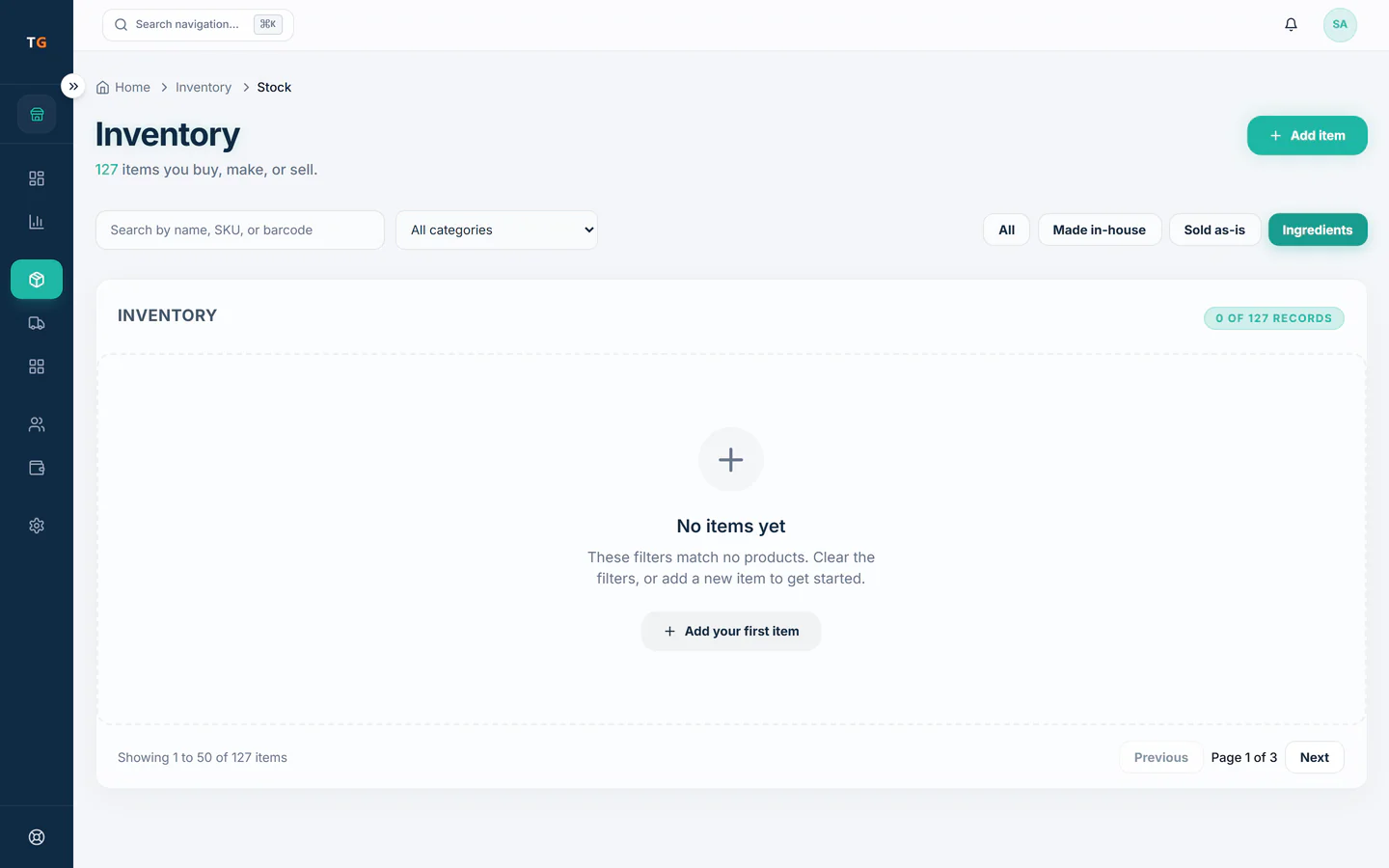
Step by step
How it works
Sell by recipe
A shawarma plate sold takes its chicken, bread and sauce out of stock the moment the sale closes.
The ingredients of a shawarma plate, each taken out of stock with the sale Receive and record waste
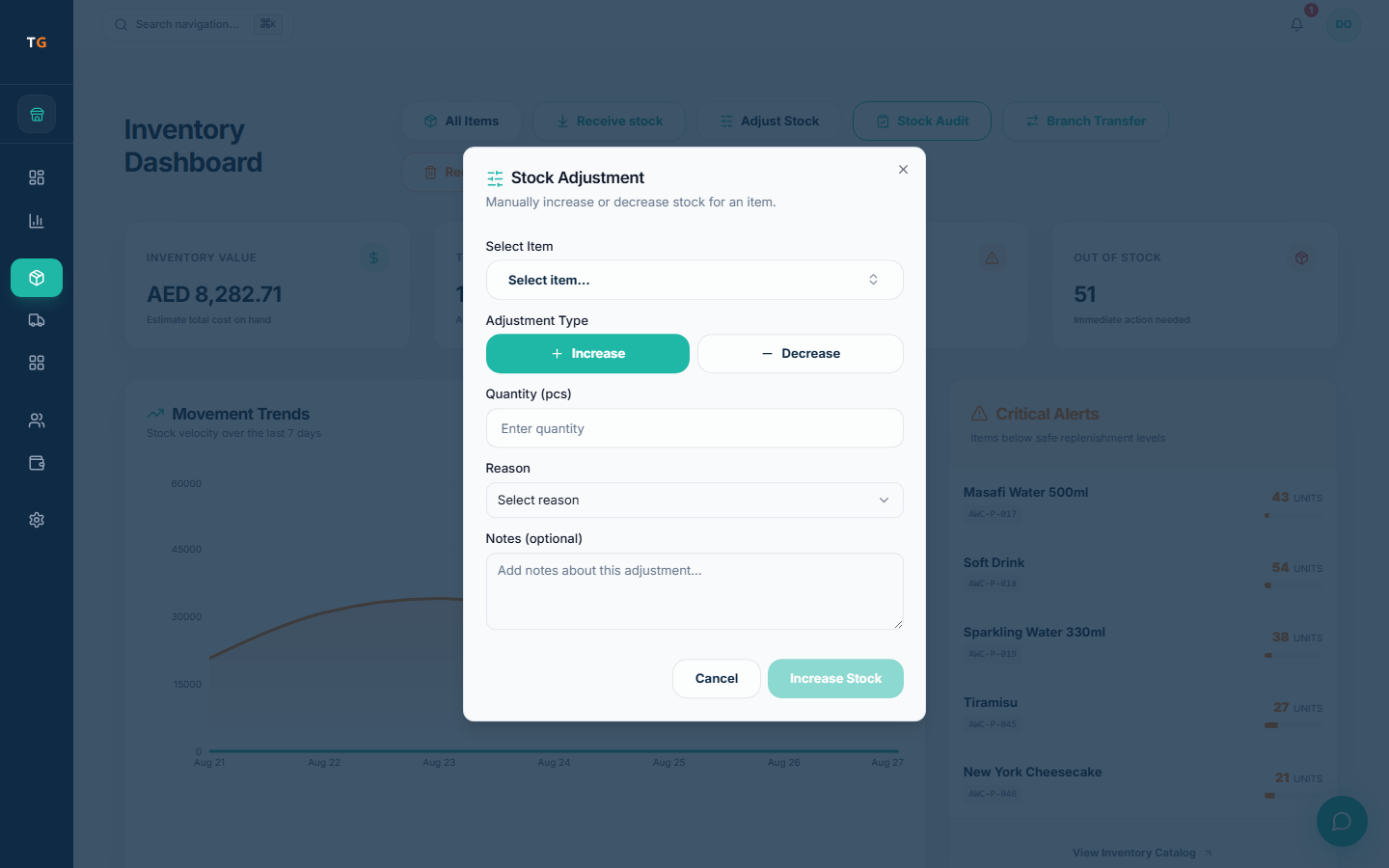
Deliveries come in against the order; burnt, spilled or expired items are logged with a reason.
Shelf counts with one ingredient flagged low and a reorder prompt Count a section
Count the walk-in or the dry store, compare with expected stock and check the cause before approving any adjustment.
Demonstration data Act on alerts and slow stock
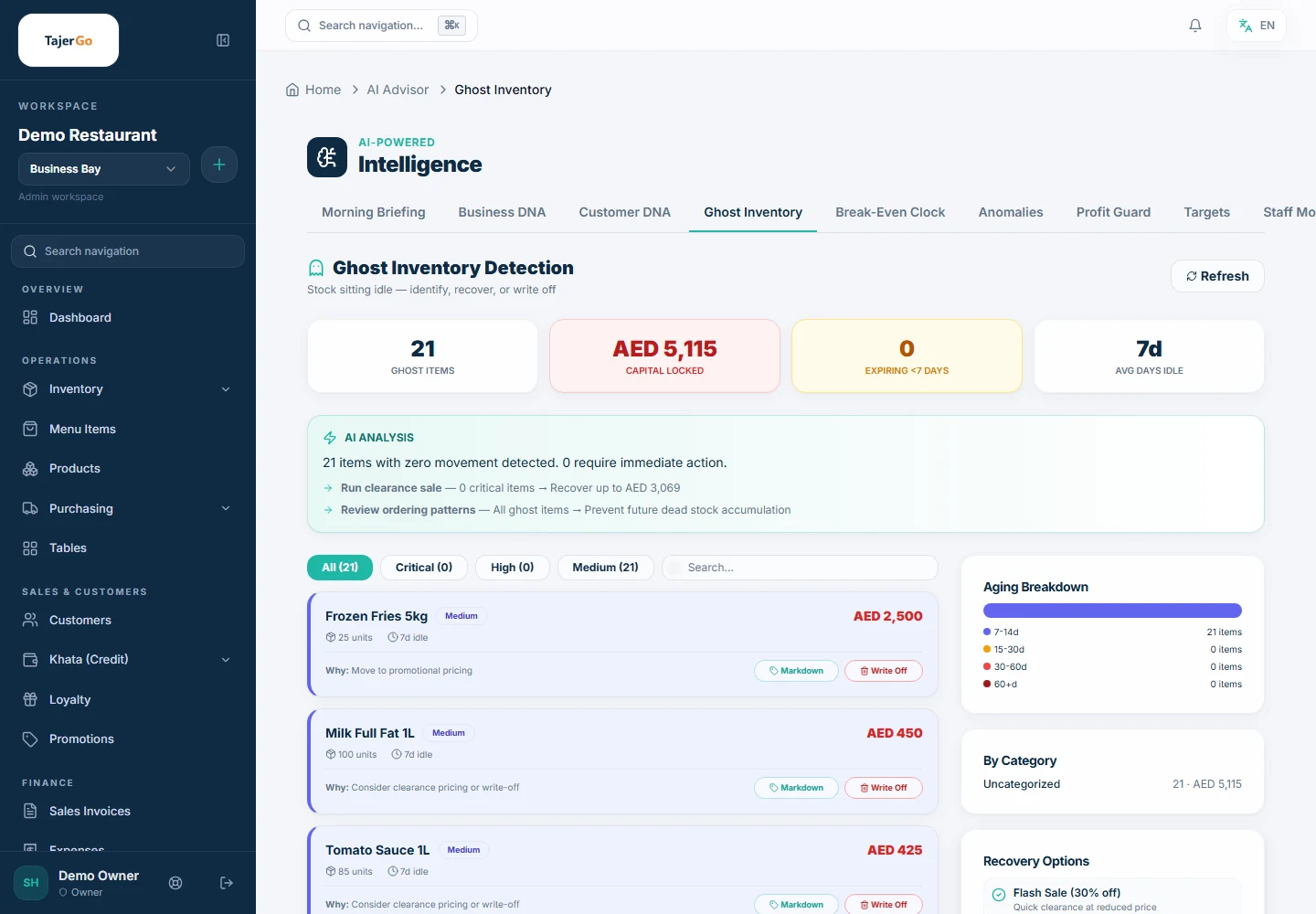
Low-stock warnings tell the kitchen what to reorder before the dinner rush; Ghost Inventory shows what has not sold.
Demonstration data
What you can do
Recipe deduction on each sale
Ingredient stock moves with every dish, once the menu item has a recipe.
Wastage with a reason
Log spoiled prep, returned dishes and spills so food cost shows the real picture.
Branch transfers
Move stock from the central kitchen or another branch, with units converted for you.
Counts with variance reviewGrowth plan
Count by section, read the variance and approve adjustments with a reason.
Slow-moving stockGrowth plan
Ghost Inventory lists stock with no recent sales and the estimated value tied up in it.
Low-stock alerts
Items under their threshold show on the inventory and owner dashboards.
The connected loop
Connected to
Pricing
Plans and pricing
From the help centre
See how the workflow actually works
Product documentation, not customer stories.
Frequently asked questions
How does a restaurant sale reduce ingredient stock?
Each menu item has a recipe. When the dish is sold, its recipe quantities come out of stock as the sale closes.
What is stock variance in a kitchen?
The gap between what TajerGo expects and what staff count. Check receiving, wastage and transfers before you adjust.
Which inventory features need Growth?
Stock counts with variance review, batches and bulk import or export are on Growth. Stock tracking, sale deduction, wastage and transfers start on Free.
Does Ghost Inventory mean theft?
No. It means stock with no recent sales. It is a prompt to check the shelf, not proof of loss.
Sell one dish in the demo and watch the stock move
Book a demo or start on the free plan.
Ask our team to call you
Leave your details and the TajerGo team will get back to you.