
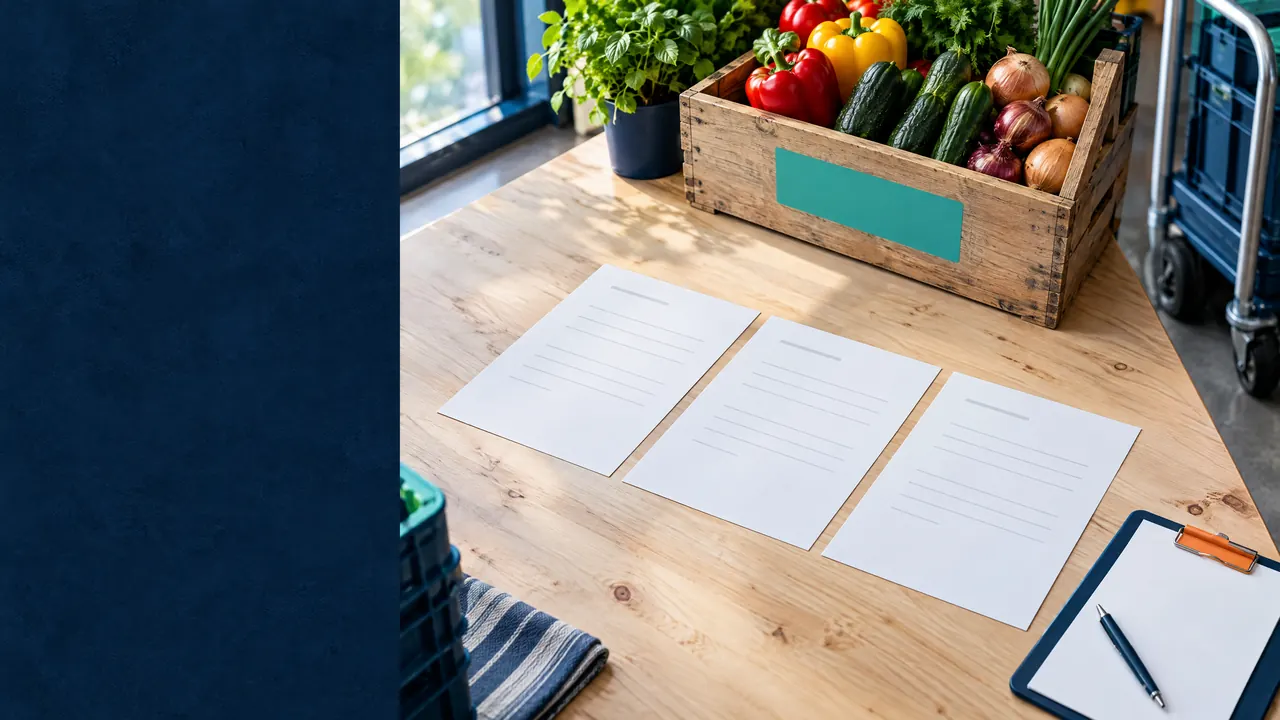
Restaurants & cafés: purchasing
Restaurant purchasing: order, receive, match, then pay
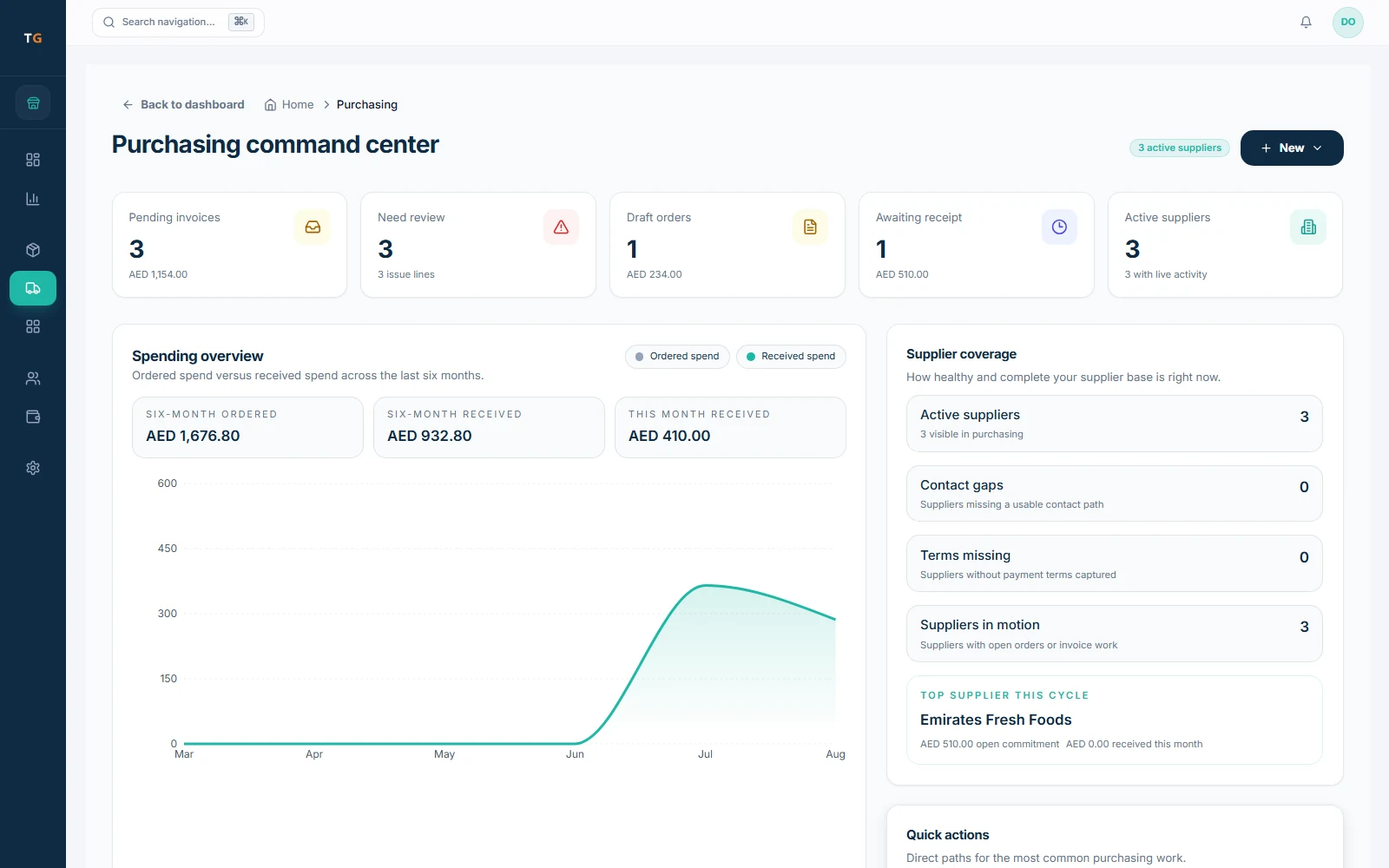
TajerGo links each purchase from order to invoice: a branch purchase order, a goods received note for what actually arrived, and the supplier bill in a review queue. A three-way match compares order, delivery and invoice and shows any variance. Supplier price history, dated with its source, is on the Growth plan.
Step by step
How it works
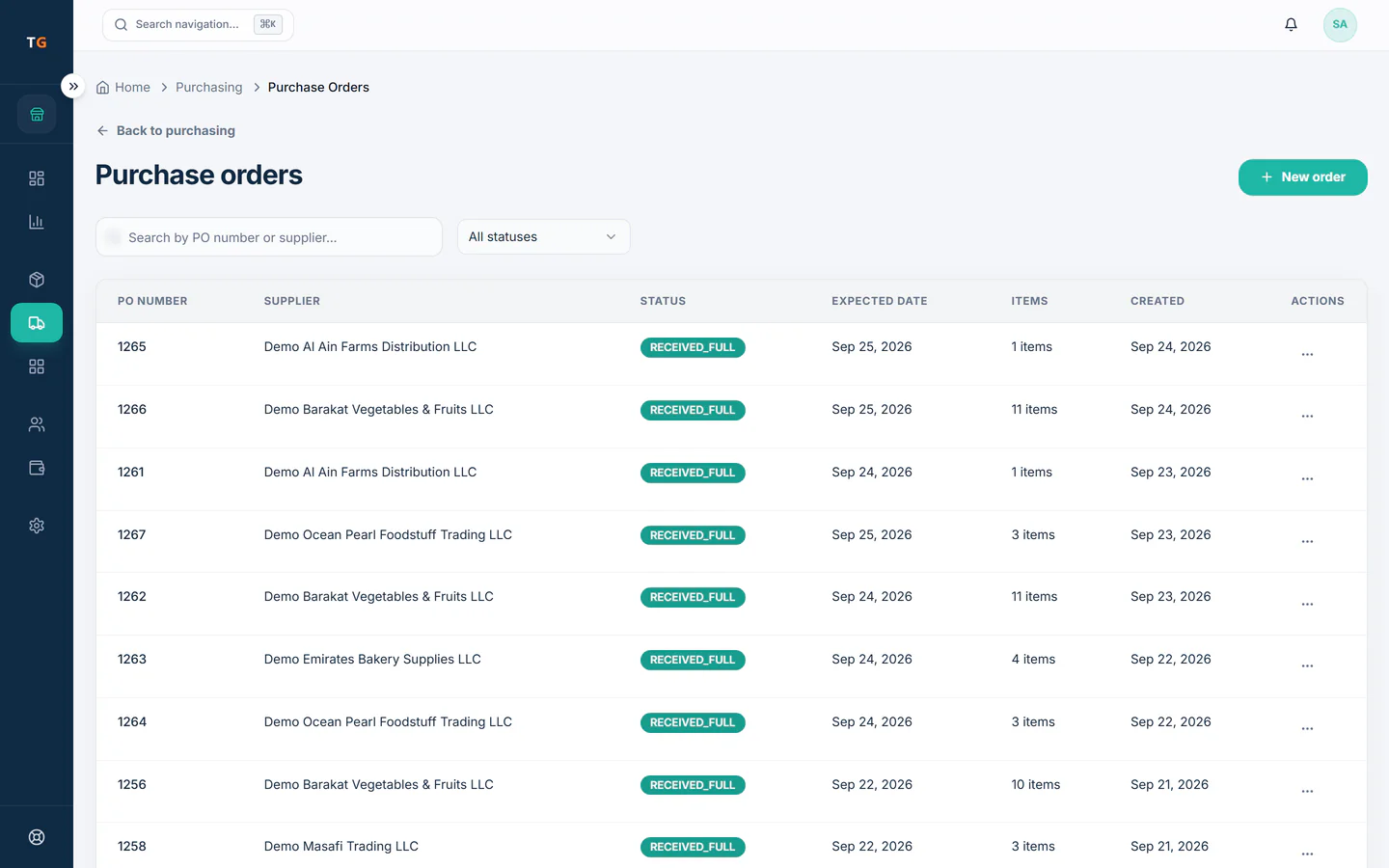
Order for the branch
Set supplier, items, quantities, prices and delivery date, and follow the order from draft to fully received.
A draft purchase order waiting in the approval queue until a manager approves it Receive what arrived
The kitchen records delivered quantity, quality and, where needed, batch and expiry. Short lines stay visible.
Shelf stock levels with one line running low and a reorder drafted Match before paying
Order, goods received note and supplier bill are compared; quantity, price, item or tax gaps are resolved first.
Demonstration data Watch supplier prices
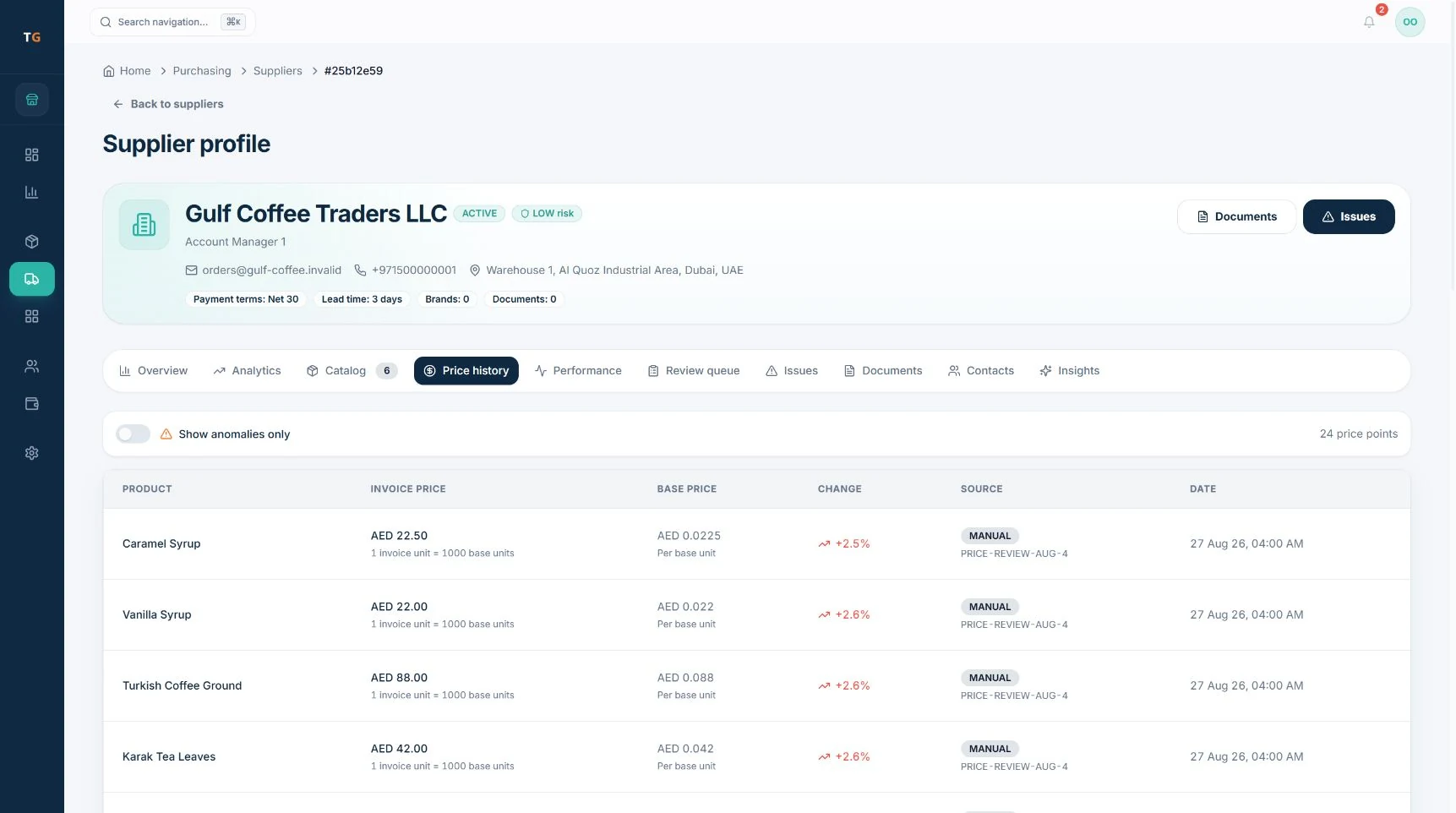
Dated price points show when chicken or cooking oil went up, before the next order.
Demonstration data
What you can do
Branch purchase orders
Each order belongs to the branch that asked for it, with an expected delivery date.
Goods received notes
Record what physically arrived, separate from what the supplier billed.
Three-way match
Order, delivery and invoice side by side, with variance shown before approval.
Supplier bill review queue
Supplier bill lines are prepared for your team to review and approve before costs update.
Supplier price historyGrowth plan
Dated price points with source and unit conversion for every product.
Payables aging
See what you owe each supplier and for how long.
The connected loop
Connected to
Pricing
Plans and pricing
From the help centre
See how the workflow actually works
Product documentation, not customer stories.
Frequently asked questions
What is a goods received note in a restaurant?
The record of what physically arrived at the back door against the purchase order, checked by the kitchen.
Does the supplier bill replace receiving?
No. They are separate records, and TajerGo compares them before you approve.
Does a price change mean the supplier overcharged?
Not by itself. It is a reason to review the price before the next order.
Which plan shows supplier price history?
Supplier price history is part of supplier intelligence on the Growth plan.
Match one supplier bill in the demo
Book a demo or start on the free plan.
Ask our team to call you
Leave your details and the TajerGo team will get back to you.