
Before you start
- A clear photo or PDF of the invoice
- The supplier and its items set up in TajerGo
- Permission to approve purchases
Step by step
Upload the invoice
In Purchasing, photograph or upload the supplier invoice, in English or Arabic.
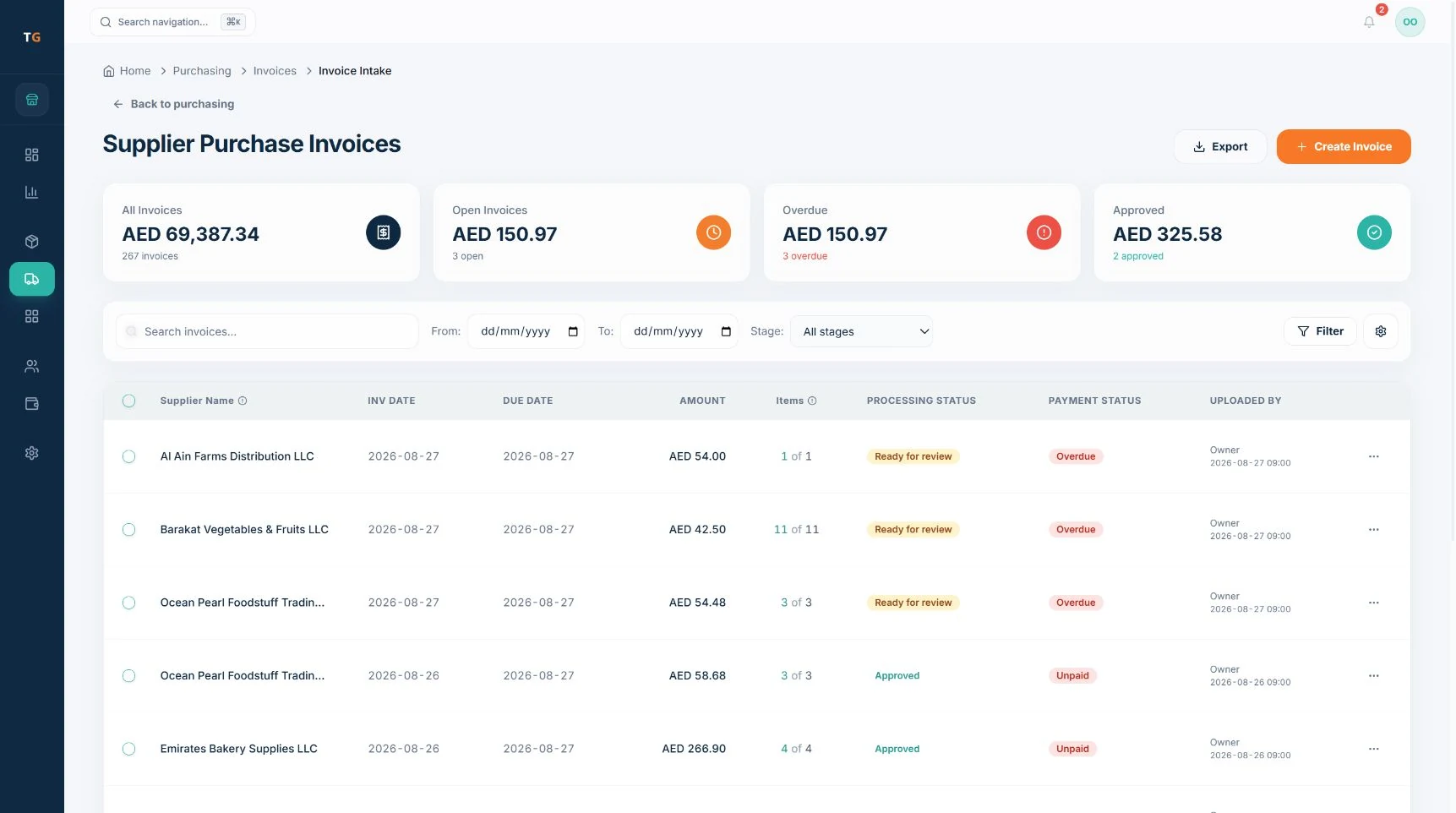
Uploaded invoices wait as Ready for review. Demonstration data. Review the prepared lines
The agent prepares items, quantities and prices. Compare each line with the invoice.
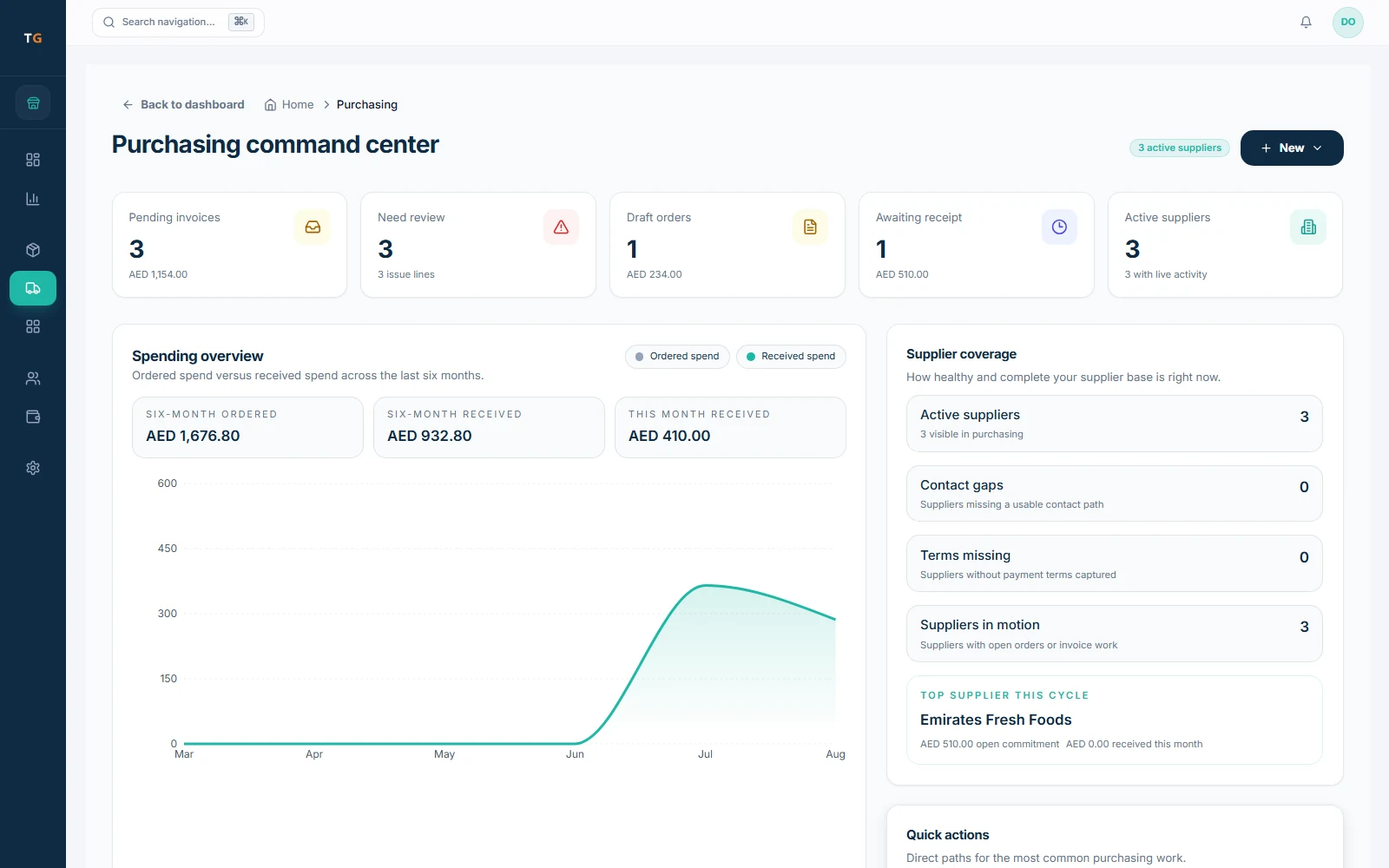
The purchasing view counts the lines that need review. Demonstration data. Match to products
Confirm each line’s item, quantity, unit and price. Resolve unmatched lines with the item tools your role allows.
Check against the PO and delivery
TajerGo matches the invoice to the purchase order and the delivery.
Receive into stock
Approve and post. First check whether a goods receipt already added this delivery, so stock is not counted twice.
If something looks wrong
- A line did not match any itemMatch it by hand, or add the item if your role allows.
- Stock went up twiceCheck whether a goods receipt already added the delivery before you post the invoice.