
Integrations
Connect TajerGo to your books and your AI assistant
Sales, refunds and supplier bills flow to QuickBooks or Zoho Books without retyping. On the Scale plan, ChatGPT or Claude answers from your TajerGo data and, with your write consent, makes changes.
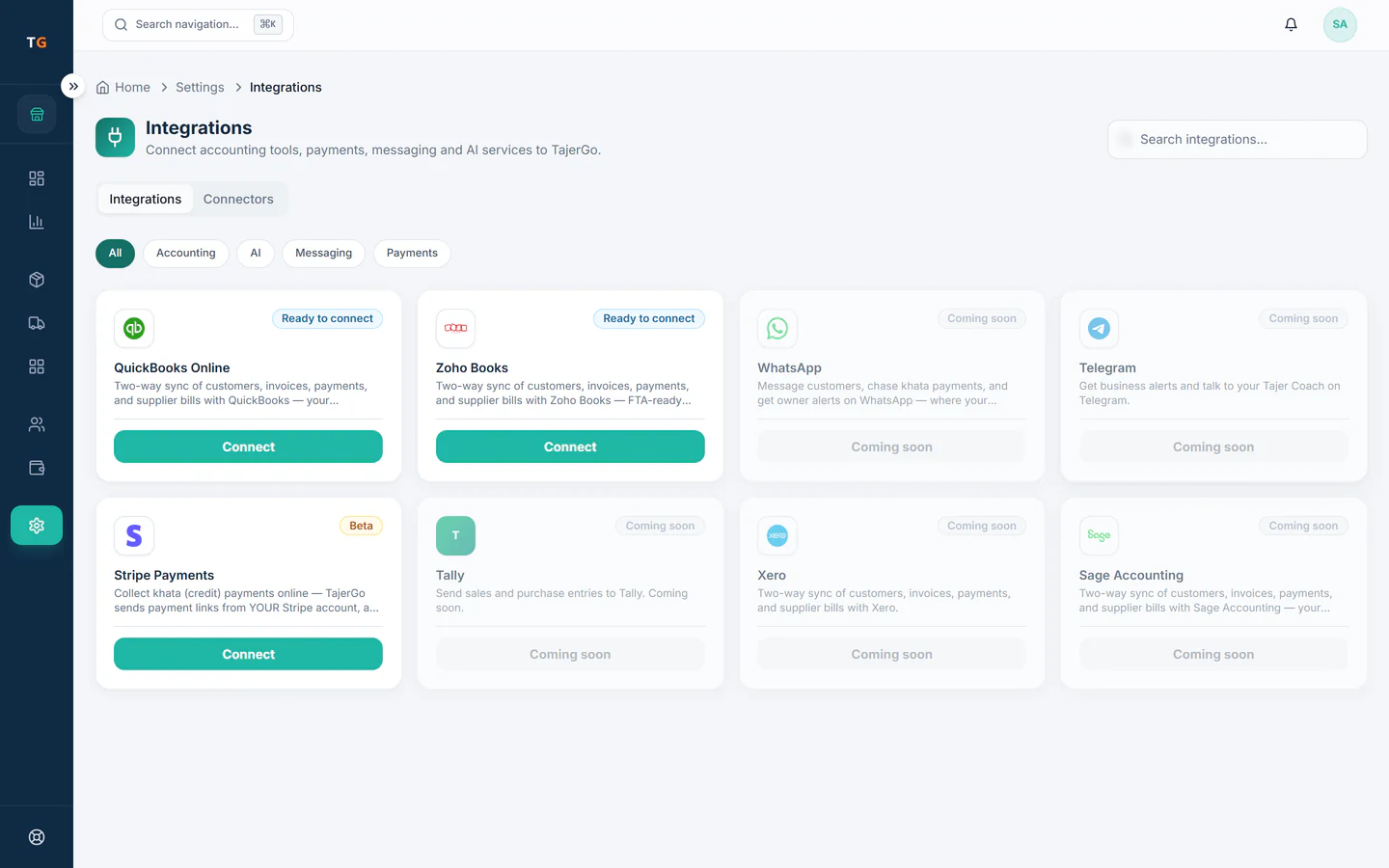
- QuickBooksLive
- Zoho BooksLive
- ChatGPTScale plan via MCP
- ClaudeScale plan via MCP
- TalabatBeta
Live today
Three integrations, each with its own page
Connection status
- QuickBooksLiveQuickBooksPost sales, refunds, payments and supplier bills to QuickBooks Online after you map accounts and VAT codes once.QuickBooks integration
- Zoho BooksLiveZoho BooksPick your Zoho Books organisation, map accounts and taxes, and let TajerGo post the day for you.Zoho Books integration
- ChatGPTClaudeScale plan via MCPChatGPT and ClaudeAsk about sales, stock and bills in plain words, and make changes once you give write consent.ChatGPT and Claude on the Scale plan
- TalabatBetaTalabatTalabat menu sync is in beta. Other delivery platforms are coming soon, not live today.
Accounting sync
How the accounting sync works
The same four steps for QuickBooks and Zoho Books. Your accountant keeps working in the books they already use.
Step 1
Connect with the provider sign-in
From the TajerGo Admin you sign in to QuickBooks or Zoho Books on their own page and approve the connection there.
Step 2
Map accounts and tax codes once
Choose where sales, cash, card and purchases land, and match each VAT rate to a tax code in your books.
Step 3
TajerGo posts the records
Sales, refunds as credit notes, customer payments and approved supplier bills post for you, with customers and suppliers matched.
Step 4
Nobody retypes a bill
A supplier bill approved in TajerGo is entered once, so food cost, payables and the books tell the same story.
By industry
What reaches your books in each business
Each day of till sales and the supplier bills the kitchen approves, so food cost and payables match what TajerGo shows.
Sales from every kitchen and the supplier bills for shared prep stock, posted to one set of books.
Till sales, refunds as credit notes and restocking bills, without a second round of data entry.
Counter sales and paid online store orders, which already land in the POS, post with the rest of the day.

AI assistants, Scale plan
Manage TajerGo from ChatGPT or Claude
On the Scale plan you connect ChatGPT or Claude to TajerGo through MCP. Ask about sales, stock, khata and supplier bills in plain words.
- Answers come from your TajerGo data, within your role.
- Changes such as a menu price or a stock count need your explicit write consent.
- You approve the connection on a TajerGo consent screen, and actions are recorded in an audit trail.
Frequently asked questions
Which accounting software does TajerGo connect to?
QuickBooks Online and Zoho Books. You connect one from the TajerGo Admin with that product’s own sign-in, map your accounts and VAT codes once, and TajerGo posts sales, refunds, payments and approved supplier bills from then on.
What can ChatGPT or Claude do with my TajerGo data?
On the Scale plan, a connected ChatGPT or Claude answers questions about sales, stock, khata and supplier bills. It can make changes, such as a menu price or a stock count, only after you give explicit write consent on the TajerGo consent screen.
Does TajerGo connect to delivery apps?
Talabat menu sync is in beta. Other delivery platforms are coming soon, not live today. Delivery orders you record in TajerGo still post to your books with the rest of your sales.
See the sync with your own chart of accounts
Book a demo and we will walk through connecting QuickBooks or Zoho Books, or start on the free plan.
Ask our team to call you
Tell us which accounting software you use and the TajerGo team will get back to you.