
QuickBooks integration
Send TajerGo sales and supplier bills to QuickBooks Online
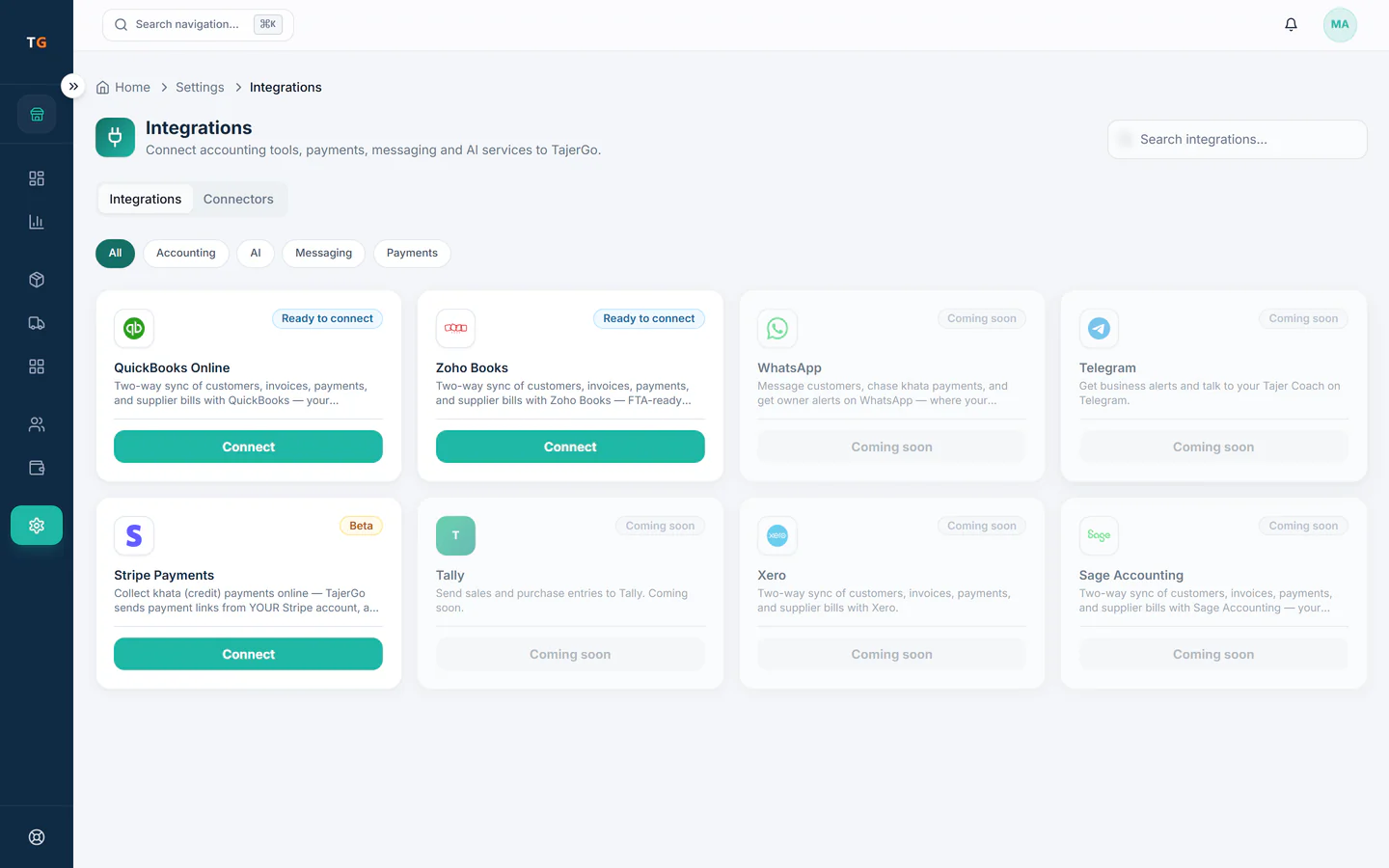
TajerGo connects to QuickBooks Online through Intuit’s own sign-in. Once you map your accounts and VAT codes, TajerGo posts sales, refunds, customer payments and approved supplier bills to your QuickBooks company, so your accountant works from the same numbers as your till.
What syncs
What TajerGo posts to QuickBooks
Everything below is posted by TajerGo after you connect. Nothing needs to be exported or re-entered.
Sales invoices
Sales recorded at the till post as invoices with the VAT code you mapped for each rate.
Refunds as credit notes
A refund in TajerGo becomes a credit note in QuickBooks, so returns never live only on paper.
Customer payments
Cash and card payments are recorded against the deposit accounts you chose.
Supplier bills and payments
Bills your team approves in TajerGo post as QuickBooks bills, and supplier payments follow them.
Customers and suppliers
Contacts are created or matched in QuickBooks when a record first needs them.
VAT codes from your company
TajerGo reads the tax codes in your QuickBooks company, so each VAT rate is matched once.
Set up
Connect QuickBooks in three steps
Step 1
Sign in with Intuit
In the TajerGo Admin choose QuickBooks, sign in on Intuit’s page and approve the connection to your company.
Step 2
Map accounts and VAT
Pick the QuickBooks accounts for sales, cash, card and purchases, and match each VAT rate to a tax code.
Step 3
Keep working in TajerGo
New sales and approved supplier bills post to QuickBooks for you. Your accountant reviews them where they always do.
By industry
QuickBooks for each kind of business
The connector is the same. What your accountant sees in QuickBooks depends on how you trade.
Daily sales from dine-in and takeaway post as invoices, and the kitchen’s approved supplier bills arrive as bills, so food cost has one source.
Sales from each kitchen and the bills for sauces, packaging and shared stock reach one QuickBooks company without a spreadsheet in between.
Till sales and refunds post as invoices and credit notes, and restocking bills land as payables with their VAT.
Counter sales and paid online store orders post together, and flower and chocolate supplier bills follow once approved.
Frequently asked questions
Which QuickBooks does TajerGo connect to?
QuickBooks Online, the cloud version. You sign in with your Intuit account from the TajerGo Admin and approve the connection to one QuickBooks company.
Do we still enter supplier bills twice?
No. A supplier bill approved in TajerGo is posted to QuickBooks as a bill, so it is entered once and your payables match what the kitchen or shop received.
Can I choose which accounts TajerGo uses?
Yes. During setup you map the QuickBooks accounts for sales, cash, card and purchases and match each VAT rate to a tax code. You can change the mapping later from the TajerGo Admin.
See QuickBooks sync on your own accounts
Book a demo and we will map a sample day together, or start on the free plan.
Ask our team to call you
Tell us which accounting software you use and the TajerGo team will get back to you.