
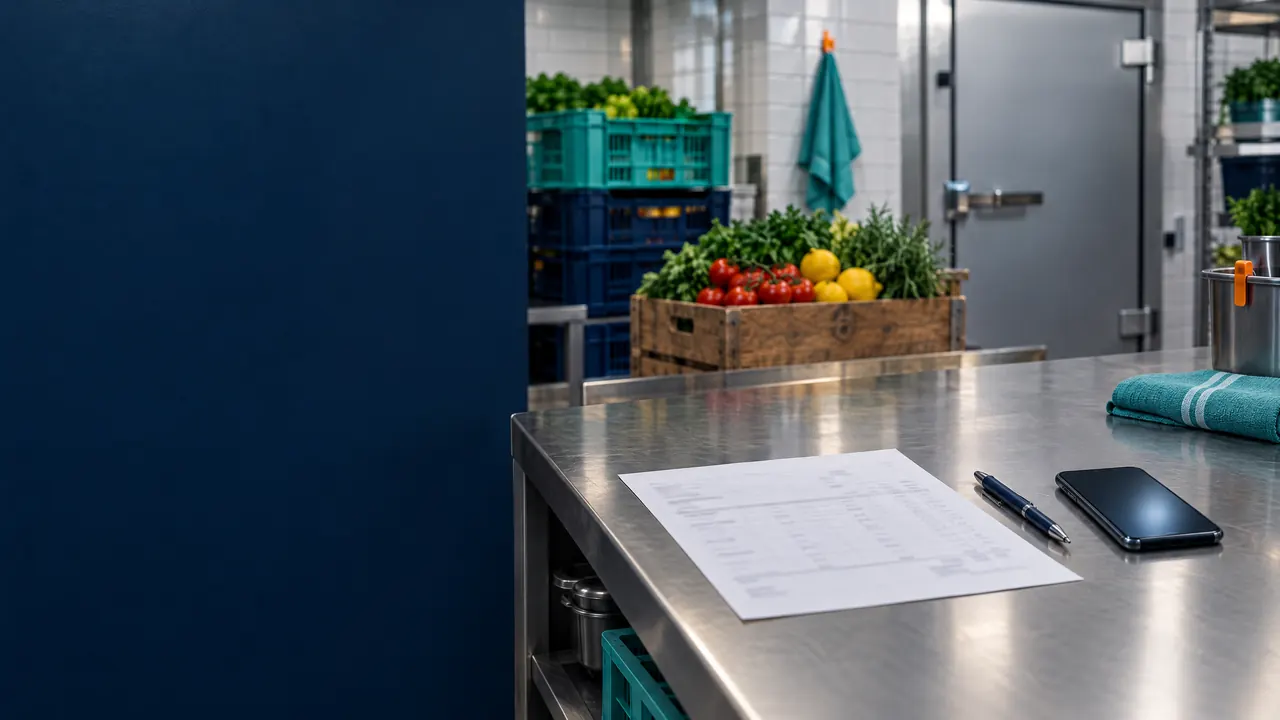
Restaurants & cafés: supplier bills
Supplier bills prepared for review, not retyped
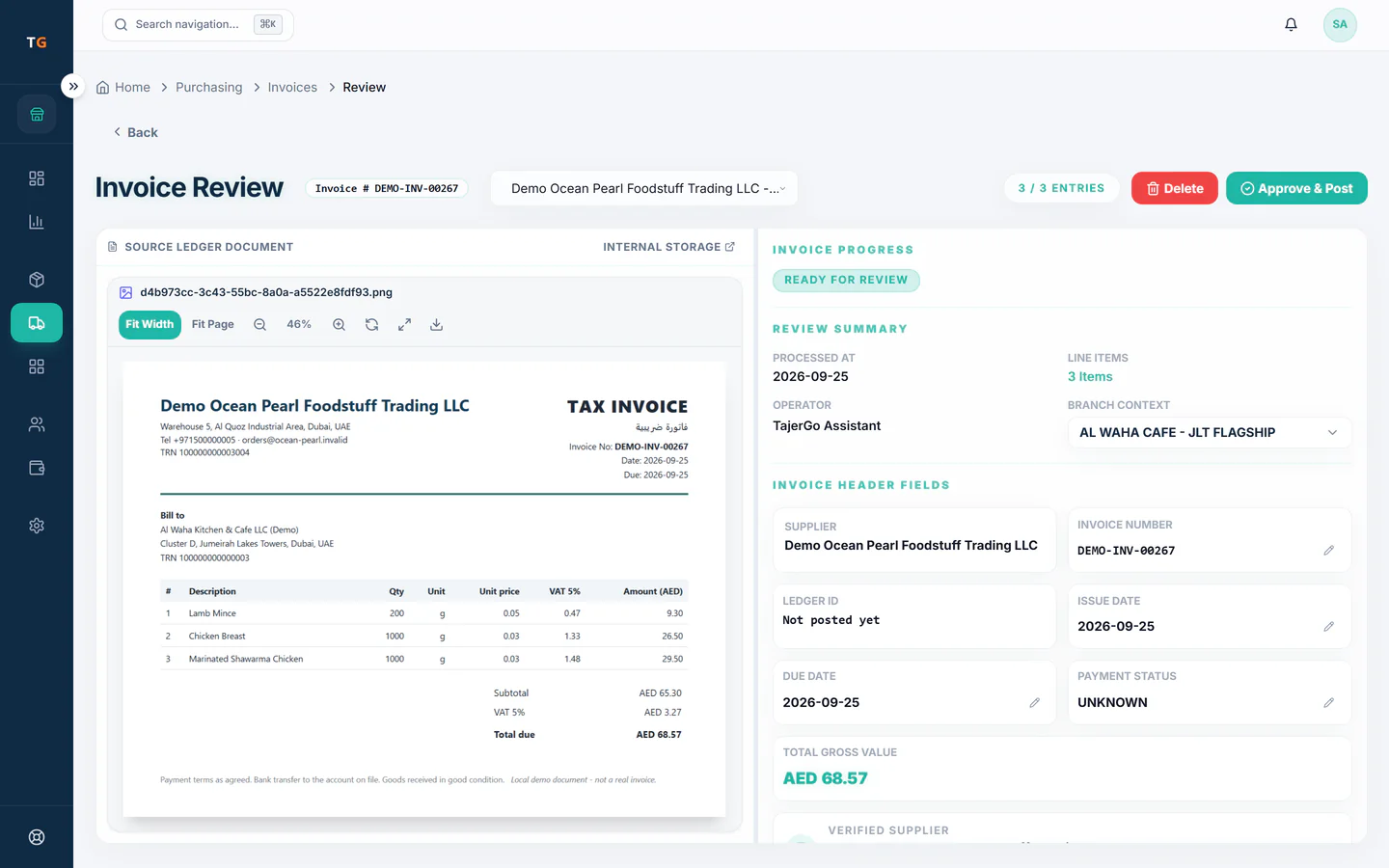
Upload a photo or PDF of a supplier bill and TajerGo prepares the supplier, date, totals, VAT and line items for your team to review. Staff match each line to a stock item, settle differences with the delivery and approve. Stock and payables change after approval, and stock already received is not added twice.
Step by step
How it works
Upload and check the bill
Snap the supplier bill at the back door or upload the PDF; the source stays beside the prepared lines for checking.
An approval queue where prepared drafts wait until a person approves them Match lines to your items
The agent suggests the stock item for each line; unclear lines stay open for staff.
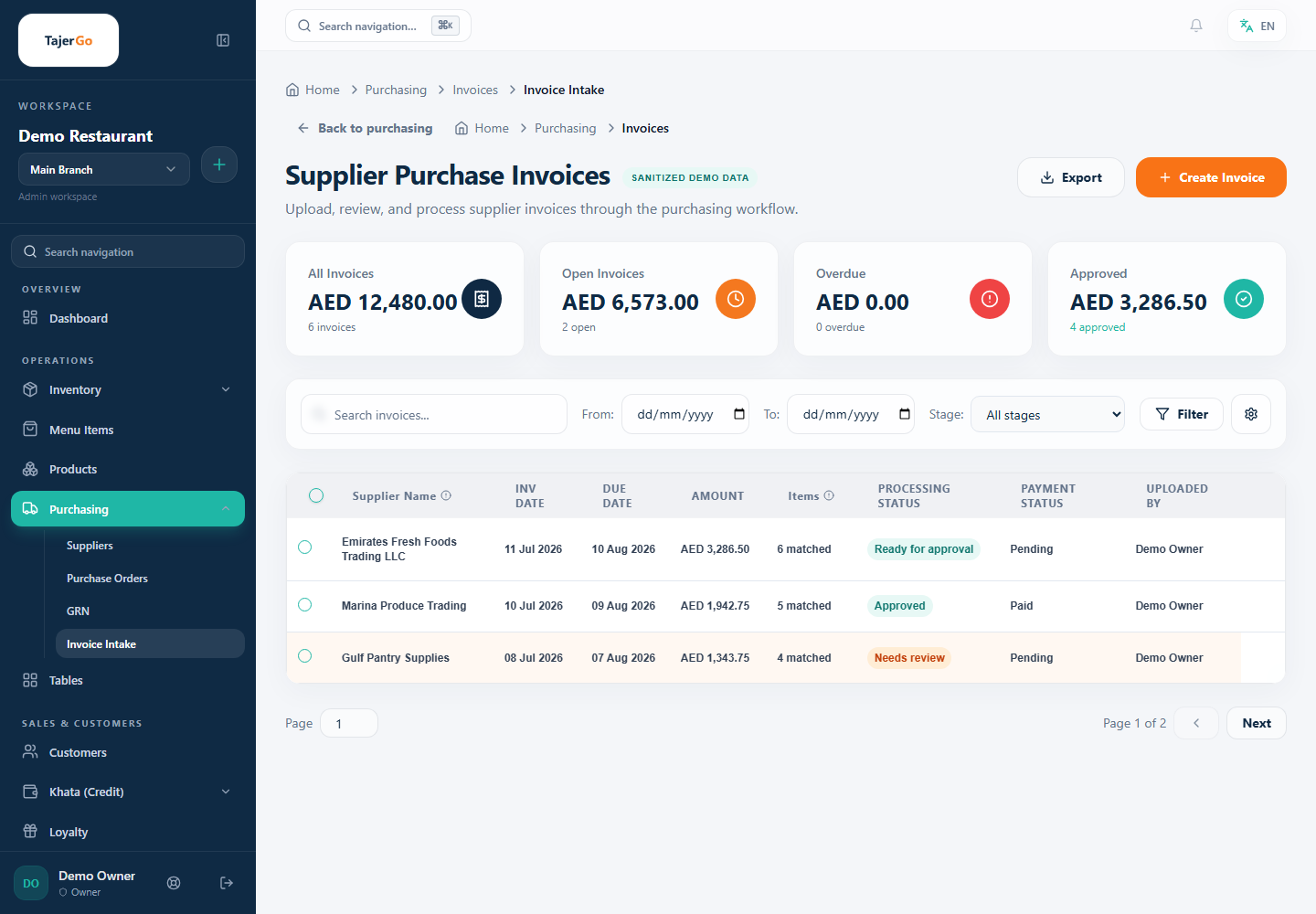
Demonstration data Approve once
After approval the bill and confirmed stock are recorded, and food cost updates.
The approved bill updating stock, payables and food cost
What you can do
Photo or PDF upload
Supplier, dates, totals, VAT and lines prepared for review.
Side-by-side review
The source stays visible next to the prepared details.
Line to stock item matching
Supplier wording linked to your own ingredients.
Duplicate warning
Likely duplicate bills are flagged for staff to decide.
Monthly scan allowance by plan
Free, Starter and Growth each include a monthly allowance; Scale has no published cap.
The connected loop
Connected to
Pricing
Plans and pricing
From the help centre
See how the workflow actually works
Product documentation, not customer stories.
Frequently asked questions
Does uploading a supplier bill add stock?
No. Stock changes through the approved receiving and bill steps, not at upload.
What if a line does not match an ingredient?
It stays open until staff pick the right stock item.
How many bills can we upload each month?
Each plan has a monthly supplier invoice scan allowance. Count a normal week of deliveries before choosing a plan.
Does it catch the same bill twice?
It flags likely duplicates, and staff decide.
Upload a sample supplier bill in the demo
Book a demo or start on the free plan.
Ask our team to call you
Leave your details and the TajerGo team will get back to you.