
Before you start
- The customer saved in TajerGo
- A credit limit for the customer, if you use one
Step by step
Mark a sale as Khata
At the till, choose Khata as the payment method and pick the customer.
Check the credit limit
TajerGo checks the balance against the customer’s credit limit before it confirms the sale.
Record a repayment
In the customer ledger, log a full or partial payment against the running balance.
Review aging
Outstanding balances are grouped into aging buckets. Review them, then open the customer ledger before you follow up.
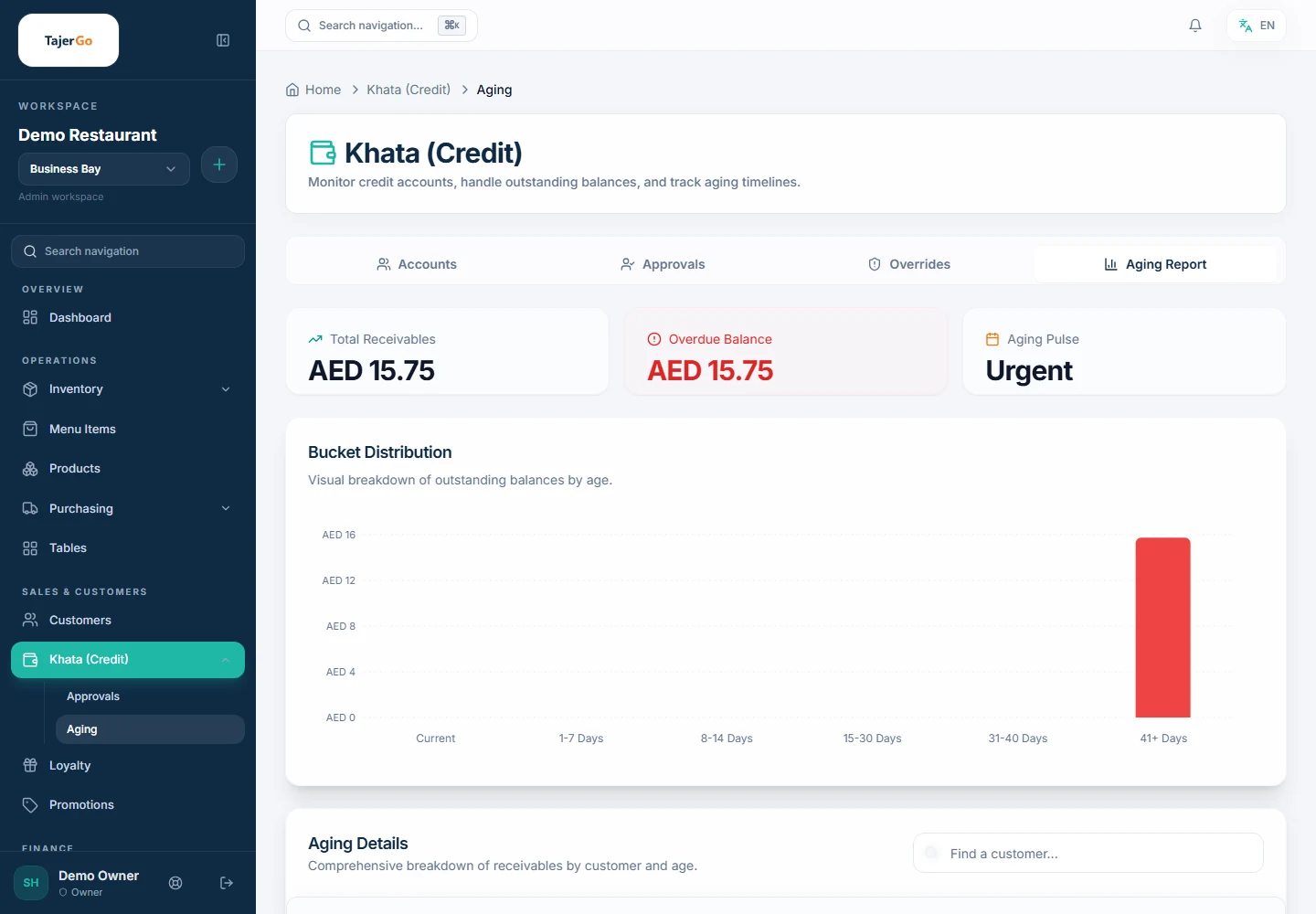
Khata aging report with balances by age. Demonstration data. Send a statement
Create a customer statement for a period, check the dates and balance, then export or share it.
If something looks wrong
- The sale is blocked at the tillThe customer may be over their credit limit. Take a repayment, or change the limit if your role allows.
- A balance looks wrongOpen the customer ledger and check each sale and repayment against your records.