
Before you start
- Access to Reports in the Admin
- Your VAT filing period
Step by step
Open Reports
In the Admin, go to Reports.
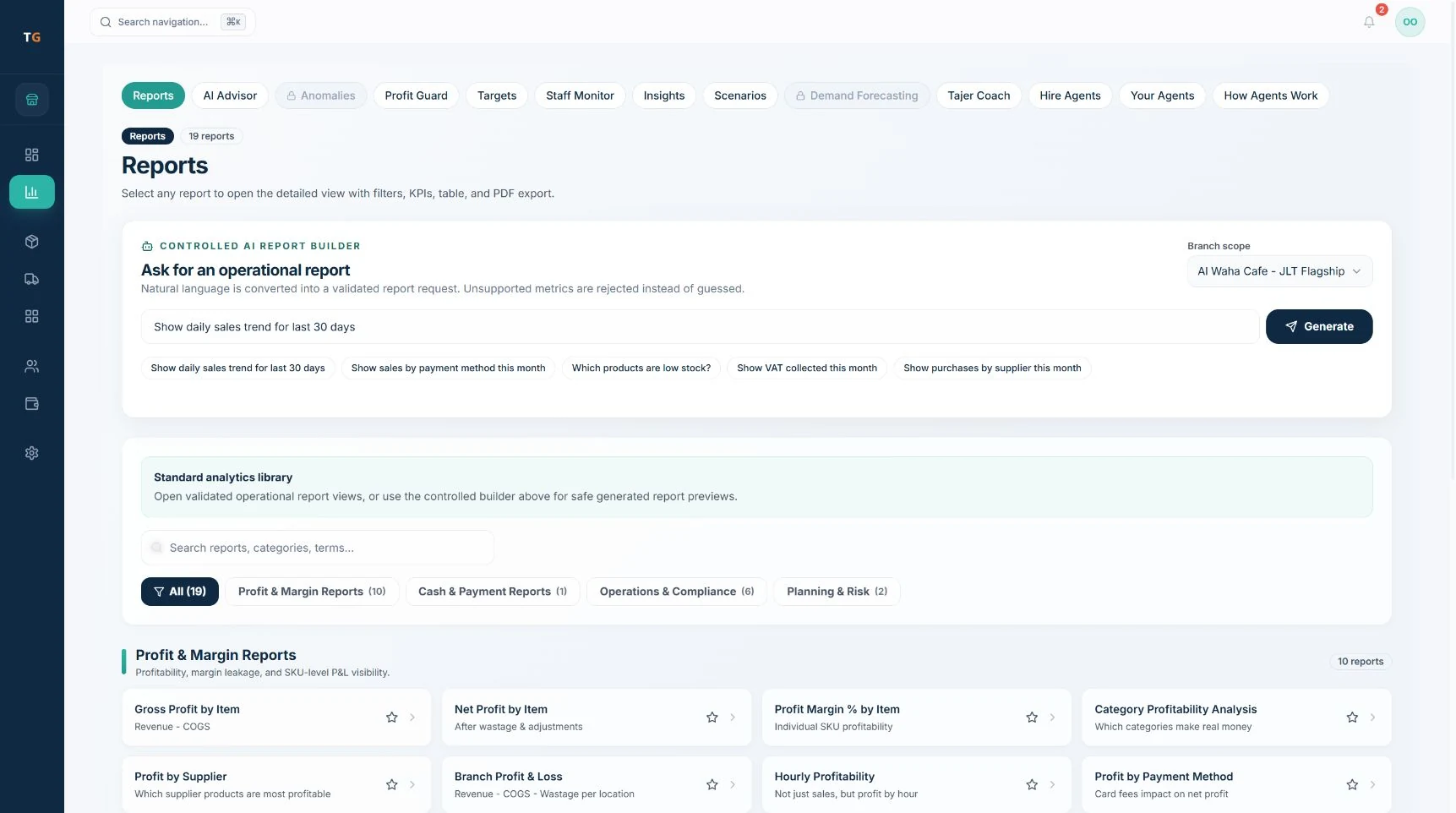
The report library, grouped by category. Demonstration data. Choose the period
Select your VAT filing period, for example the quarter.
Open the VAT summary
Open the VAT report for output VAT on sales across your channels.
Export
Use the report’s export option, then check the period, branch and totals in the file.
Run the report again
Next period, reopen the report and set the new dates. Where the AI Report Builder is enabled, you can save a report definition.
If something looks wrong
- Delivery sales look lowOnly sales recorded in TajerGo are counted. Reconcile with the delivery platform’s own records.
- Totals differ from the tillCheck the branch filter and the date range.