
Restaurants & cafés: POS and billing
Restaurant POS for orders, split bills and the kitchen
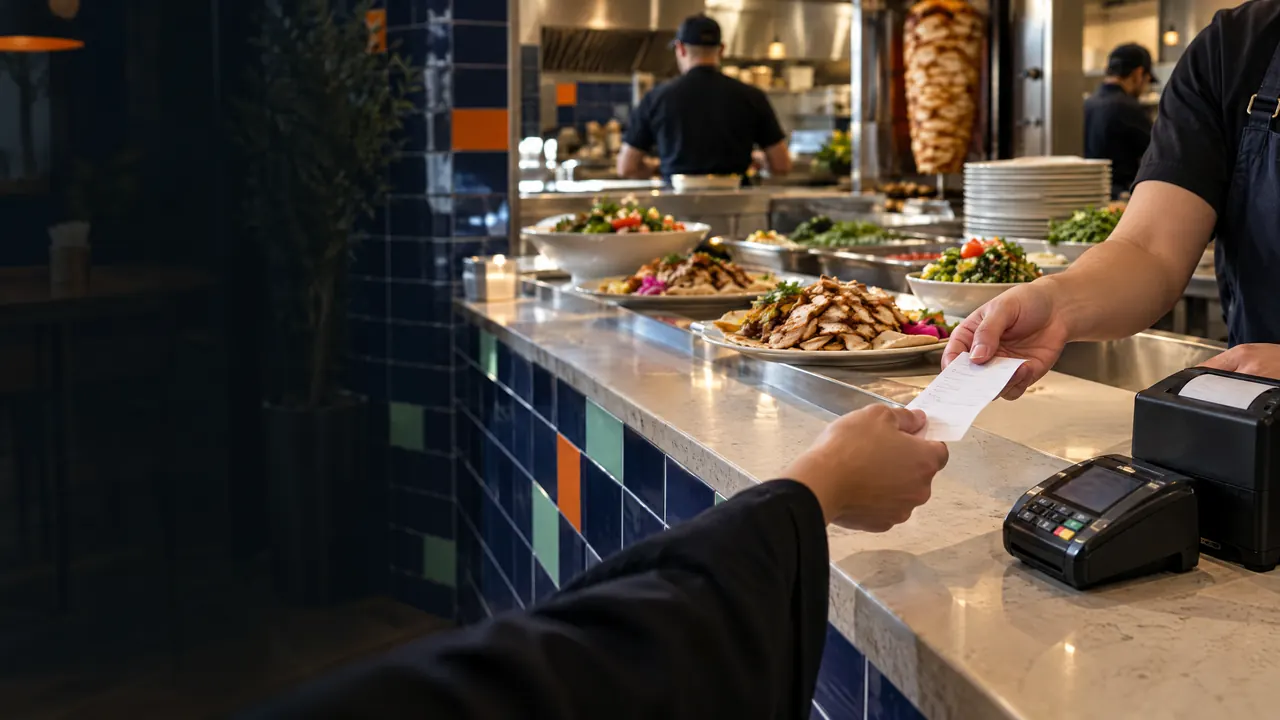
TajerGo POS takes counter, table and takeaway orders with modifiers and kitchen notes, splits a bill across the payment methods you enable and prints a receipt with your TRN and VAT. Each confirmed sale goes to the kitchen display and into stock and the shift record. It works offline for supported workflows and syncs when the connection returns.
Step by step
How it works
Build the order
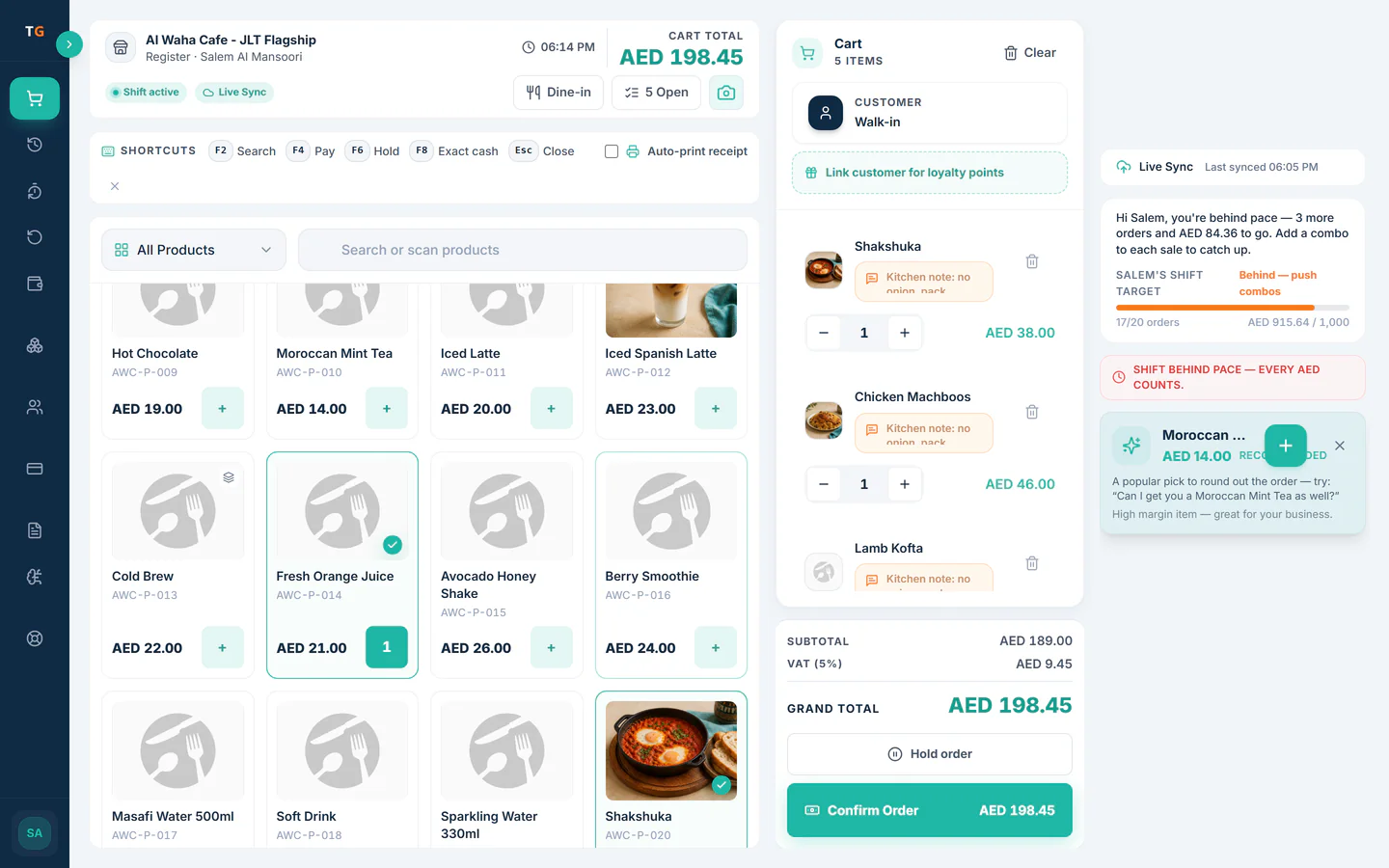
Search the menu or tap the grid, pick sizes and modifiers, and attach a kitchen note to any line. Hold an order and reopen it when the guest is ready.
Menu items fly into the current order, the order goes to the kitchen and the receipt prints Tag how it came in
Mark the order as dine-in, takeaway or delivery so the kitchen ticket and your reports show where each sale started.
Dine-in, takeaway, phone and delivery orders tagged by source Take payment, split if needed
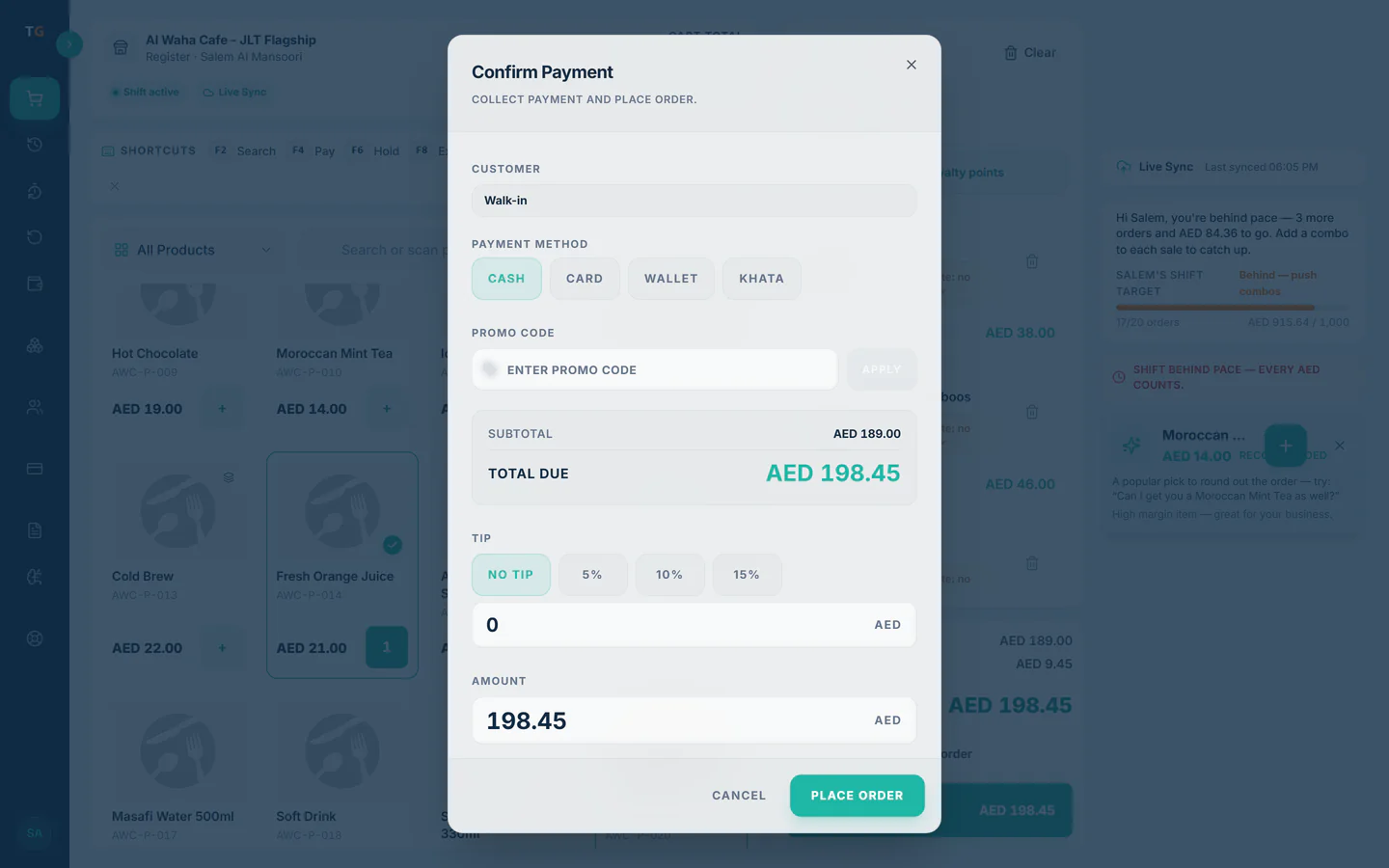
Use the payment methods you enable, split one bill across card and cash, and let the till work out the change.
One table bill split across card and cash, then closed with a receipt Print the receipt
The receipt carries your TRN and VAT, and the same sale lands on the kitchen display, in stock and in the shift record.
A receipt with TRN and VAT prints with its QR code
What you can do
Modifiers and kitchen notes
Extra sauce, no onion or oat milk stays on the line it belongs to, on screen and on the kitchen ticket.
Split bills and change
Divide one bill across payment methods; the till shows what is still due and the change to give.
Order type on every sale
Dine-in, takeaway and delivery are tagged at the till so margin by source is possible later.
Phone sell mode for the patio
Take orders on a phone at the patio or down a queue, then send them to the same kitchen and shift.
Refunds with a reason
Refunds and returns follow permissions and keep a reason on the record.
Offline for supported workflows
Taking orders and payments keeps going when the line drops, and queued sales sync when it is back.
The connected loop
Connected to
Inside the product
Pricing
Plans and pricing
From the help centre
See how the workflow actually works
Product documentation, not customer stories.
Frequently asked questions
Can one restaurant bill be split between card and cash?
Yes. Split a bill across the payment methods you enable, and the till shows what is still due and the change.
Do kitchen notes reach the kitchen screen?
Yes. Notes and modifiers travel with the item to the kitchen display, next to the line they belong to.
Does each dish sold reduce ingredient stock?
Yes, once the menu item has a recipe. Items without a recipe do not move ingredient stock.
What happens to orders if the internet drops mid-service?
Supported workflows such as taking orders and payments keep working, and the queued sales sync when the connection returns.
See one order go from the till to the kitchen
Book a demo or start on the free plan.
Ask our team to call you
Leave your details and the TajerGo team will get back to you.