
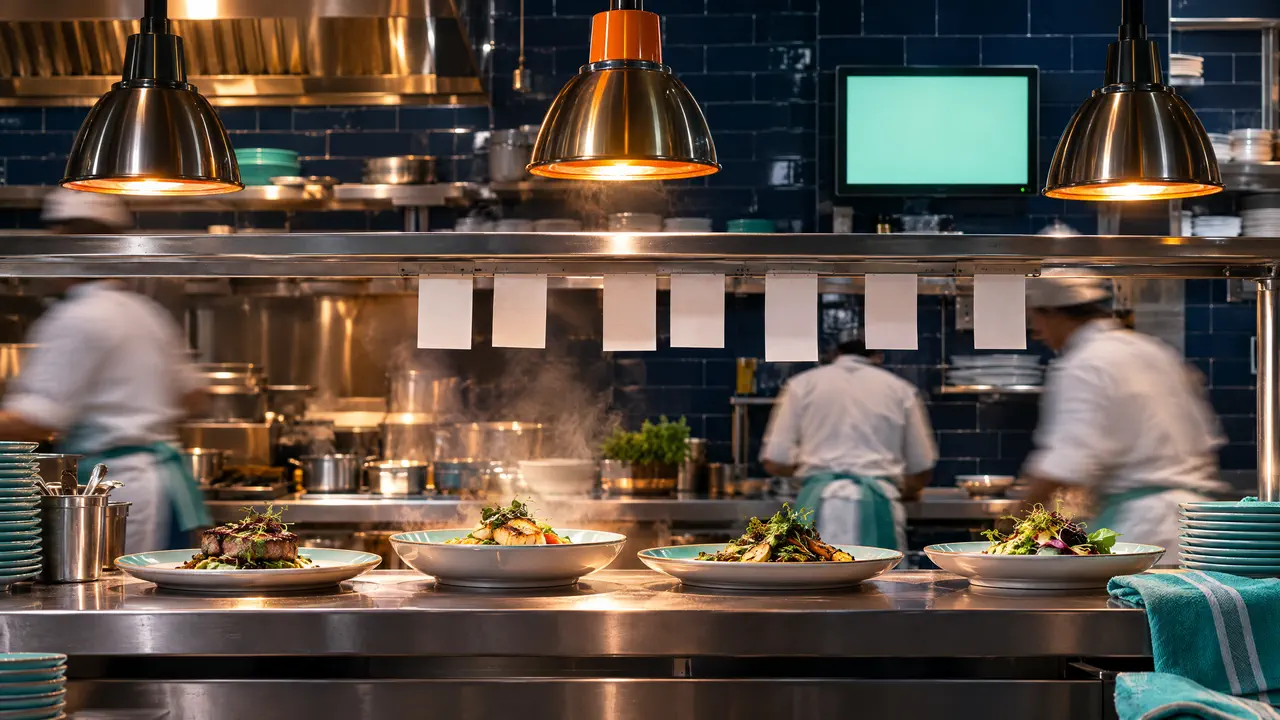
Restaurants & cafés: kitchen display
Kitchen display for every restaurant station
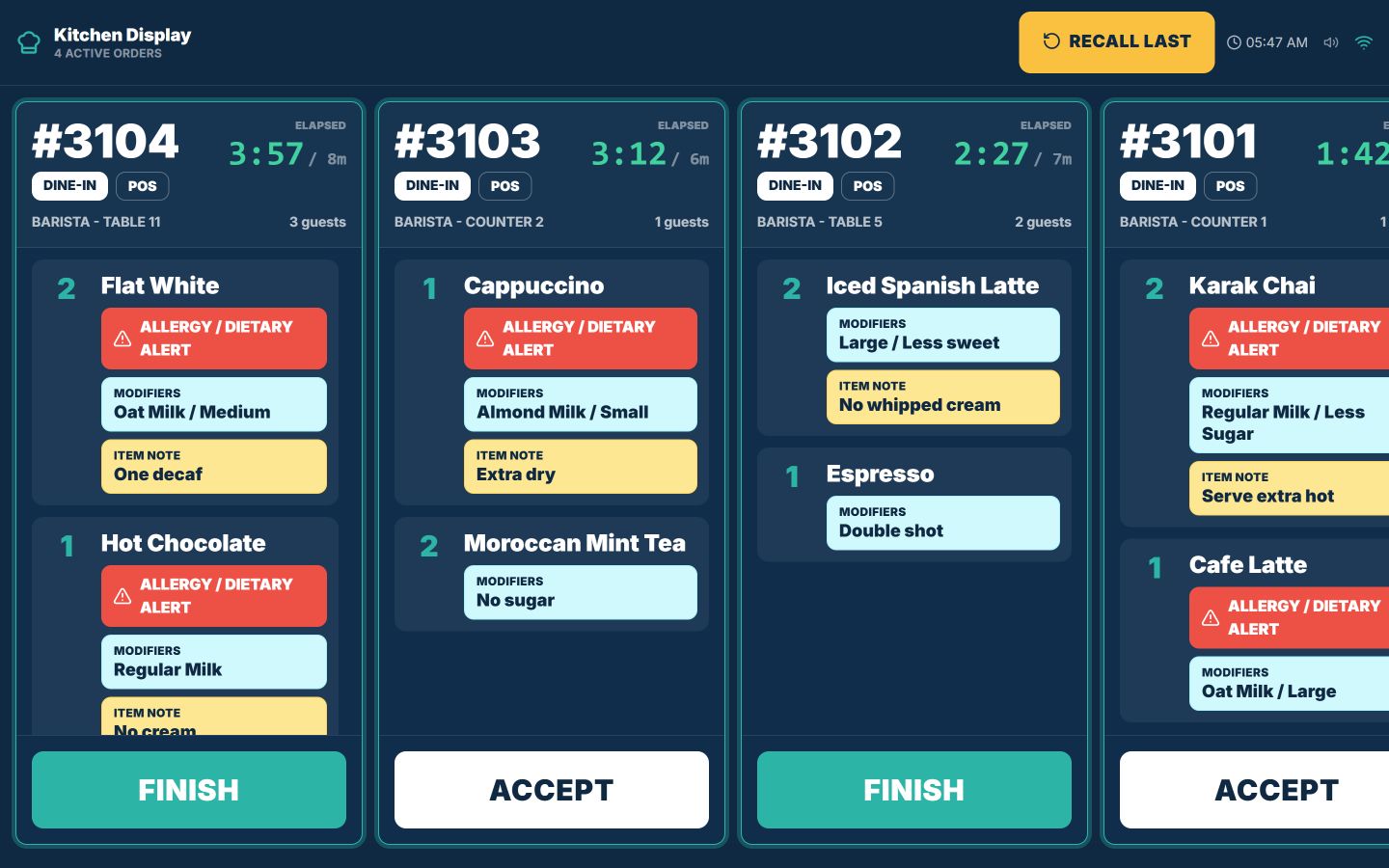
TajerGo sends each confirmed order to the station that prepares it, on a live kitchen screen instead of paper tickets. Notes, modifiers and allergy alerts travel with the item, every ticket shows how long it has waited, and cooks accept and finish tickets so the front of house knows what is ready. The kitchen display is on the Starter plan.
Step by step
How it works
Ring up the order
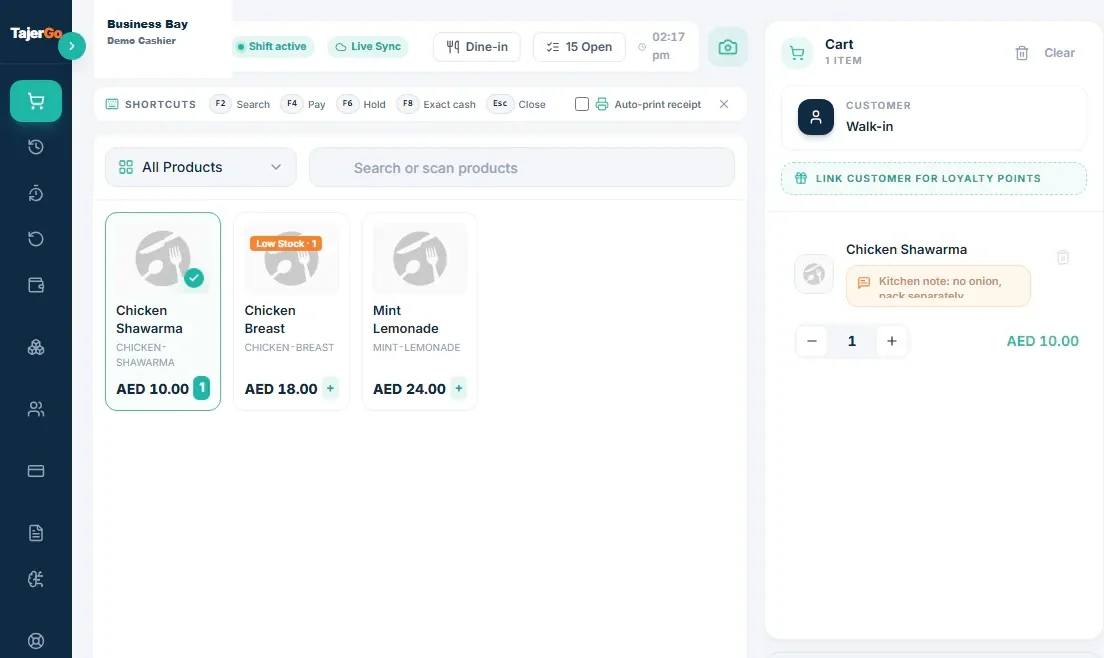
The cashier or waiter adds items, modifiers and notes at the POS and confirms the order.
Demonstration data Route it by station
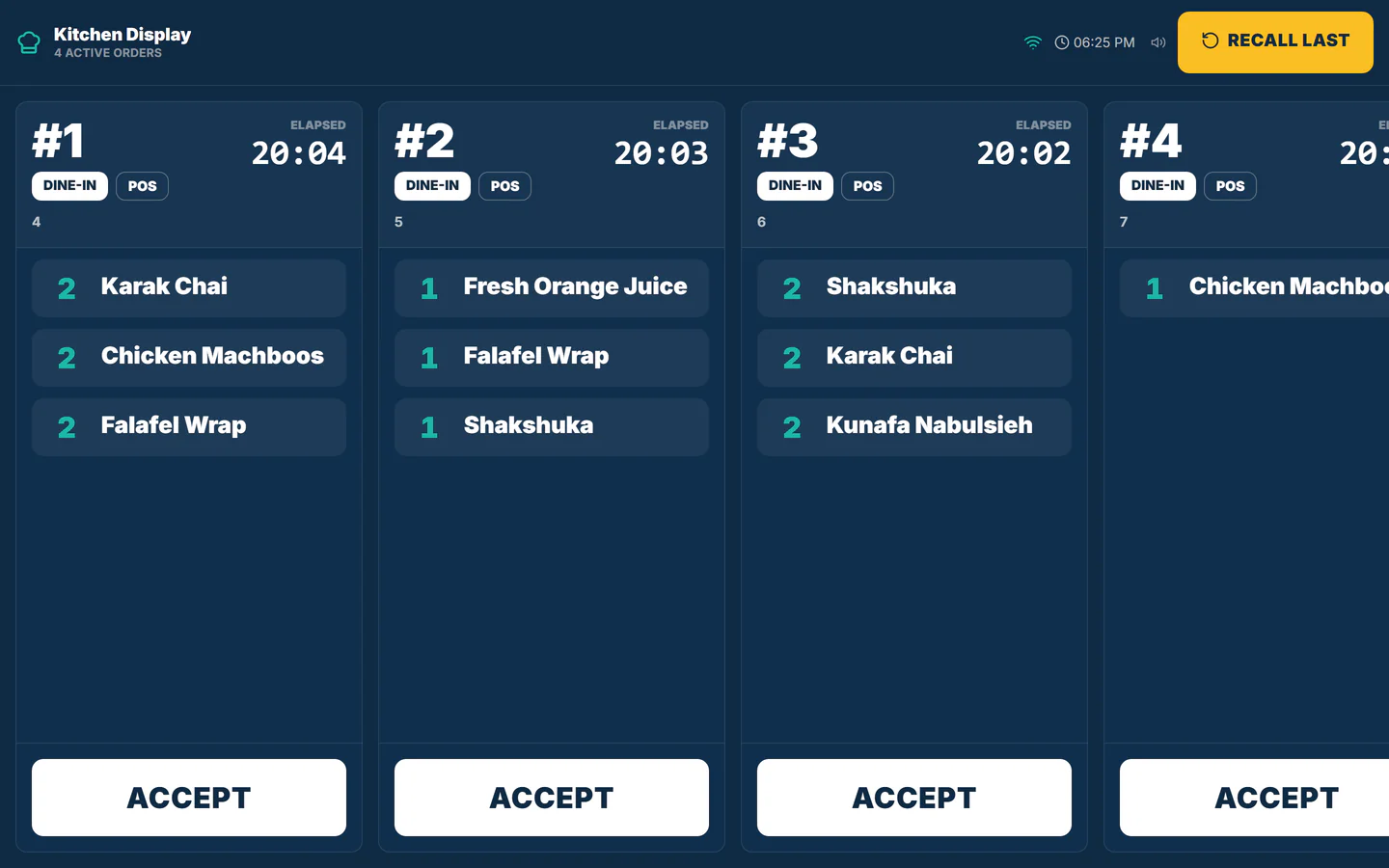
Each item goes to the station that makes it, so the grill never reads the drinks queue.
One table order splits into grill, cold line and drinks tickets, and each is bumped when done Cook against the clock
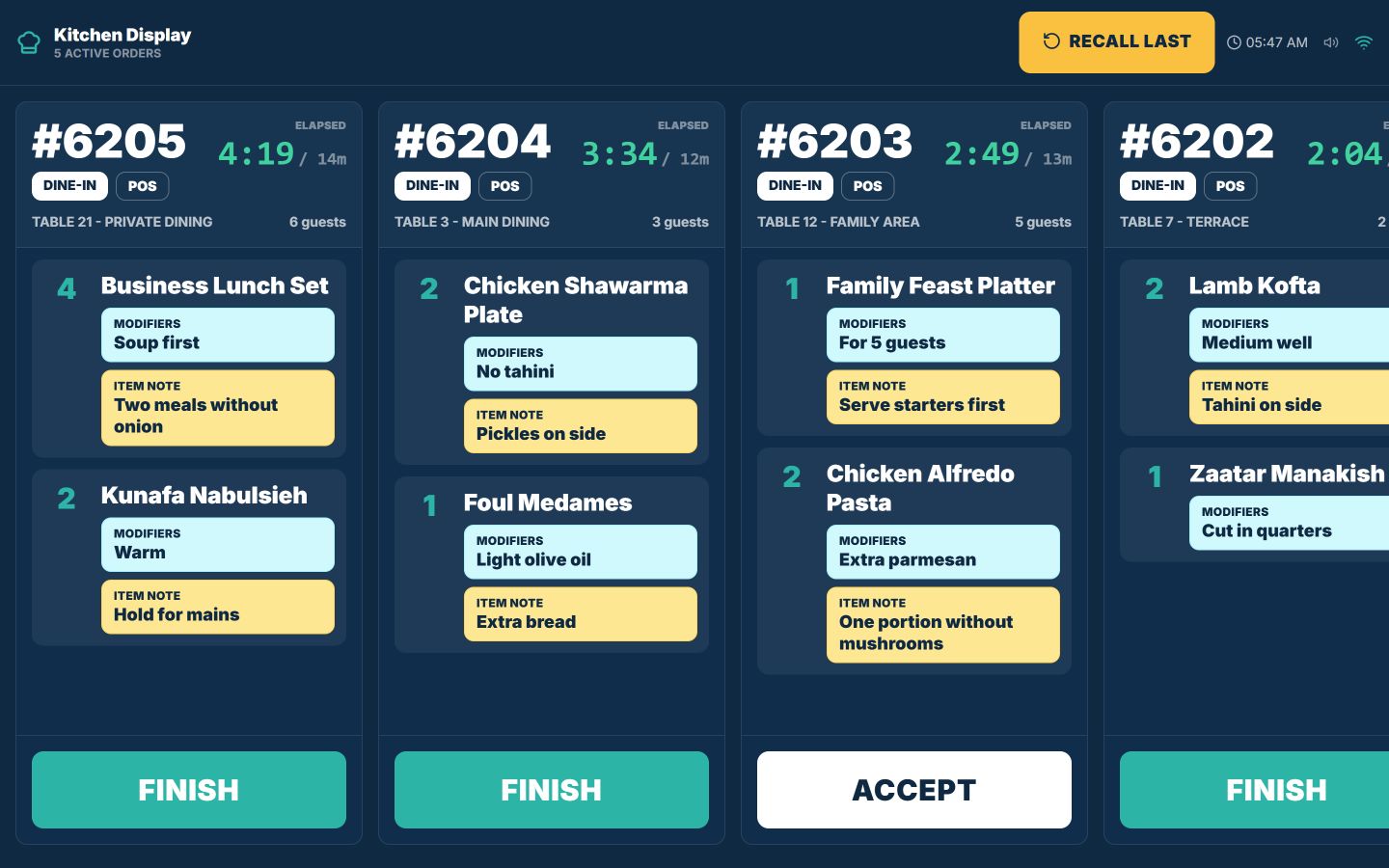
Elapsed time on every ticket shows which orders have waited longest; allergy alerts stand out in red.
Demonstration data Bump when finished
Cooks accept and finish tickets on the screen, and the pass knows what is ready. Cafés give drinks their own barista screen.
Demonstration data
What you can do
Station routingStarter plan
Link menu items to the station that prepares them: hot, cold, grill, drinks or pastry.
Table and area on the ticket
Dine-in tickets show the table, the area and the guest count; takeaway and delivery are labelled too.
Allergy alerts
A dietary alert shows in red on the ticket, next to the item it applies to.
Order age at a glance
Timers show which tickets need attention first during the rush.
Barista station
Drinks go to their own screen with size and milk modifiers, so cafés run coffee and food side by side.
Screens or printers per station
Keep a printer where it suits and screens elsewhere; map your stations first, then choose.
The connected loop
Connected to
Pricing
Plans and pricing
From the help centre
See how the workflow actually works
Product documentation, not customer stories.
Frequently asked questions
Which plan includes the restaurant kitchen display?
The kitchen display starts on Starter, priced per active branch, so a second screen in the same branch does not change the price.
Can the grill and the cold line see different tickets?
Yes. Items are routed to the station that prepares them, and each screen shows its own queue.
Do dine-in tickets show the table number?
Yes. Dine-in tickets carry the table, the area and the guest count.
Should we keep a kitchen printer?
Some kitchens keep a printer on one station and screens on the others. Test one full order on the hardware you plan to use.
Send a test order to your own kitchen screen
Book a demo or start on the free plan.
Ask our team to call you
Leave your details and the TajerGo team will get back to you.