

On this page
Quick answer: TajerGo Admin can bring sales, margin, stock, supplier, Khata, staff and exception signals into permission-aware owner views. Results support review and action. They do not replace source records, approvals or professional judgment.
The owner should see what needs attention without asking staff to prepare another spreadsheet. TajerGo Admin brings operational records into focused briefings and reports.
Explore the commercial workflow on the TajerGo Admin AI product page.
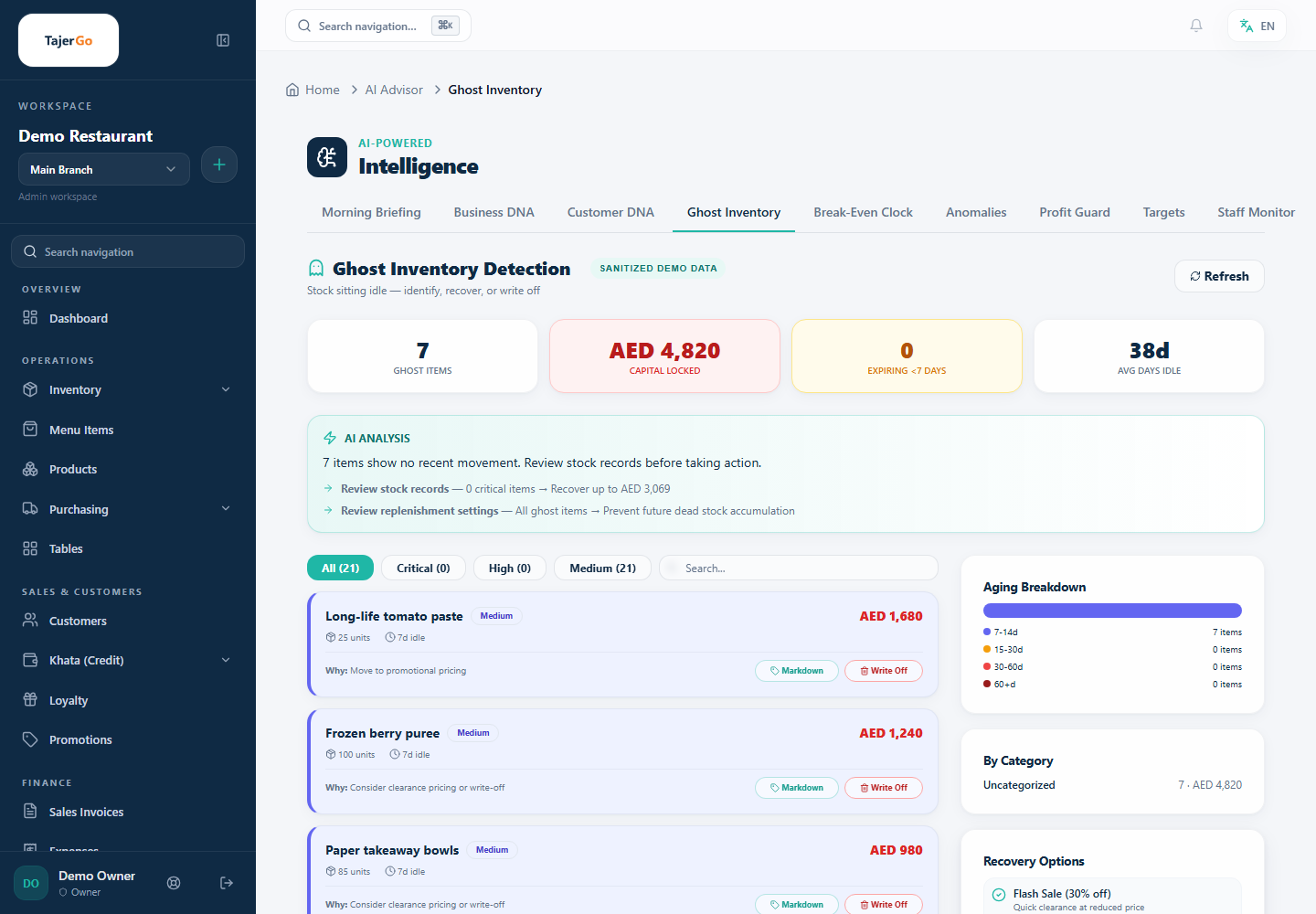
Ghost Inventory review in the TajerGo Admin. All values and item names are sanitized demonstration data.
Owner visibility
- Owner business briefing covering sales, gross margin, estimated net position, leakage signals, Khata risk, inventory health, top sellers and actions that need attention.
- Inventory health covering valuation, low or out-of-stock items, expiry signals and slow movement.
- Supplier reorder recommendation using current stock, available supplier records, latest known unit prices and payable aging context.
- Sales summary covering sales, profit, payment mix, outstanding credit and supported exceptions.
- Staff performance covering sales activity, discounts, void and refund risk, and supported sales-per-hour context.
- Menu engineering and recipe costing to review item contribution, cost records and pricing questions where the required product data is available.
- Wastage briefing to surface recorded wastage patterns and items that require investigation.
Reports people can question
When enabled, TajerGo can interpret a plain-language report request against allowed metrics. The user still verifies date range, branch, filters and metric definitions before relying on or exporting the result.
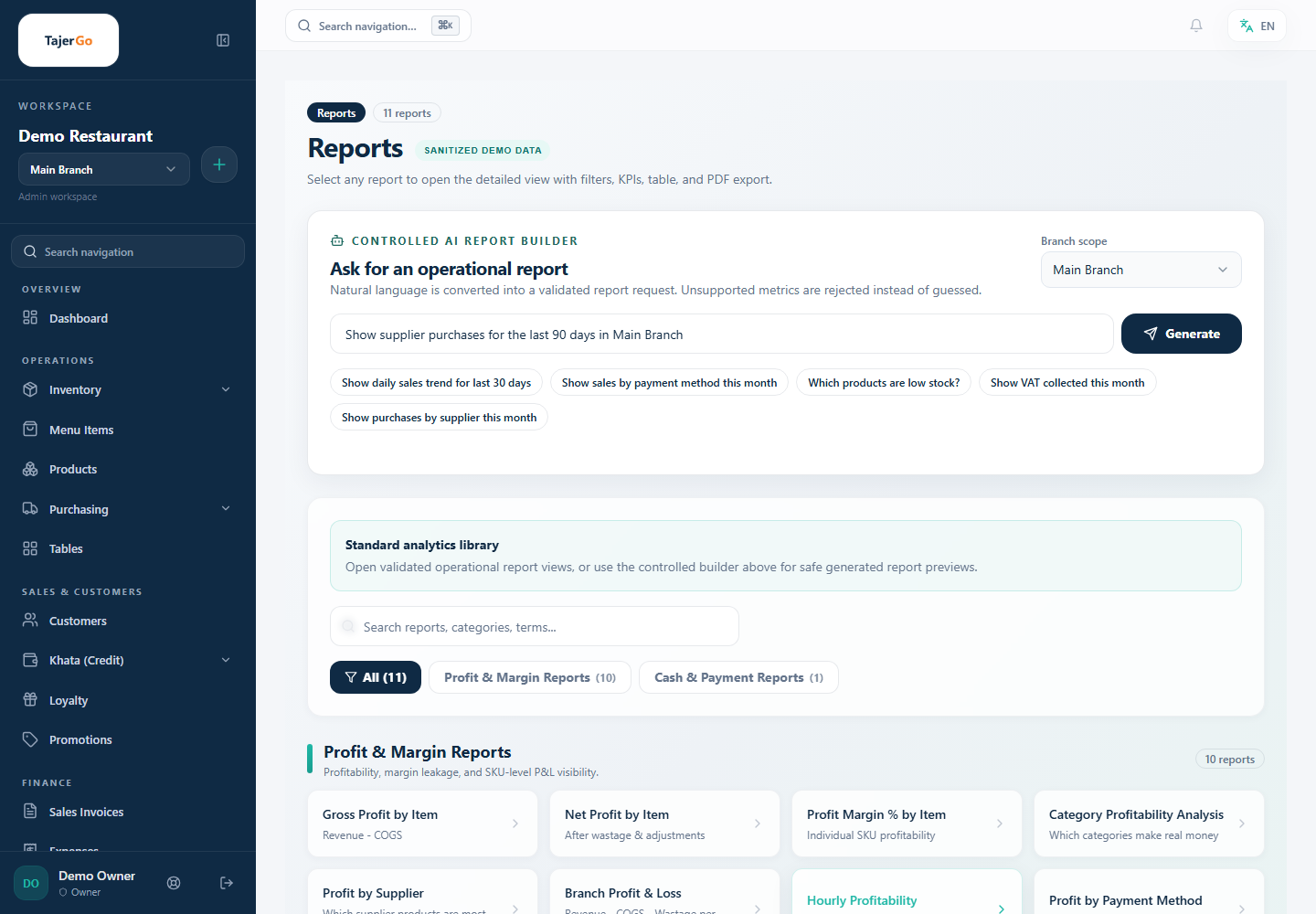
The controlled report builder and standard analytics library using sanitized demonstration data.
Permissions stay in charge
Admin intelligence follows the authenticated user's Business Account, branch and capability access. Read-only analysis can run only when access is allowed. Any action with financial, inventory, purchasing, customer or staff impact follows the configured approval workflow.
Frequently asked questions
Does TajerGo Admin show exact net profit?
It can show an estimated net position from the records available to the system. Owners and accountants should validate costs, classifications and completeness before financial reliance.
Can a manager see every branch?
Only branches and reports permitted by the user's role and branch assignments.
Can an AI result change a restaurant record?
Read-only results do not mutate data. A supported write action follows capability checks, approval rules and audit controls.
About this guide. Maintained by the TajerGo Editorial Team. Last updated 11 Jul 2026. Worked examples use illustrative numbers, not customer results.