
Purchasing
Buy from vegetable and meat suppliers with the last rate in view
Raise a purchase order, record what actually arrived and check the supplier bill against both before anything reaches stock. Bill lines are prepared for your team to review, never posted blind. Supplier price history is on the Growth plan.
Step by step
How it works
Order what the stock needs
Draft a purchase order from items running low.
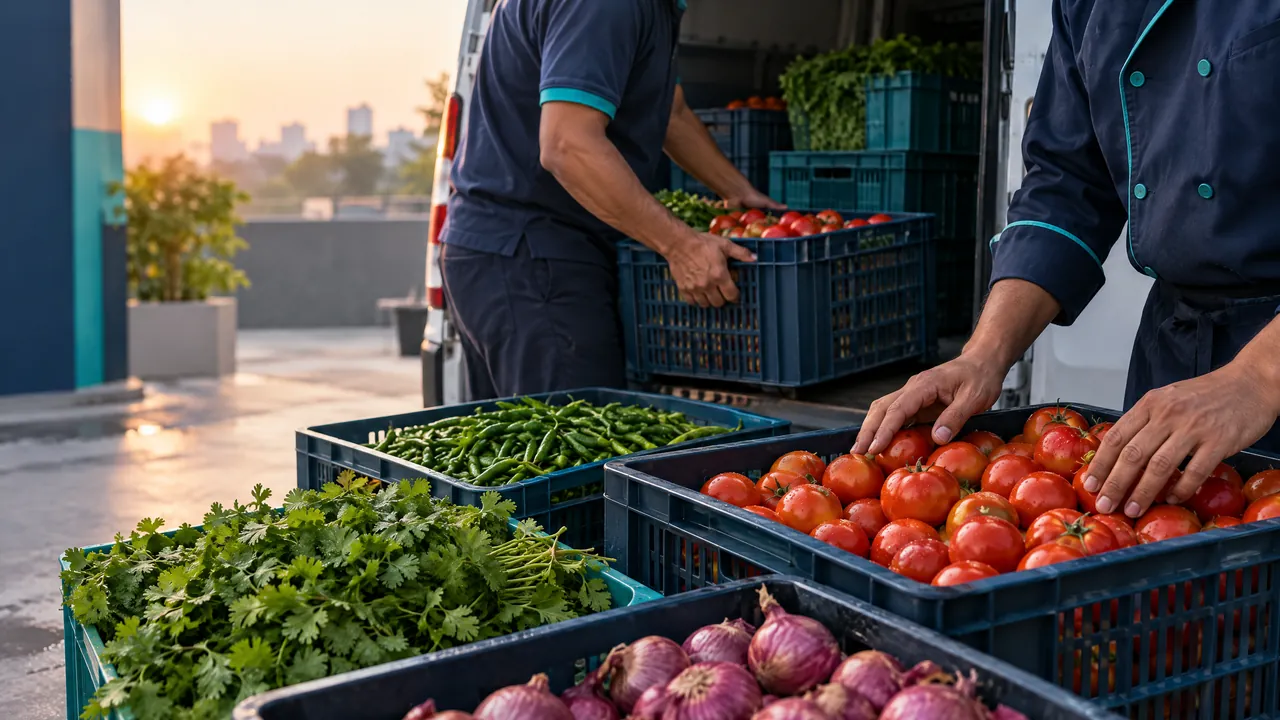
Purchasing and suppliers, Restaurants & cafés Receive what came off the van
Short-delivered tomatoes are recorded as short, not as delivered.
Purchasing and suppliers, Restaurants & cafés Match the bill
Order, receipt and bill are compared line by line before the bill is approved.
Purchasing and suppliers, Restaurants & cafés Watch rates move
Recorded prices build a history, so a rate rise is visible at the moment of buying.
Purchasing and suppliers, Restaurants & cafés
What you can do
Purchase orders and receiving
Order, receive and record shortages.
Three-way match
Order, goods received and bill checked together.
Bill review queue
Supplier bill lines prepared for your team to review and approve.
Supplier price historyGrowth plan
Every recorded rate by supplier and item.
The connected loop
Connected to
Pricing
Plans and pricing
Frequently asked questions
Does TajerGo read supplier bills automatically?
Bill lines are prepared for your team to review and approve. Nothing posts to stock without a person checking it.
Can I see if a supplier raised a rate?
Yes, on Growth at ₹6,999 per active branch each month, through supplier price history.
Put every supplier bill through a check
Book a demo or start on the free plan.
Ask our team to call you
Leave your details and the TajerGo team will get back to you.