
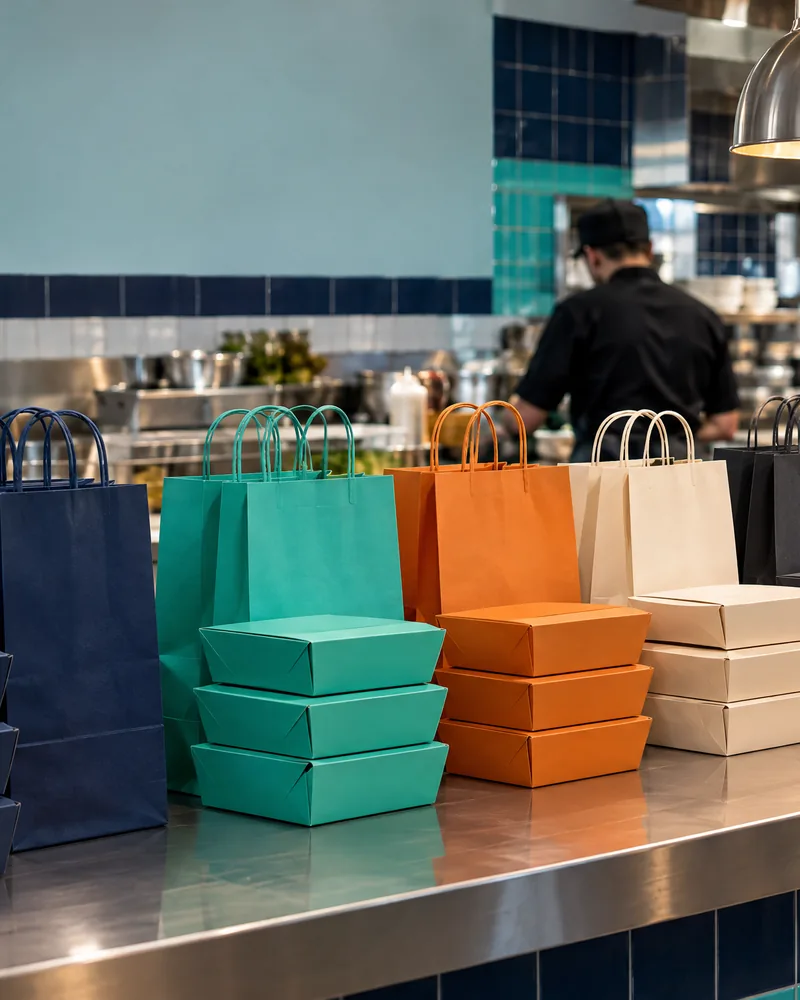
Many cloud kitchens cook more than one menu from the same line. In TajerGo each concept keeps its dishes in its own menu categories, every dish draws from one stock record through its recipe, and profit by item and category is on the Growth plan.
Step by step
How it works
Group each menu
Put each concept’s dishes in their own menu categories, built from the same item and recipe library, so a new menu is a layer on the kitchen you already run.
Three menus, each with its own prices, built on one shared recipe. Tickets reach the right station
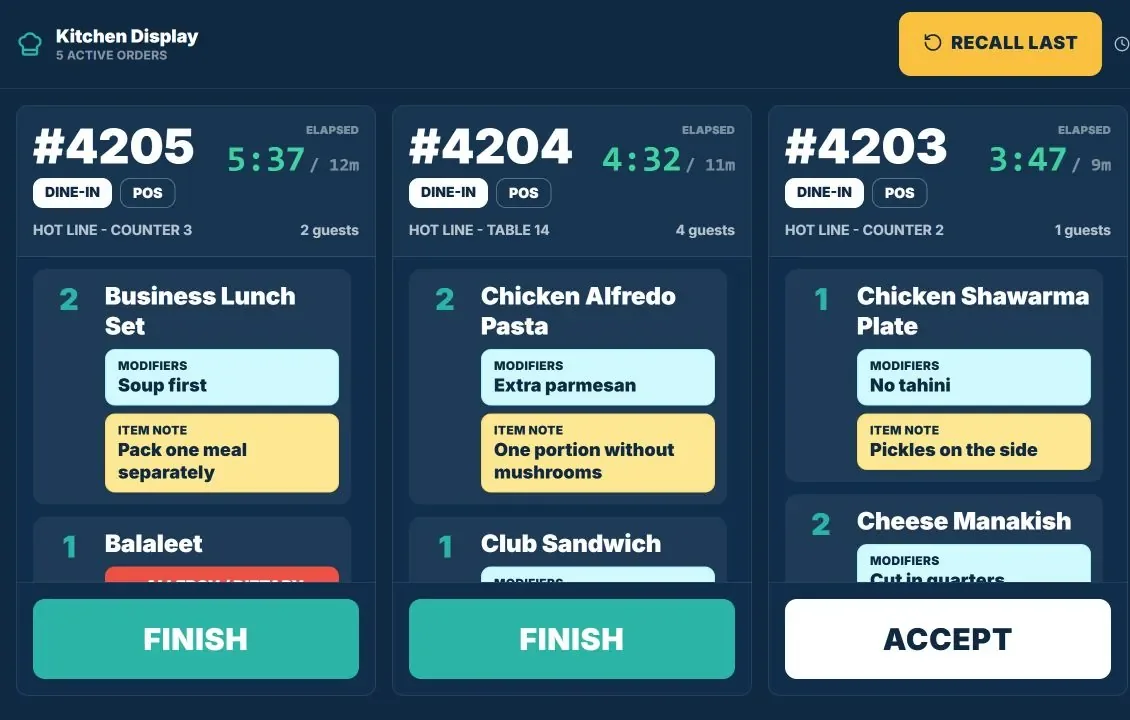
Orders land on the kitchen display at the station that cooks each item, with modifiers, item notes and the time waiting.
Demonstration data Ingredients are counted once
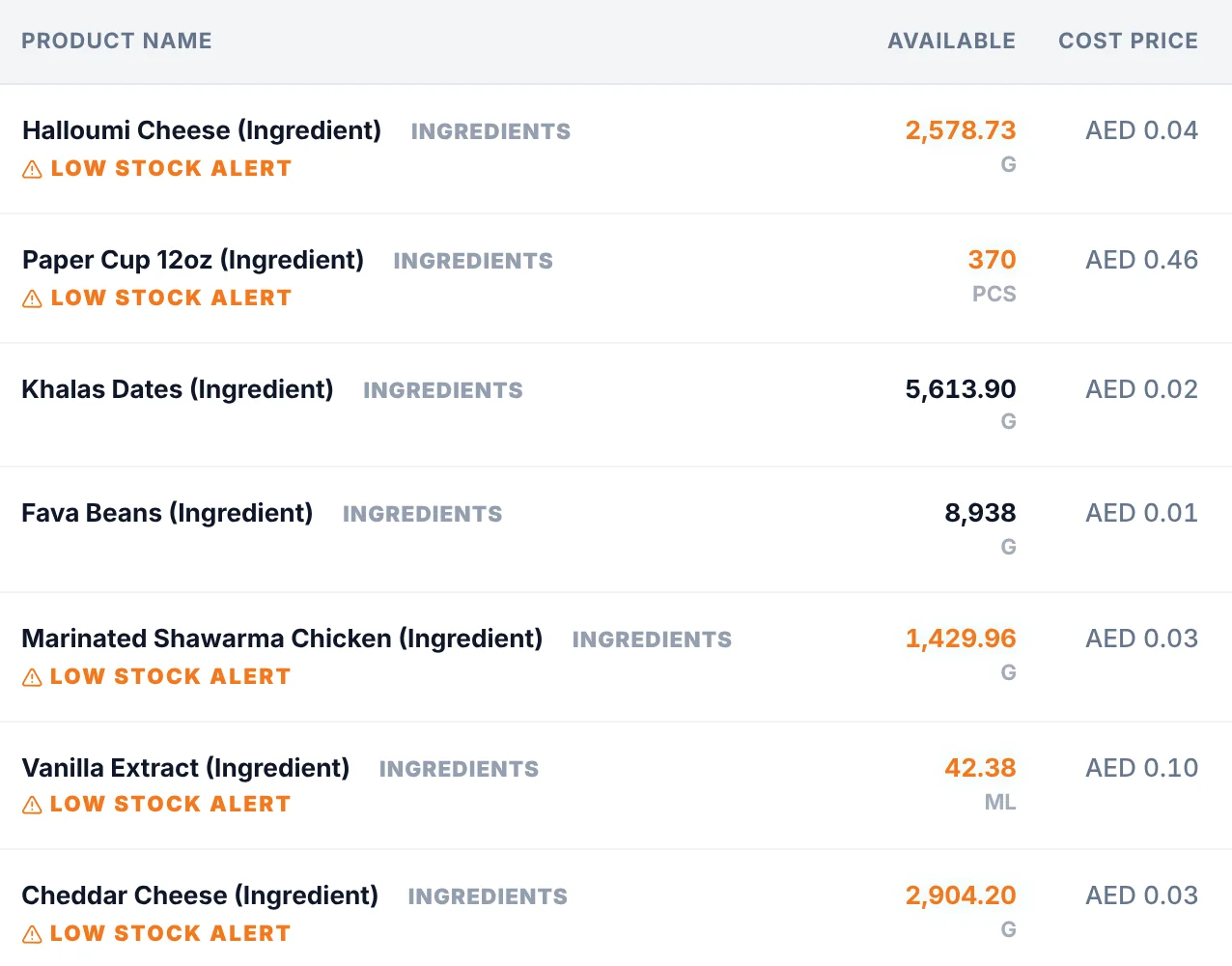
The chicken, cheese and dates behind three menus come out of one stock count, so the same kilo is never counted twice.
Demonstration data Read each menu on its own
Profit by item and by category shows which concept earns and which only keeps the line busy.
One delivery dishExample dish, as a share of its menu price - Menu price
- Food cost
- Packaging
- You keep
What you can do
Menu categories per concept
Each concept’s dishes sit in their own categories on the till and in the Admin.
One recipe library
A shared sauce or base is written once and used by every menu.
One stock record
Every menu draws from the same kitchen stock through its recipes.
Profit by item and categoryGrowth plan
See which dishes and which categories earn, period by period.
The connected loop
Connected to the rest of TajerGo
Plans and pricing
Plans and pricing
Frequently asked questions
Can one kitchen run more than one menu?
Yes. Group each concept’s dishes in their own menu categories. Every dish still draws from the one kitchen stock through its recipe.
Do the menus need separate recipes?
No. Dishes are built from one item and recipe library, so a shared sauce is written once.
Can I see which menu earns?
Yes. Profit by item and by category is on the Growth plan, so each concept can be read on its own.
Can the kitchen tell orders apart during a rush?
Yes. Each ticket shows its order number, order type, items, modifiers and packing notes at the station that cooks it.
Our customers’ Trustpilot reviews
- Khairul O.UAE ·
Read more of Khairul O.’s review on Trustpilot (opens in a new tab)I would especially like to appreciate Mr. Arun for his excellent support. He always responds immediately whenever I need assistance and has consistently helped me resolve all issues related to our POS system.
- Shazia B.
Read more of Shazia B.’s review on Trustpilot (opens in a new tab)Really happy with TajerGo so far. The system is easy to use and has made managing our daily restaurant operations much simpler. Inventory, billing, kitchen orders and reports are all in one place.
- Nisba ConsultantsUAE ·
Read more of Nisba Consultants’s review on Trustpilot (opens in a new tab)We tried many legacy POS for our client's F&B business, TajerGo is beyond Legacy POS, Invoice processing to Inventory…
Bring two of your menus to the demo
Book a demo or start on the free plan.
Ask our team to call you
Leave your details and the TajerGo team will get back to you.