
Cloud kitchens · Purchasing
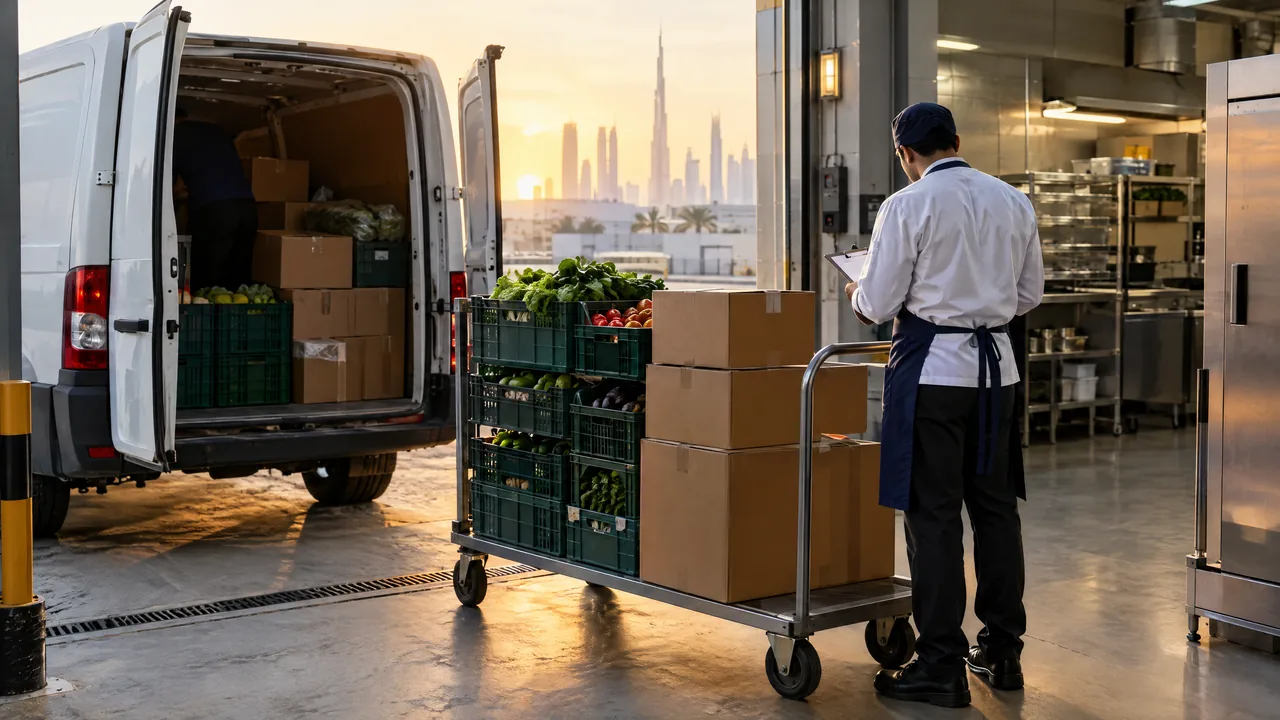
Buy once for every brand the kitchen cooks
A cloud kitchen buys for several menus at once. TajerGo keeps draft orders, deliveries awaiting receipt and supplier invoices in one purchasing screen for the kitchen. Invoice lines are prepared for your team to review before they touch stock or cost. Supplier price history is on the Growth plan.
Step by step
How it works
Order from what the brands used
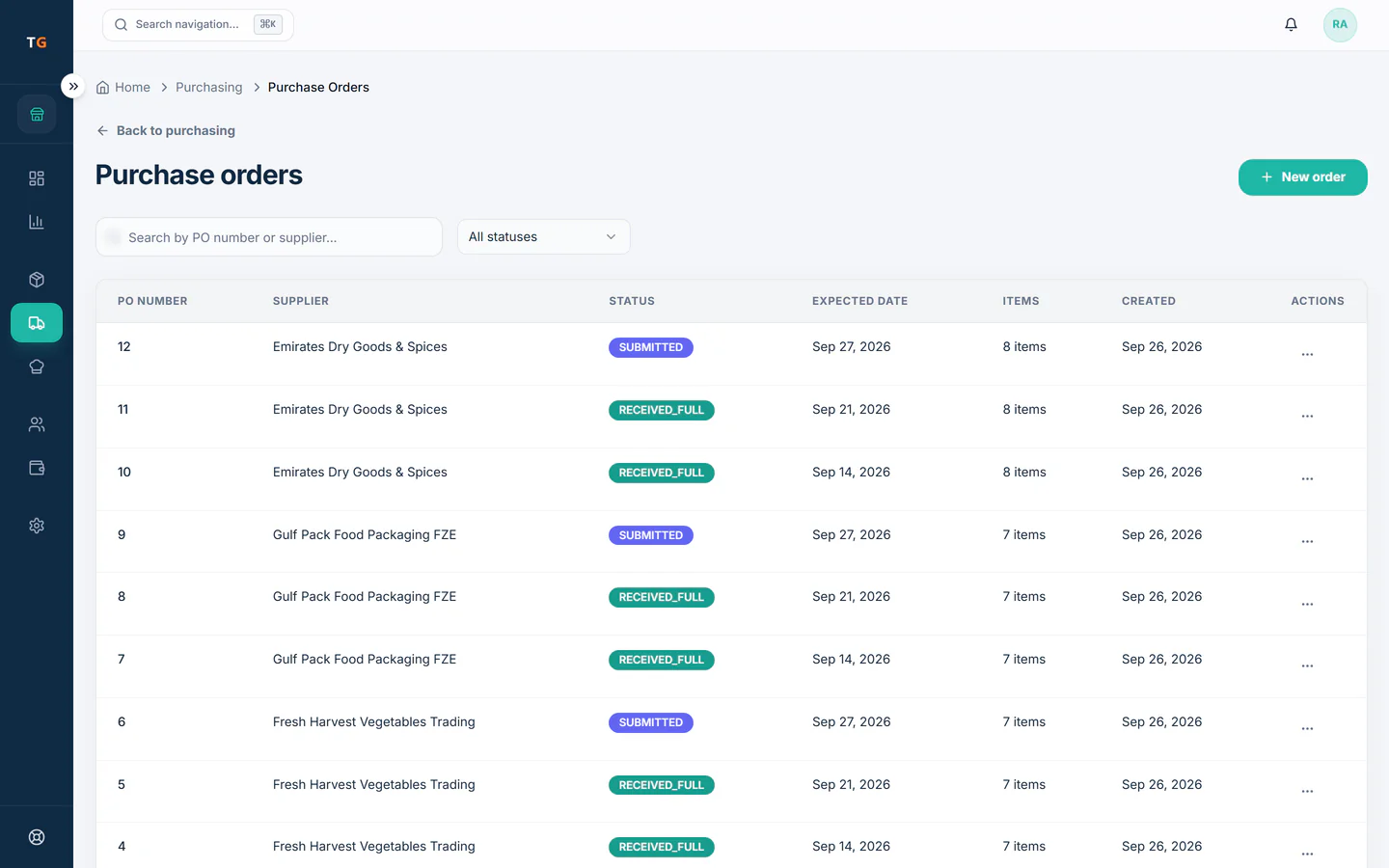
Draft purchase orders for the ingredients every menu shares, one order per supplier.
Low stock turns into a drafted reorder. Receive at the back door
Record the goods received against the order, so stock rises with what actually arrived.
Deliveries received update stock, suppliers and profit on one record. Review the supplier invoice
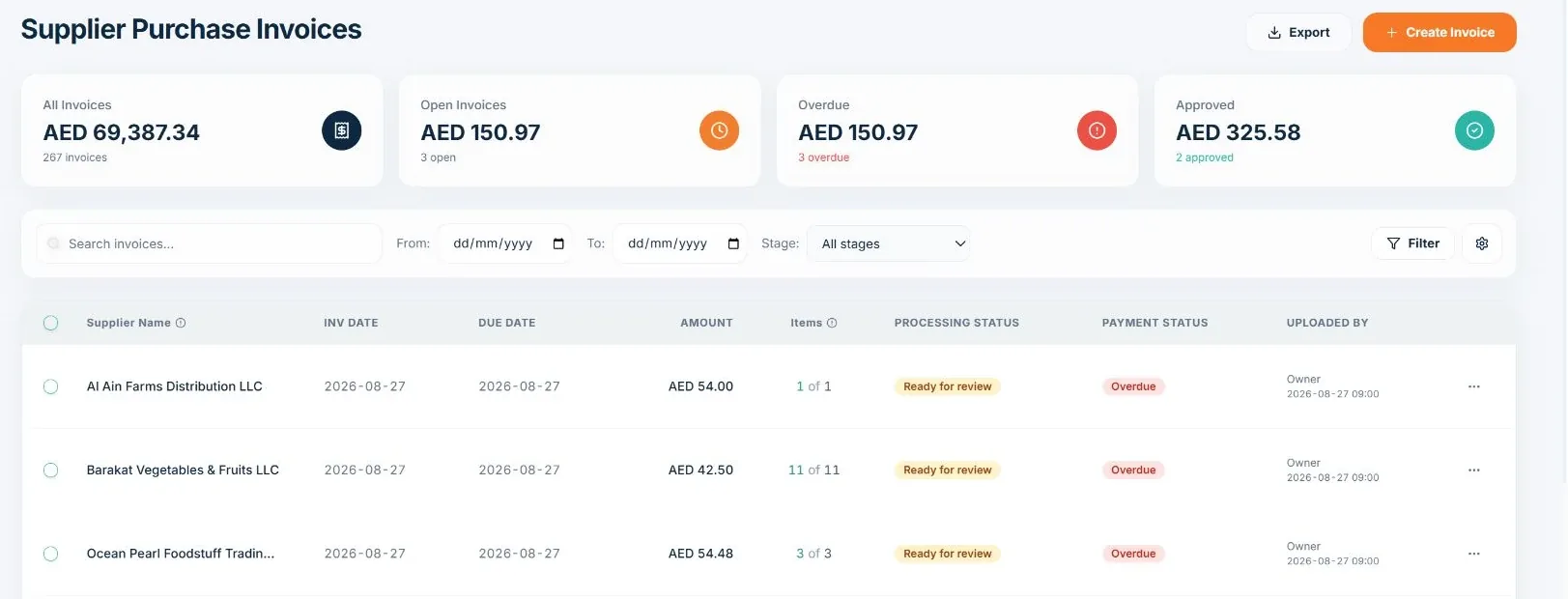
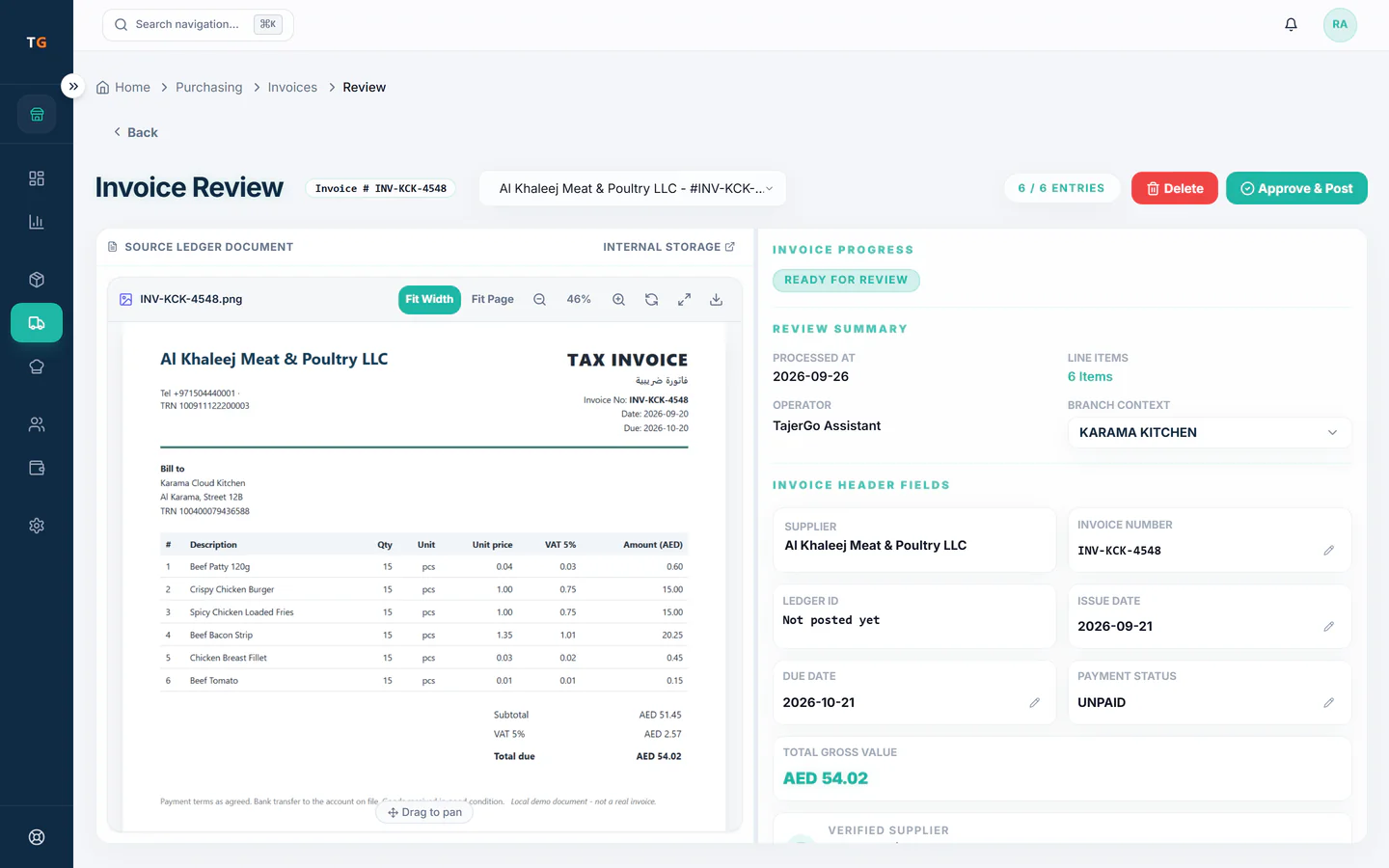
Invoice lines are prepared for your team to check against the order and the delivery before they count.
Demonstration data Watch supplier prices
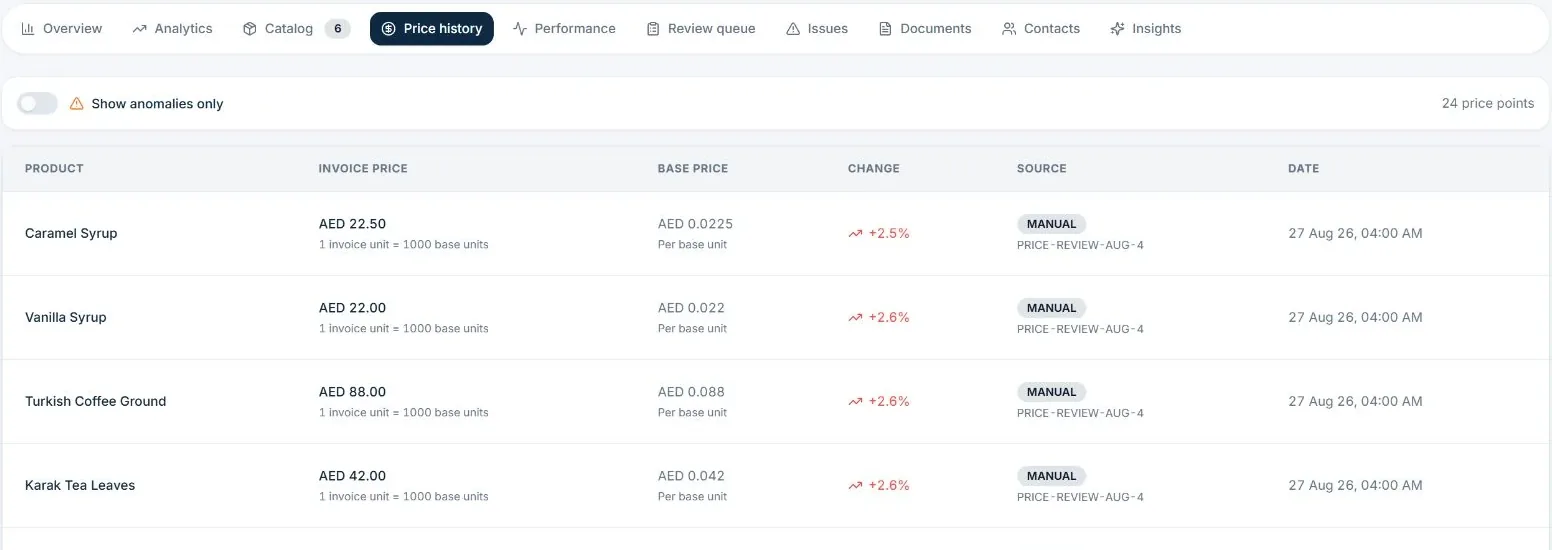
See when a supplier raises a price, and which brand dishes feel it.
Demonstration data
What you can do
Purchase orders and receiving
Draft orders and goods received on the kitchen record.
Invoice review queue
Invoices wait as ready for review until someone approves them.
Order, delivery and invoice matched
Quantity or price differences show before you pay.
Supplier invoice scans
A monthly allowance on every plan, from 10 on Free and 20 on Starter to 150 on Growth.
Supplier price historyGrowth plan
Price changes by supplier and item over time.
The connected loop
Connected to
Inside the product
Pricing
Plans and pricing
From the help centre
See how the workflow actually works
Product documentation, not customer stories.
Frequently asked questions
Does TajerGo read supplier invoices for me?
Invoice lines are prepared for your team to review and approve. Nothing posts to stock or cost until a person approves it.
Can one purchase order cover ingredients for several brands?
Yes. Purchasing belongs to the kitchen, so one order covers what every brand menu uses.
Which plan shows supplier price history?
Supplier intelligence, including price history, is on Growth and above.
Bring a week of supplier invoices
Book a demo or start on the free plan.
Ask our team to call you
Leave your details and the TajerGo team will get back to you.