

POS and billing
A florist till that books the delivery while the customer waits
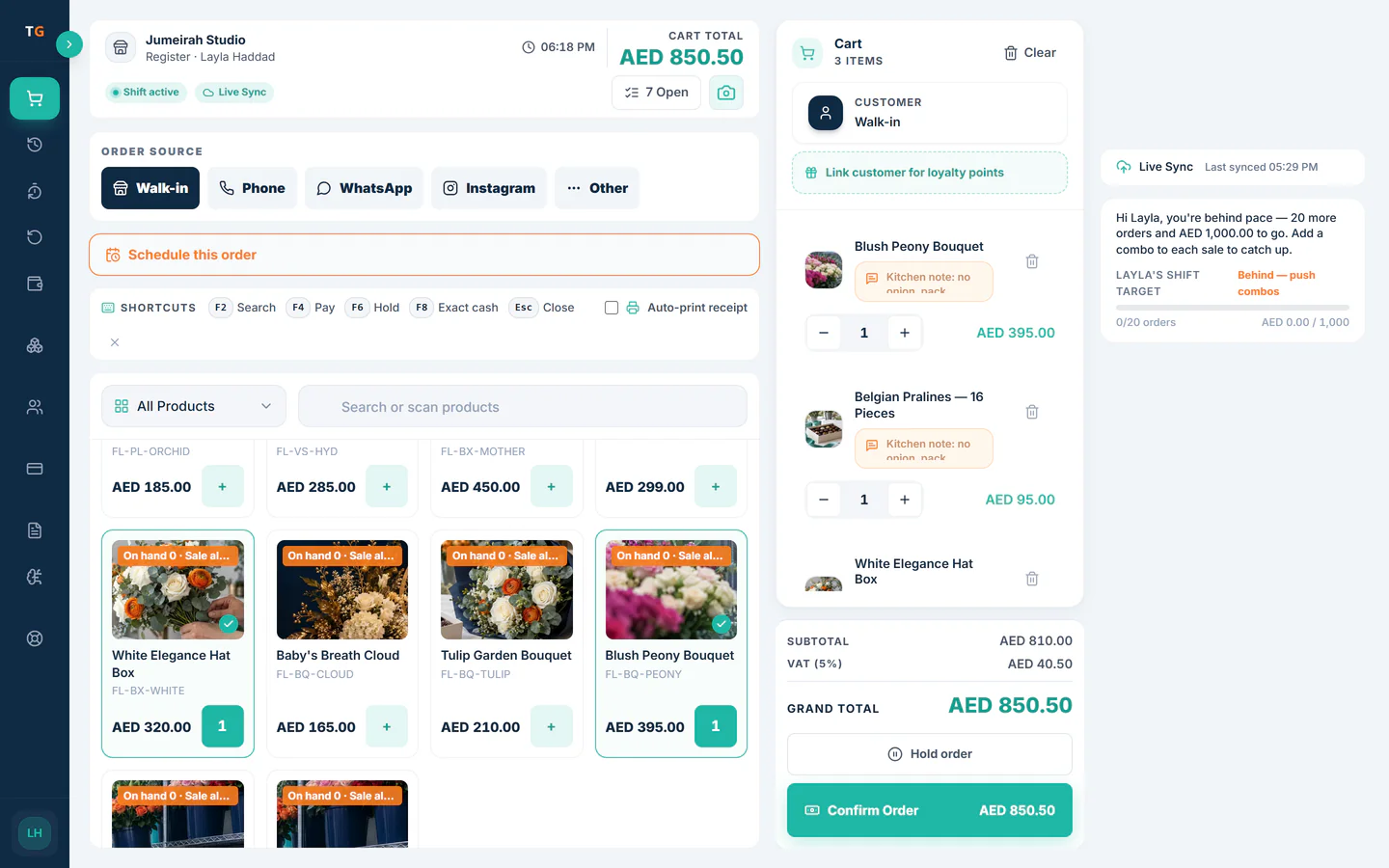
At the TajerGo counter a gift sale can leave the shop later. The cashier sets the date, the time slot, pickup or delivery, the recipient, the card message and whether to hide the sender, and the order joins the day book with the slot already booked.
Step by step
How it works
Ring up the gift
Add a bouquet, a box of chocolates or a few loose stems, just like any sale. Items sold by weight take the weight at the till.
Chocolates weighed at the till and priced on the bill. Choose pickup or delivery and a slot
Pick the date and a time window that still has space. Full windows are closed, the same as in the online store.
Time windows with space left and one full window closed. Add the recipient and the card
Record who receives it, where, a note for the driver and the card message. Tick hide sender when the gift is a surprise.
A counter order with a delivery date, time slot, recipient, card message and hidden sender. Take payment and move on
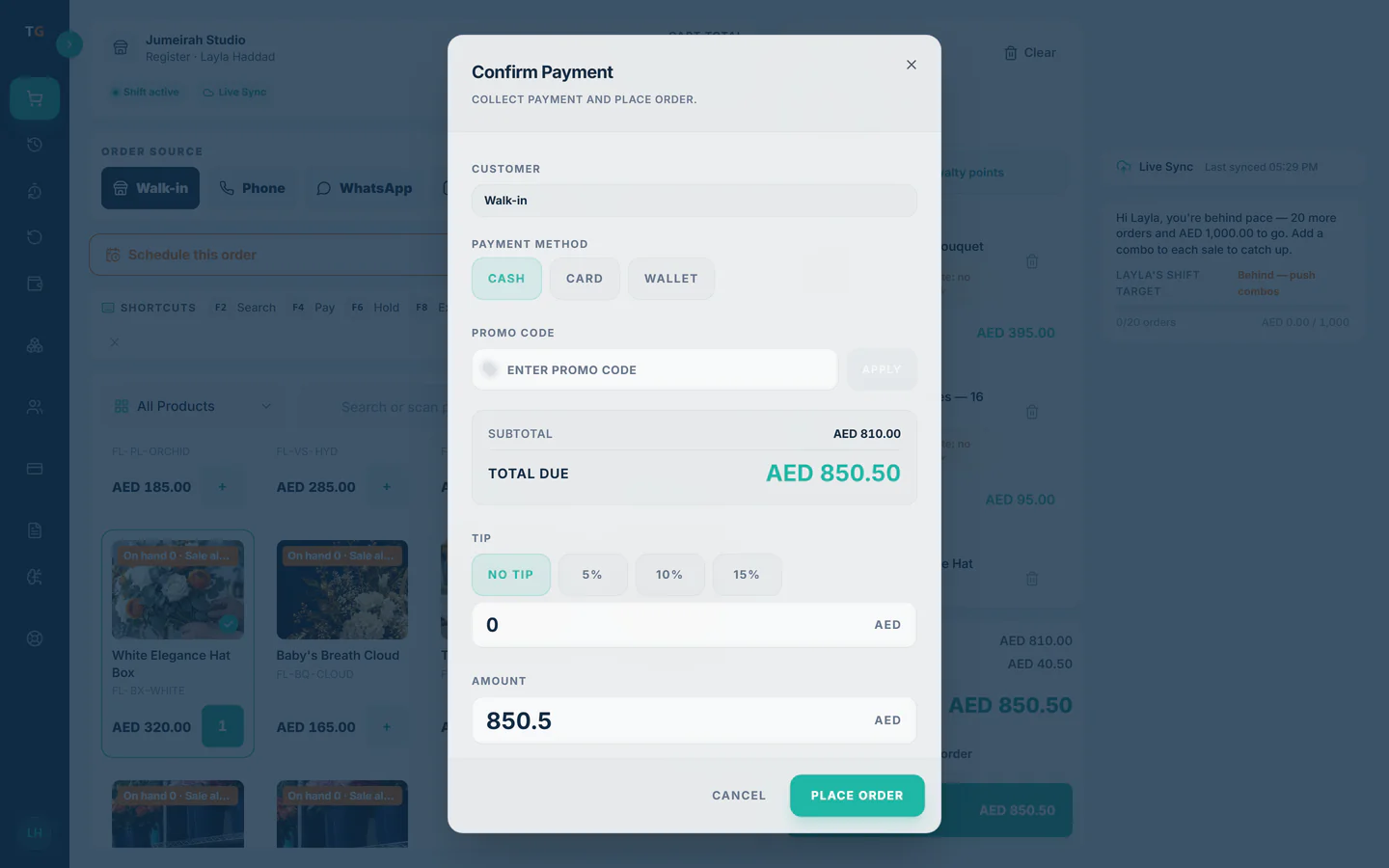
Take payment now and print the receipt. The order waits on the day book as Scheduled until the workshop starts on it.
The counter order waiting in the Scheduled column of the day book.
What you can do
Dated fulfilment on every plan
Date, time slot, pickup or delivery and recipient on any counter order, Free plan included.
Card message and hidden sender
The message prints for the workshop and the sender can stay anonymous.
Same slots as the online store
Counter and web orders share one slot calendar, so neither can overbook the other.
Delivery fee on the bill
A delivery charge sits on the order as its own line and counts in the total.
Arabic or English at the till
Staff can work the POS in Arabic or English, and receipts follow your settings.
The connected loop
Connected to
Inside the product
Pricing
Plans and pricing
From the help centre
See how the workflow actually works
Product documentation, not customer stories.
Frequently asked questions
Is this different from a normal POS sale?
Only in that the order carries a date, slot and recipient. It is paid, receipted and deducted from stock like any other sale.
Can a customer order today for a delivery next week?
Yes. Pick any future date with an open slot. The order stays on the book for that day.
Which plan do I need for dated orders?
None beyond Free. Scheduled pickup and delivery orders work on every plan. Assigning couriers starts on Starter.
Can I print the card message?
Yes. The card message is kept with the order so the workshop can write or print it for the gift.
Take a gift order at the counter and send it later
Book a demo or start on the free plan.
Ask our team to call you
Leave your details and the TajerGo team will get back to you.