
Cloud kitchens · Kitchen display
A kitchen display built for bags, not tables
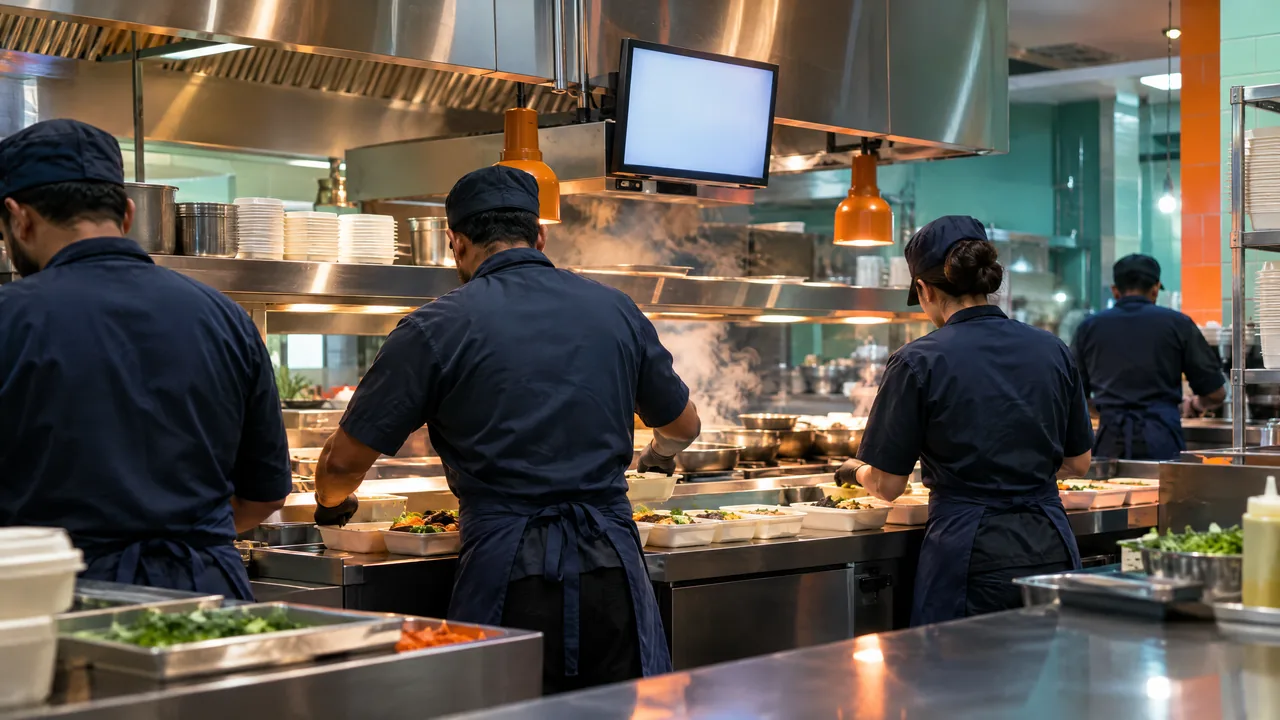
On the TajerGo kitchen display every cloud kitchen ticket shows its brand, its station, the time it has been waiting against its target, and the notes the packer needs. Cooks accept and finish tickets on the screen, and the last one can be recalled. The kitchen display is included from the Starter plan.
Step by step
How it works
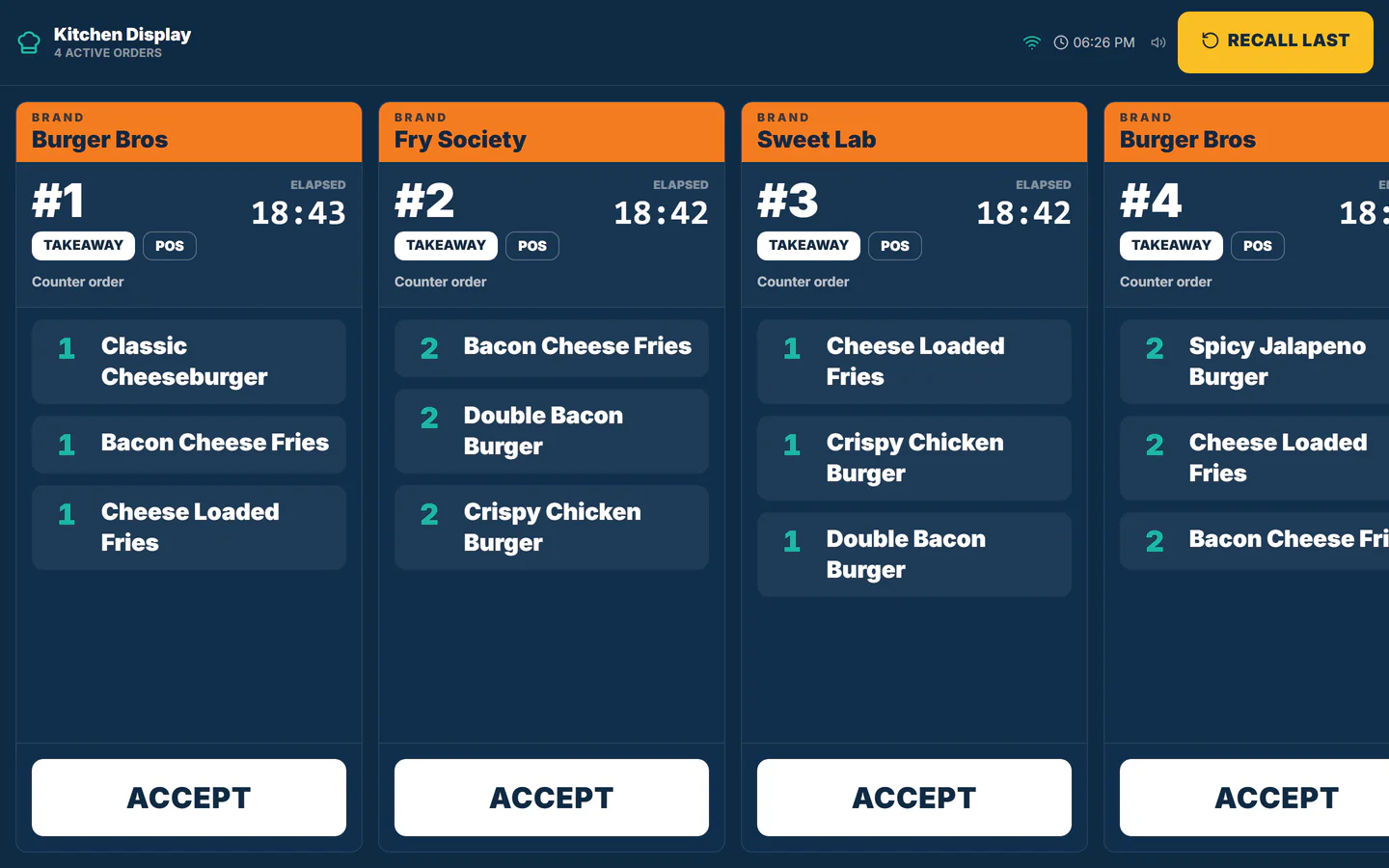
Tickets land by station
Each order goes to the station that cooks it, such as the cold line, with delivery set as the default order type.
Orders from each channel reach the kitchen display. Timers keep the rider window
Every ticket shows time elapsed against its target, so the line can see which bag is about to miss its pickup.
Demonstration data Alerts and notes stay on the card
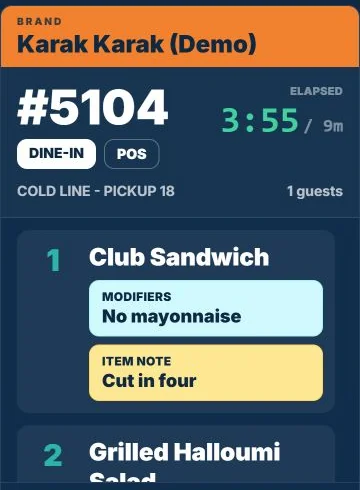
Allergy flags, modifiers and packing notes sit on the ticket in colour, where the cook and the packer both see them.
Demonstration data Accept, finish, recall
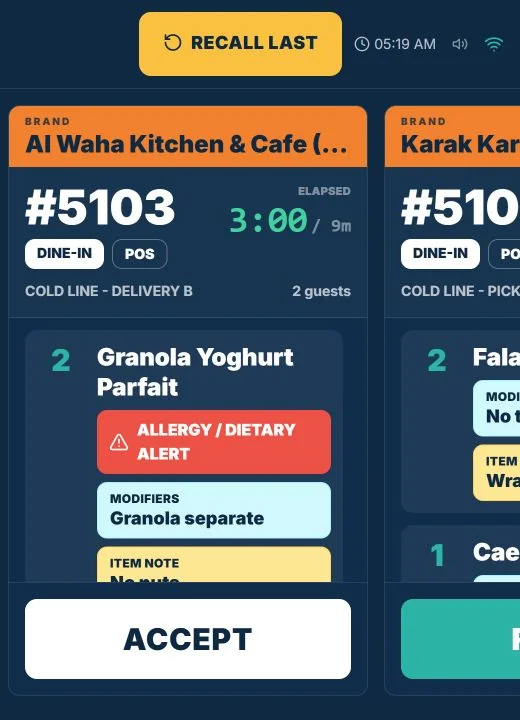
Cooks accept a ticket when they start, finish it when it is packed, and recall the last one if it went too soon.
A ticket timer filling toward its target, and Accept turning into Finish.
What you can do
Brand header on each ticket
The brand name sits above the order number, so two brands on one line never mix.
Elapsed and target time
A running clock against the target for each ticket.
Allergy and dietary alerts
A red alert above the item it applies to.
Modifiers and item notes
Shown per item, including packing instructions.
Recall last
Brings back the ticket that was finished by mistake.
Included from StarterStarter plan
The kitchen display is part of the Starter plan and above.
The connected loop
Connected to
Pricing
Plans and pricing
From the help centre
See how the workflow actually works
Product documentation, not customer stories.
Frequently asked questions
Does the kitchen display show which brand an order belongs to?
Yes. The brand is the header of every ticket, above the order number and items.
Can different stations see only their own tickets?
Yes. Tickets are routed to the station that prepares them, such as the cold line or the grill.
Which plan includes the kitchen display?
The kitchen display is included on Starter and every plan above it.
What hardware does it run on?
A screen or tablet at each station. We confirm each device with you before you buy.
See your line on the screen
Book a demo or start on the free plan.
Ask our team to call you
Leave your details and the TajerGo team will get back to you.