
Retail & grocery · Billing
Retail billing that starts with a barcode scan
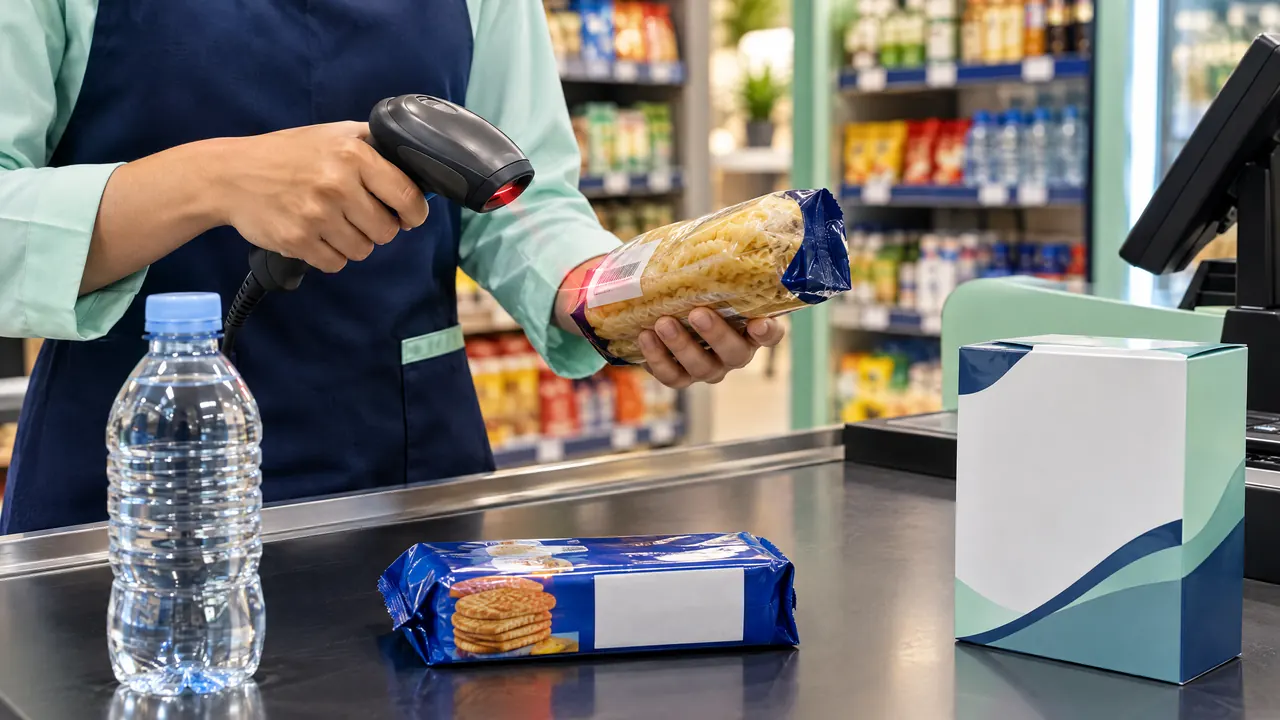
TajerGo turns a barcode scan or a typed SKU into a cart line, asks for the size or colour when a product has variants, and takes cash or card at the counter. Each sale deducts stock for that exact variant and prints a receipt with your TRN.
Step by step
How it works
Scan or search
Point the scanner at the pack or type the SKU. The product lands in the cart at its shelf price, so the cashier never keys a price by hand.
Scanned products drop into the cart one line at a time. Pick the variant
For a shirt, a shoe or a bottle size, the till asks which variant was sold. Stock comes off that size or colour, not off a generic parent item.
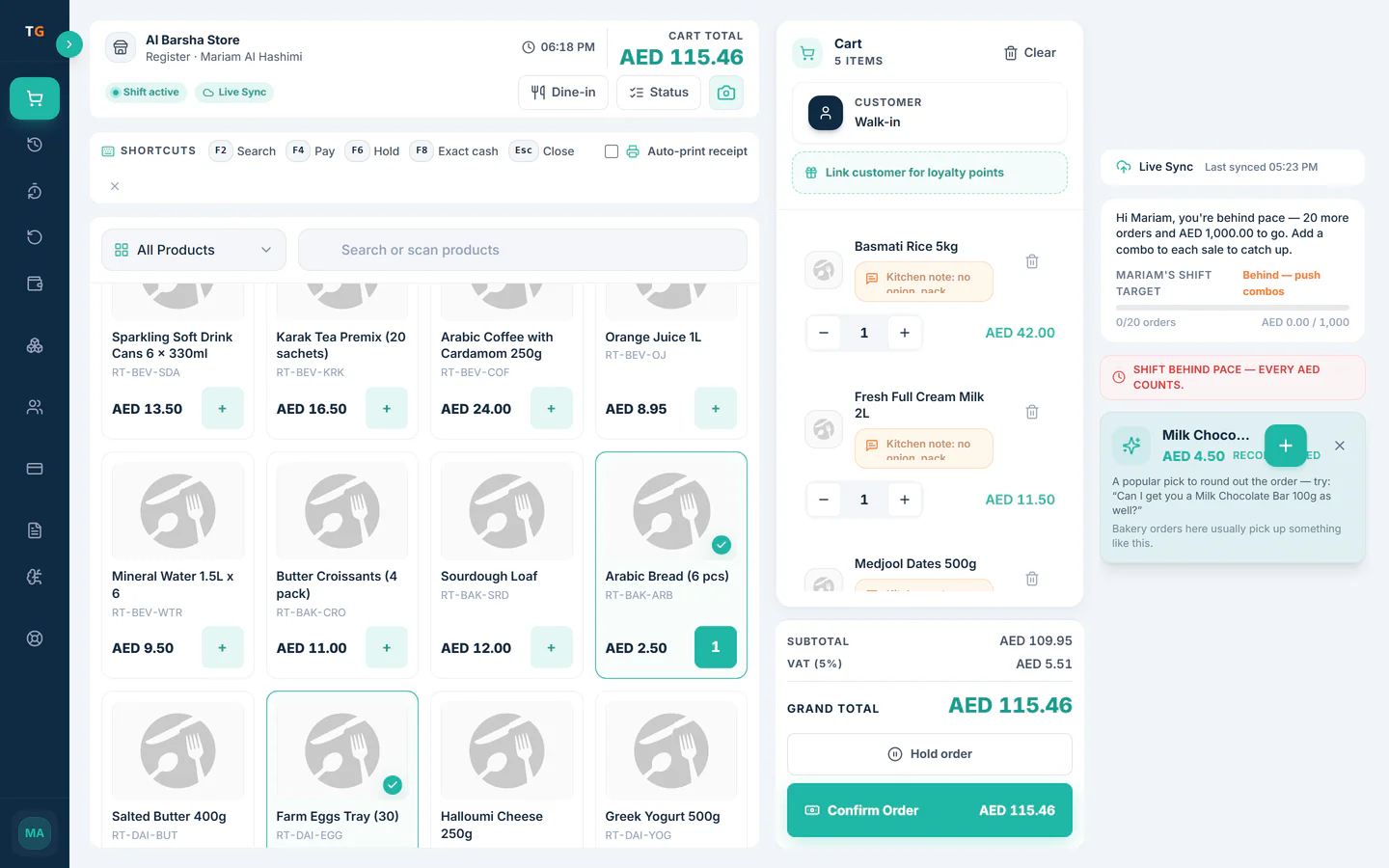
Stock is tracked per variant, and a low shelf is flagged. Take payment and hand over the receipt
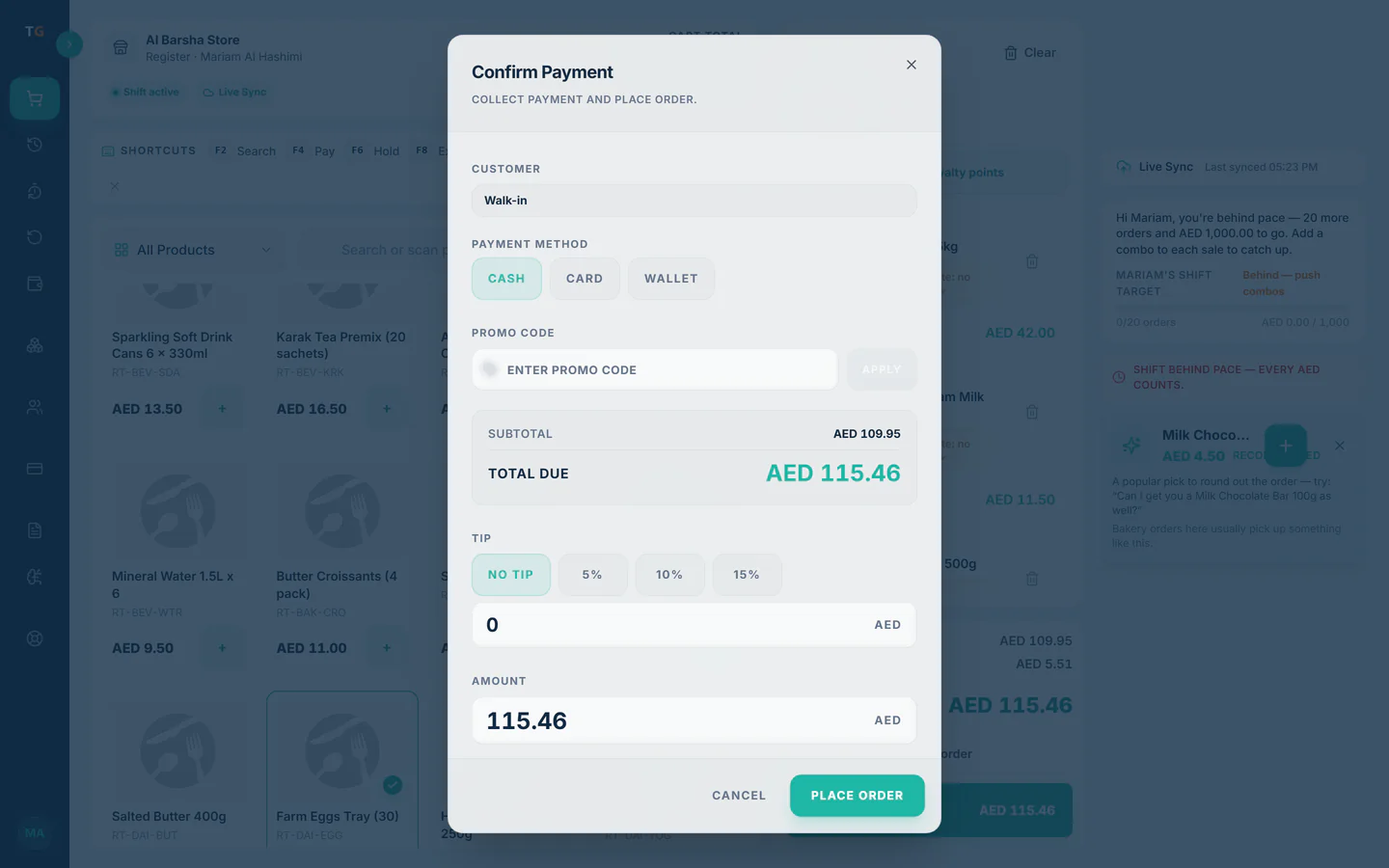
Cash, card or a split between them. The receipt carries your TRN and the VAT line as you configured them.
A tax receipt prints with the TRN and the VAT line. Close the till with the numbers already added up
At the end of the shift the cashier counts the drawer against what the till recorded, and the owner sees the day in reports.
The drawer count is checked against the till at shift close.
What you can do
Barcode and SKU lookup
Scan with a standard barcode scanner, or search by name or code when a label will not read.
Variants by size and colour
One product, many variants, each with its own barcode, price and stock count.
Quick counter checkout
A counter sale opens ready to scan and pay, with no table or order-type step, so a queue moves without extra taps.
Phone sell mode for busy hours
A second staff member can ring up items on a phone to shorten the queue at the counter.
Split and mixed payments
Take part in cash and part by card on the same bill, with both recorded for the shift close.
Sales on credit
Put a sale on a known customer’s khata account instead of taking cash, with a limit you set.
The connected loop
Connected to
Inside the product
Pricing
Plans and pricing
From the help centre
See how the workflow actually works
Product documentation, not customer stories.
Frequently asked questions
Which barcode scanners work with TajerGo in a shop?
Scanners that type the code into the till like a keyboard are the usual choice. Bring your model to the demo and test it before you buy more.
Can one product have several sizes or colours?
Yes. Set each variant with its own barcode and price. The till asks for the variant when needed, and stock is counted per variant.
What if a label will not scan?
Search by product name or SKU on the till, or type the barcode digits. The line goes into the cart the same way.
Do I need a separate system for loose produce?
No. Weighed items are sold on the same till and the same bill. See the sell by weight page for how the weight is entered.
See a barcode sale go from scan to stock
Book a demo or start on the free plan.
Ask our team to call you
Leave your details and the TajerGo team will get back to you.