

Retail & grocery · Purchasing
Order from suppliers and pay for what actually arrived
TajerGo lets a shop raise purchase orders, receive the delivery against them and check the supplier bill line by line before paying. Payables aging shows what is due to whom, and supplier price history is on the Growth plan.
Step by step
How it works
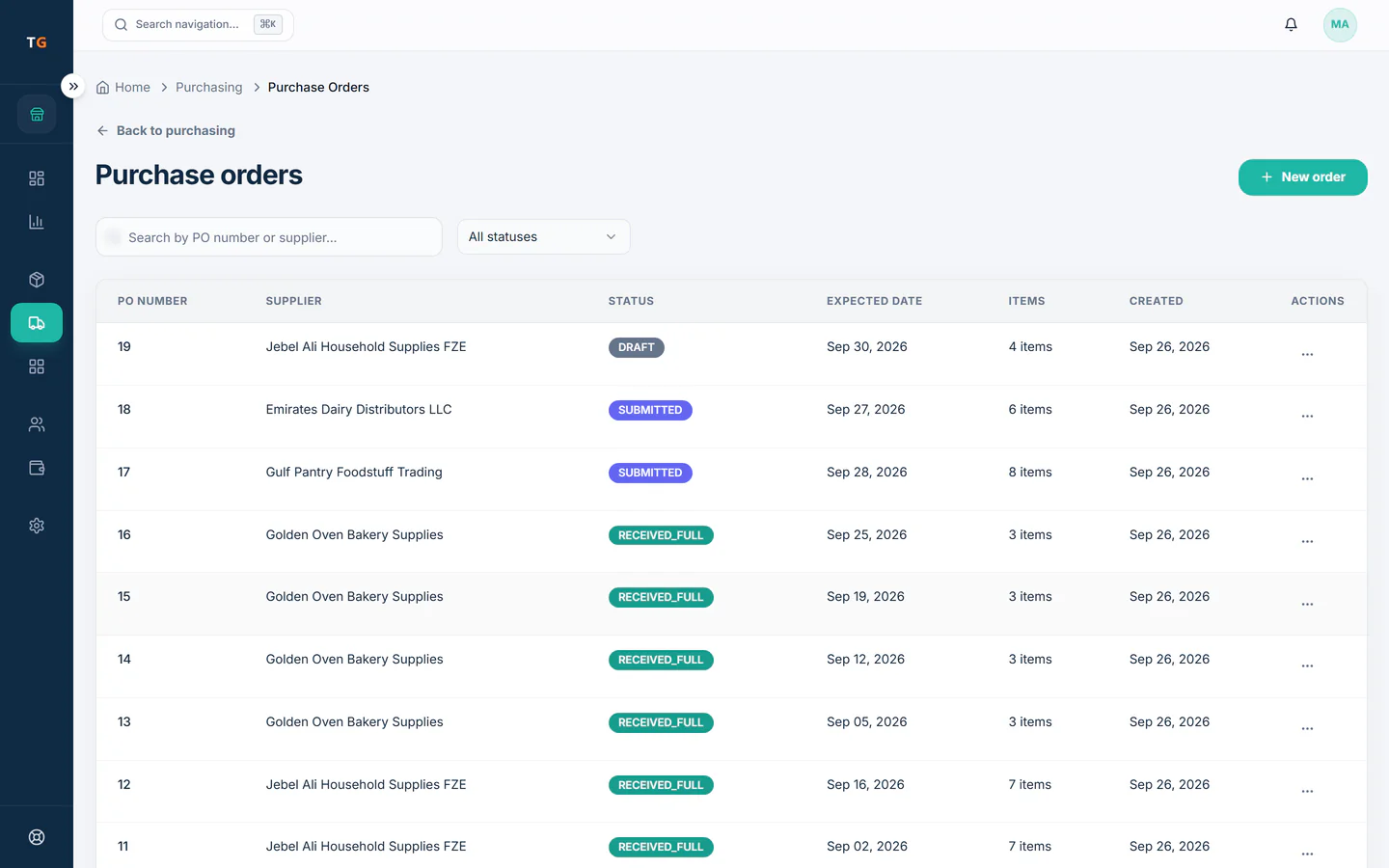
Raise the order
Build a purchase order from the low-stock list or from scratch, and send it to the supplier.
Low lines on the shelf feed the next purchase order. Receive at the back door
Count the cartons against the order when the van arrives. What you accept goes straight into stock.
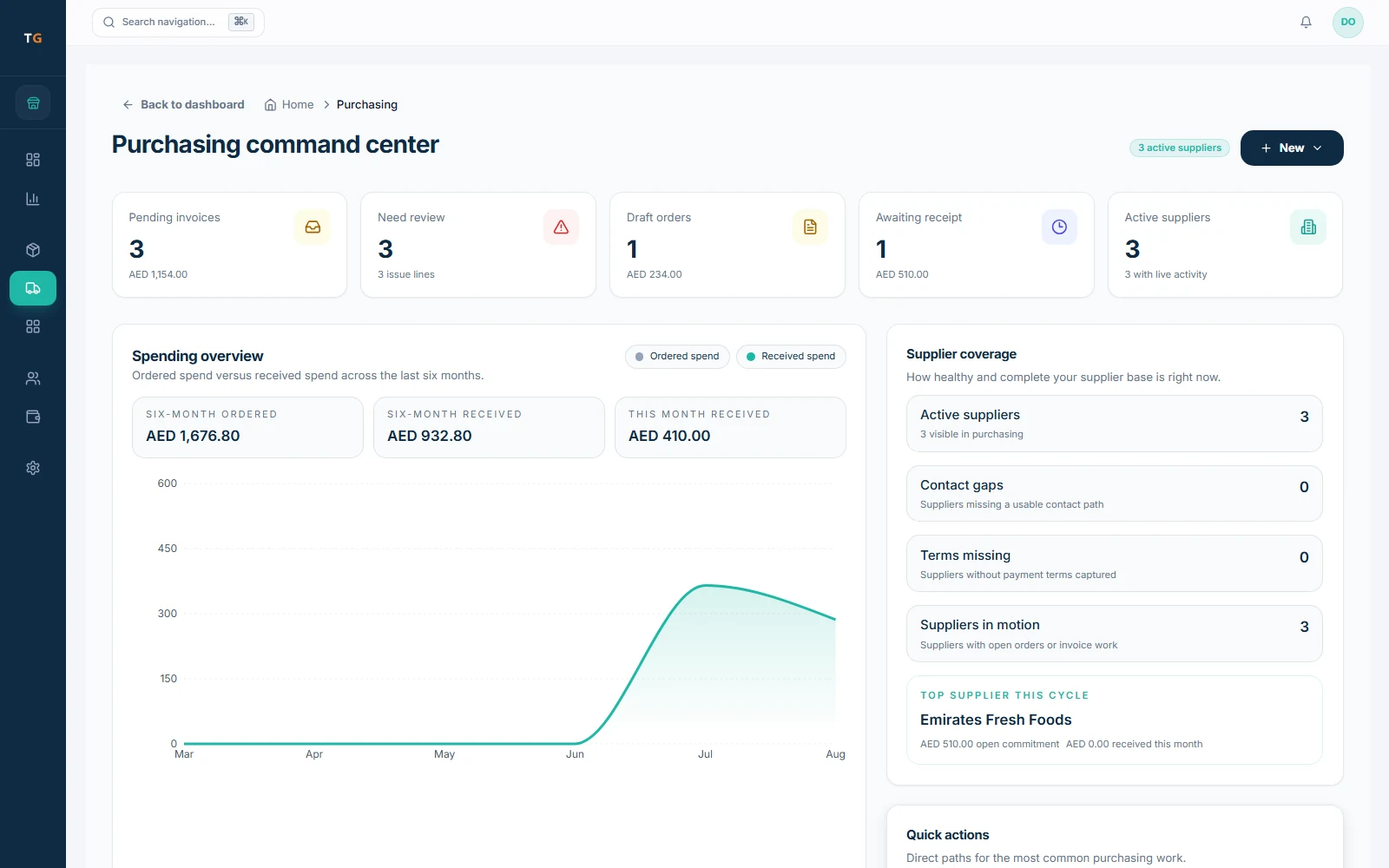
A short delivery is flagged on the goods received note. Check the bill before you pay
Order, delivery and bill are matched line by line. Short or overpriced lines stand out before money leaves the shop.
Demonstration data Watch supplier prices
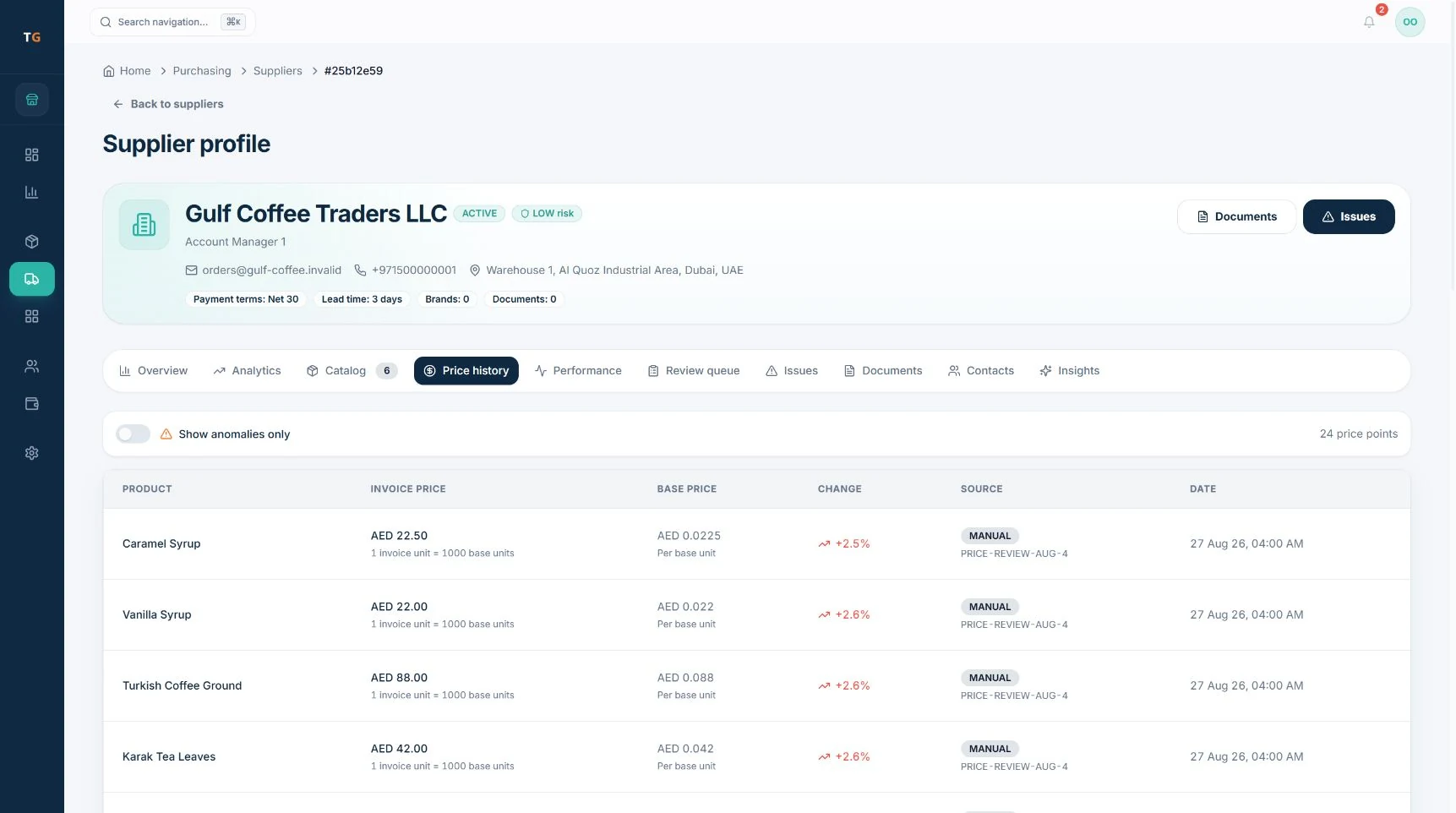
On Growth, each supplier keeps a price history, so a quiet increase on a fast-moving line is visible.
A supplier price change is raised for review.
What you can do
Purchase orders
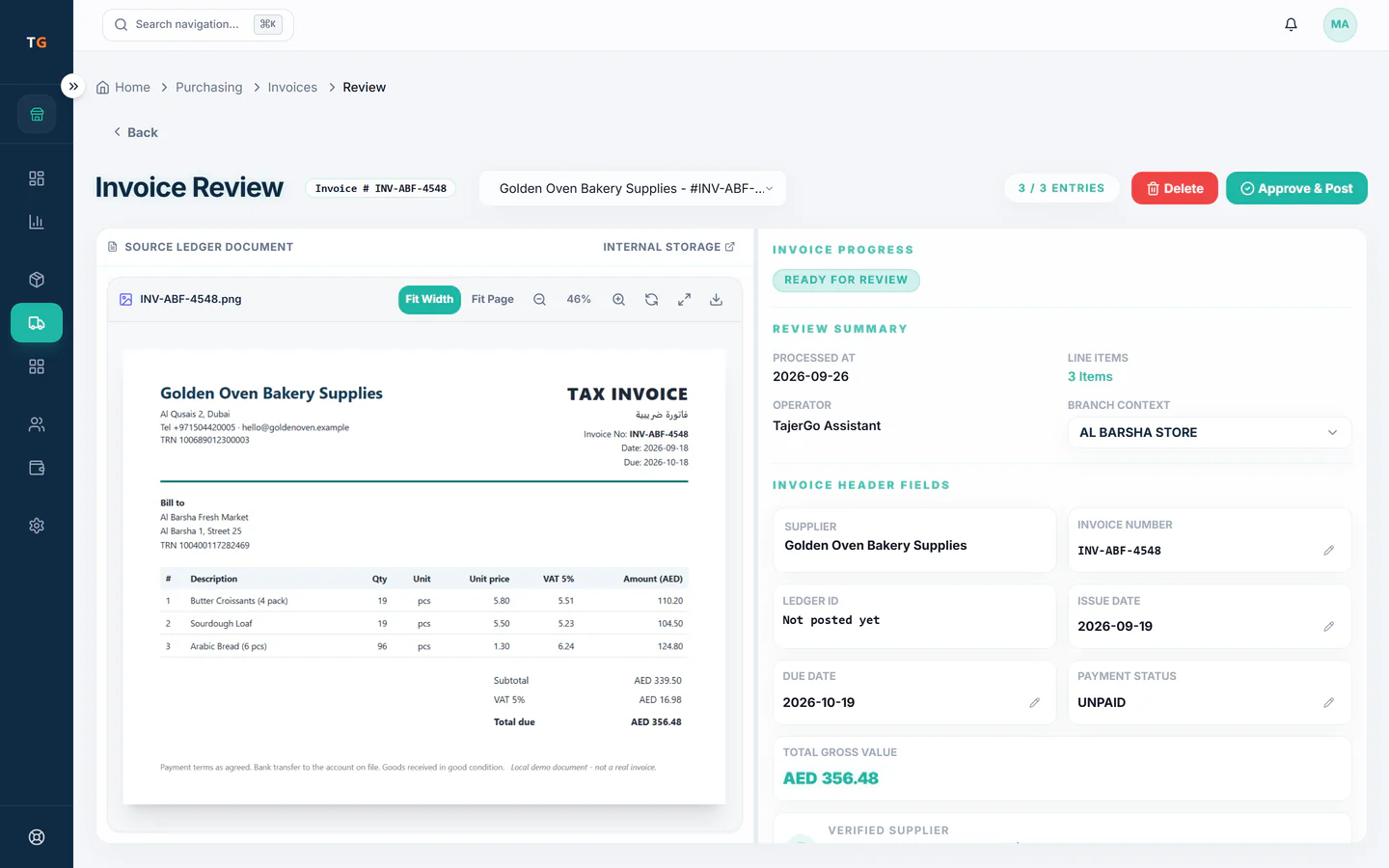
Draft, send and track orders to each supplier, with the lines and costs you agreed.
Goods received notes
Receive a delivery against its order and add the accepted quantities to stock.
Three-way match
Compare order, delivery and bill line by line and hold the lines that do not agree.
Payables aging
See what you owe each supplier and how long it has been open.
Supplier price historyGrowth plan
Track what each supplier charged over time for the same product.
The connected loop
Connected to
Inside the product
Pricing
Plans and pricing
From the help centre
See how the workflow actually works
Product documentation, not customer stories.
Frequently asked questions
What is three-way matching for a shop?
It compares what you ordered, what arrived and what the supplier billed. If a carton was short, the bill line is held until someone sorts it out.
Can I see how much I owe each supplier?
Yes. Payables aging lists open supplier bills by how long they have been due.
Which plan shows supplier price history?
Supplier price history is part of supplier intelligence on the Growth plan.
See a delivery checked before the bill is paid
Book a demo or start on the free plan.
Ask our team to call you
Leave your details and the TajerGo team will get back to you.