

Retail & grocery · Reports
See which products, categories and suppliers earn your margin
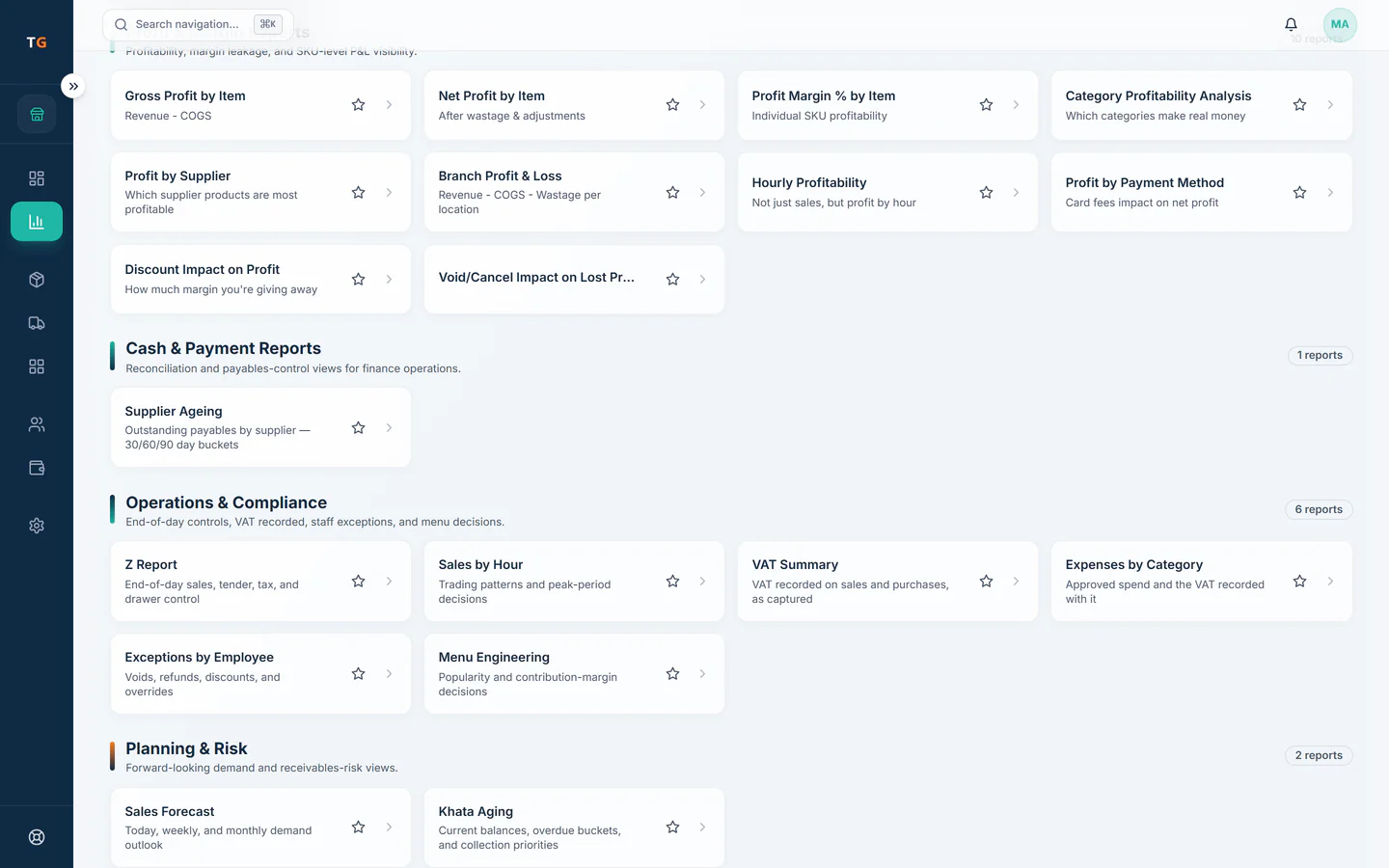
TajerGo reports margin by item, by category and by supplier from the sales and purchase costs a shop already records, and adds cash and card totals at every shift close. The Report Builder is on the Scale plan.
Step by step
How it works
Sales and costs come in on their own
Every scan at the till and every received delivery feeds the numbers. Nobody types a daily summary.
Received deliveries give each product its cost. Find the thin lines
Sort items and categories by margin. A fast seller that earns little stands out.
The weakest margin line is flagged. Compare suppliers
Profit by supplier shows which supplier’s products carry the shop and which drag it down.
Sales, stock, suppliers and profit share one record. Close each shift
The shift close report sets the counted cash against what the till recorded, per cashier.
A shift closes with the cash counted against the till.
What you can do
Margin by item
Gross profit and margin for every product, including weighed lines.
Margin by category
See whether household, snacks or fresh produce is carrying the shop.
Profit by supplier
Which supplier’s products earn the most once costs are in.
Shift close reports
Cash and card totals per shift and per cashier.
Advanced analytics and exportsGrowth plan
Deeper analysis and data exports for your accountant.
Report BuilderScale plan
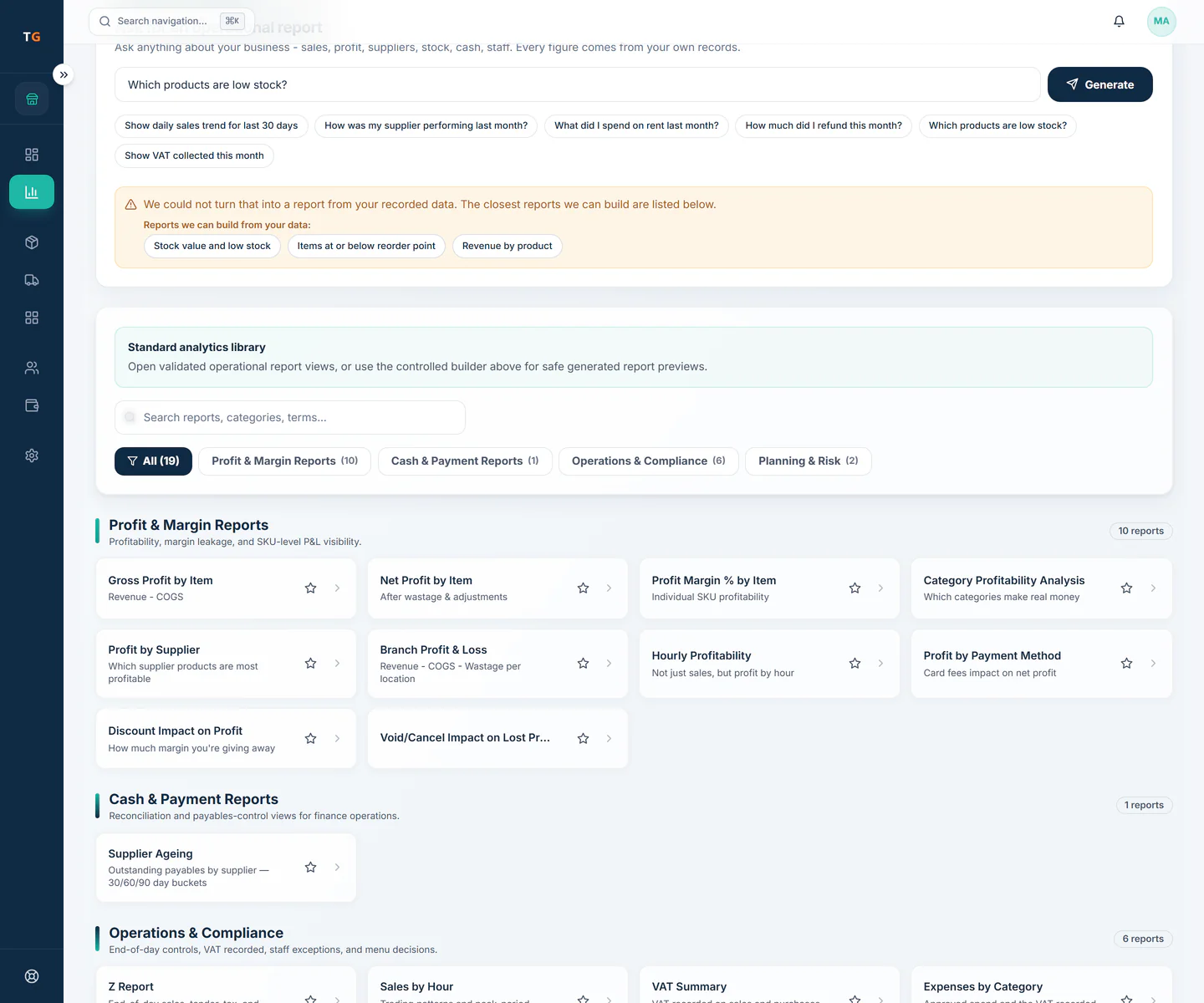
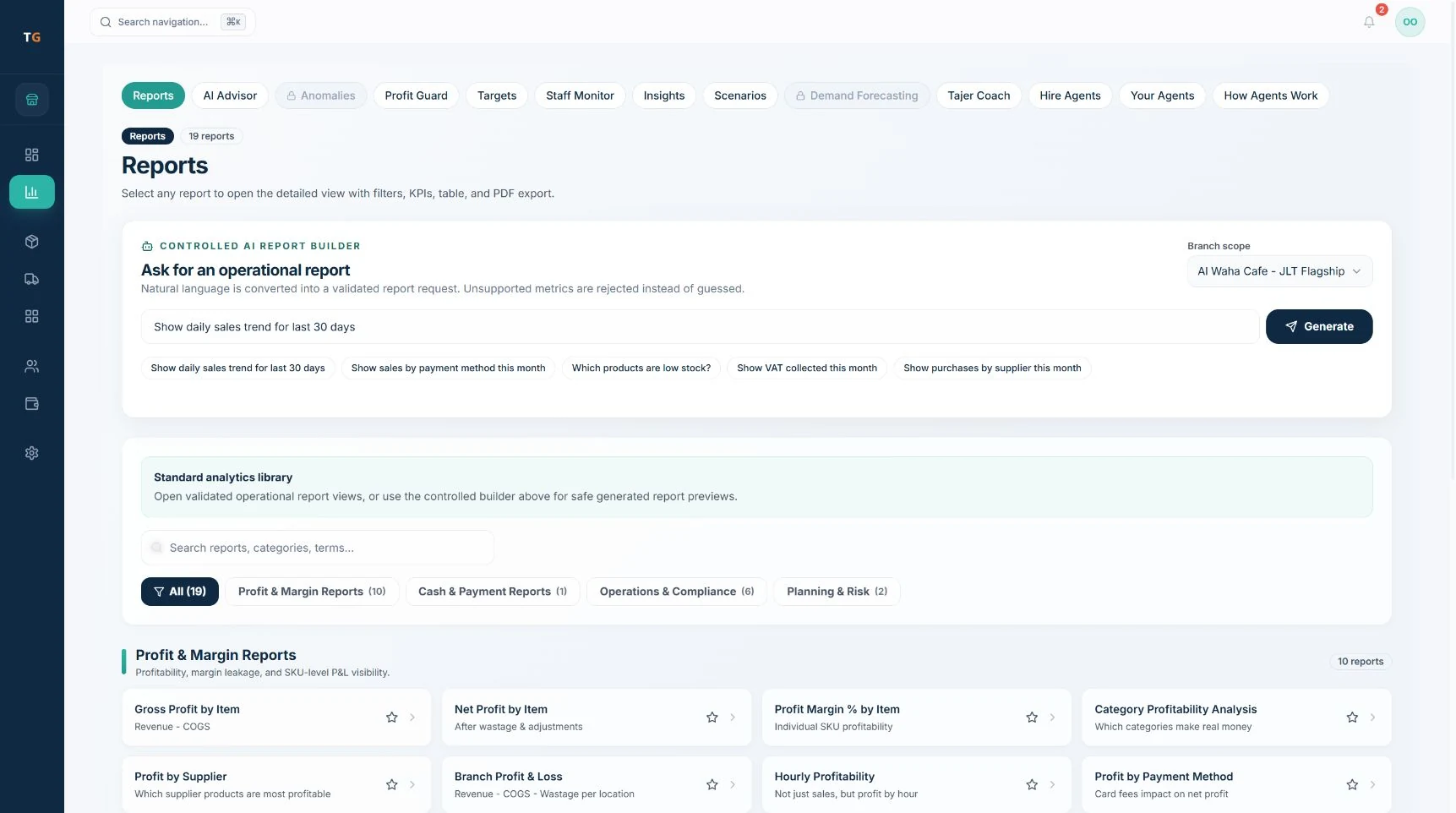
Ask for a report in plain words and get a checked report view.
The connected loop
Connected to
Inside the product
Pricing
Plans and pricing
From the help centre
See how the workflow actually works
Product documentation, not customer stories.
Frequently asked questions
Can I see margin for each supplier’s products?
Yes. The profit by supplier report groups sales and costs by the supplier each product is bought from.
Where do the cost figures come from?
From the purchase costs on received deliveries. The more complete your receiving, the more accurate the margin.
Which plan includes the Report Builder?
The Report Builder is on the Scale plan. Standard reports are on every plan, with advanced analytics on Growth.
See your shop’s margin by product and supplier
Book a demo or start on the free plan.
Ask our team to call you
Leave your details and the TajerGo team will get back to you.