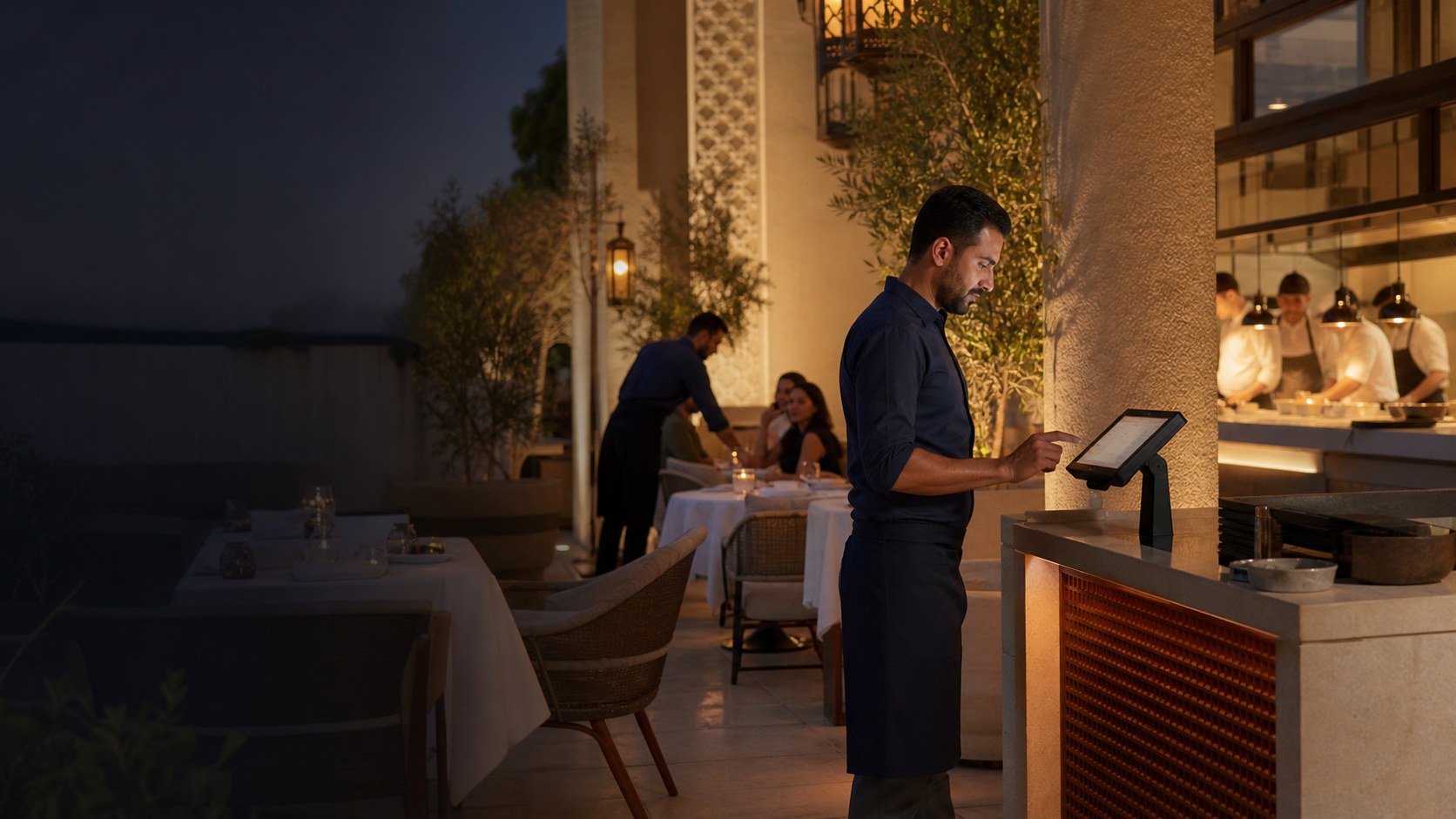
Manage dine-in service
Open tables, add rounds, and review the active order before settlement. Use your own table flow in the demo to confirm the required setup.
Restaurant & F&B POS · Abu Dhabi
Keep restaurant and food and beverage table service, kitchen handoff, stock activity, and purchasing in one operating flow. Bring a real service scenario so the demo can confirm the setup your Abu Dhabi operation needs.
Free plan, AED 0. No card needed.
01 · Restaurant service
Build the order once, keep the table and preparation details attached, and give each team the information it needs to move service forward.
Open tables, add rounds, and review the active order before settlement. Use your own table flow in the demo to confirm the required setup.
Keep quantities, choices, and kitchen notes with the order so front and back of house work from the same record.
Review the kitchen displayReview stock movement, receiving, waste, purchase orders, and supplier work through the supported inventory and purchasing flows.
Explore restaurant inventoryKeep branch records separate while giving the owner a clear route into sales, payments, stock alerts, and reports.
See reporting featuresBring one dine-in order with choices and a kitchen note, then follow its handoff and the owner records it creates.
Real TajerGo product views
These product captures use demonstration data. They show the restaurant handoff and purchasing records you can inspect in a tailored walkthrough.
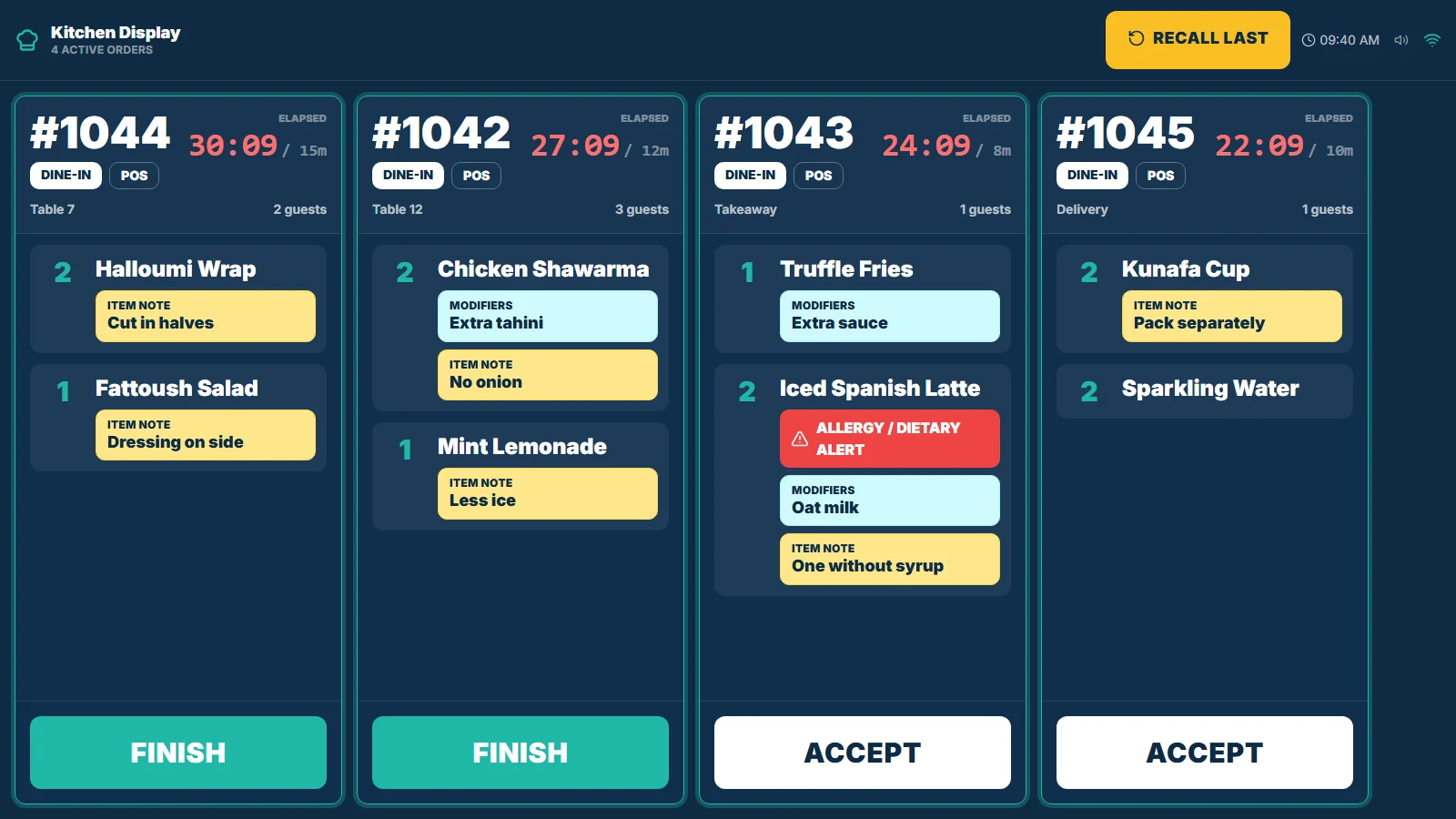
The kitchen display separates active orders, shows elapsed time, and keeps items, quantities, choices, and preparation notes visible for the team.
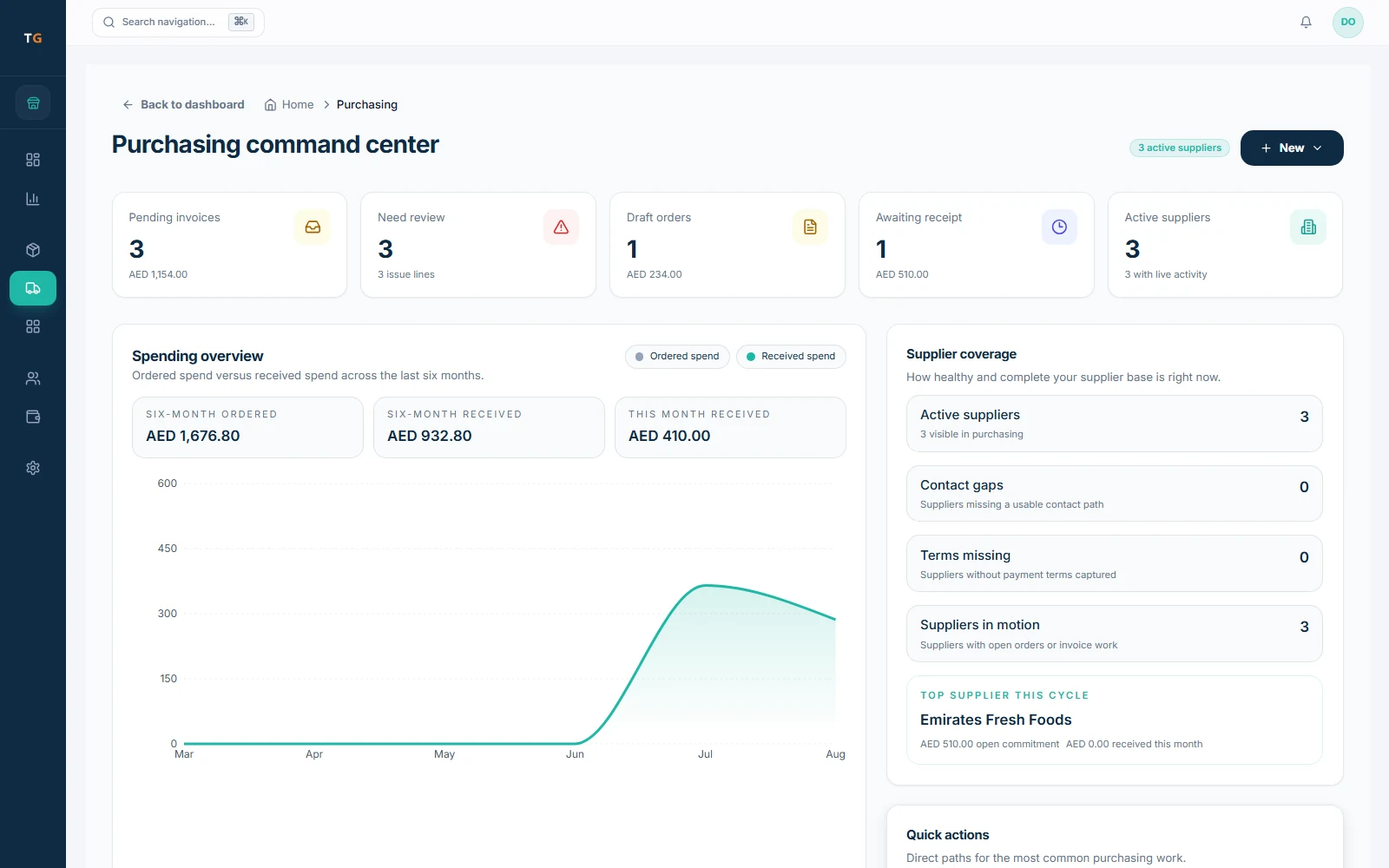
The purchasing workspace brings pending invoices, review work, draft orders, expected receipts, supplier activity, and spending context into one owner-facing record.
UAE setup, checked before go-live
Use the demo and implementation review to check receipt, language, access, and connectivity expectations. Review the final tax treatment with your own adviser.
Configure AED, tax treatment, TRN, and receipt details, then review the final output for your business.
Confirm the cashier, manager, kitchen, owner, receipt, and right-to-left surfaces your team expects to use.
Agree what cashiers, managers, kitchen teams, and owners need to see and do for each active branch.
Test the device, payment, printing, kitchen, and sync scenario before agreeing the rollout plan.
A controlled restaurant switch
Start with your current menu, branches, devices, and records. Agree what can move, what needs preparation, and how the team will rehearse before the live counter changes.
Use the migration checklistList menus, recipes, tables, suppliers, customers, opening stock, branches, devices, and the exports available now.
Confirm data scope, hardware, roles, kitchen stations, VAT and TRN details, and supported offline expectations.
Run real service, kitchen, receiving, shift, and owner-review scenarios with each team before cutover.
Agree the go-live sequence, named support, reconciliation checks, and handover before changing the live operation.
Published pricing path
FreeAED 0
Paid plans start atAED 99per active branch each month
One Business Account keeps active branches on one plan and billing relationship. Prices exclude VAT, if applicable.
Restaurant POS Abu Dhabi questions
The Free plan is AED 0. Paid plans start at AED 99 per active branch each month. Current plan scope and annual billing are listed on the pricing page. Prices exclude VAT, if applicable.
See TajerGo on your restaurant workflow
Use the walkthrough to test table service, kitchen handoff, stock and purchasing records, UAE setup, and the owner review your restaurant needs.
Your 30-minute walkthrough
Built around restaurant service
Review how service, stock, purchasing, and owner decisions fit together for your Abu Dhabi restaurant.