
Quick service
QSR POS for UAE fast food counters
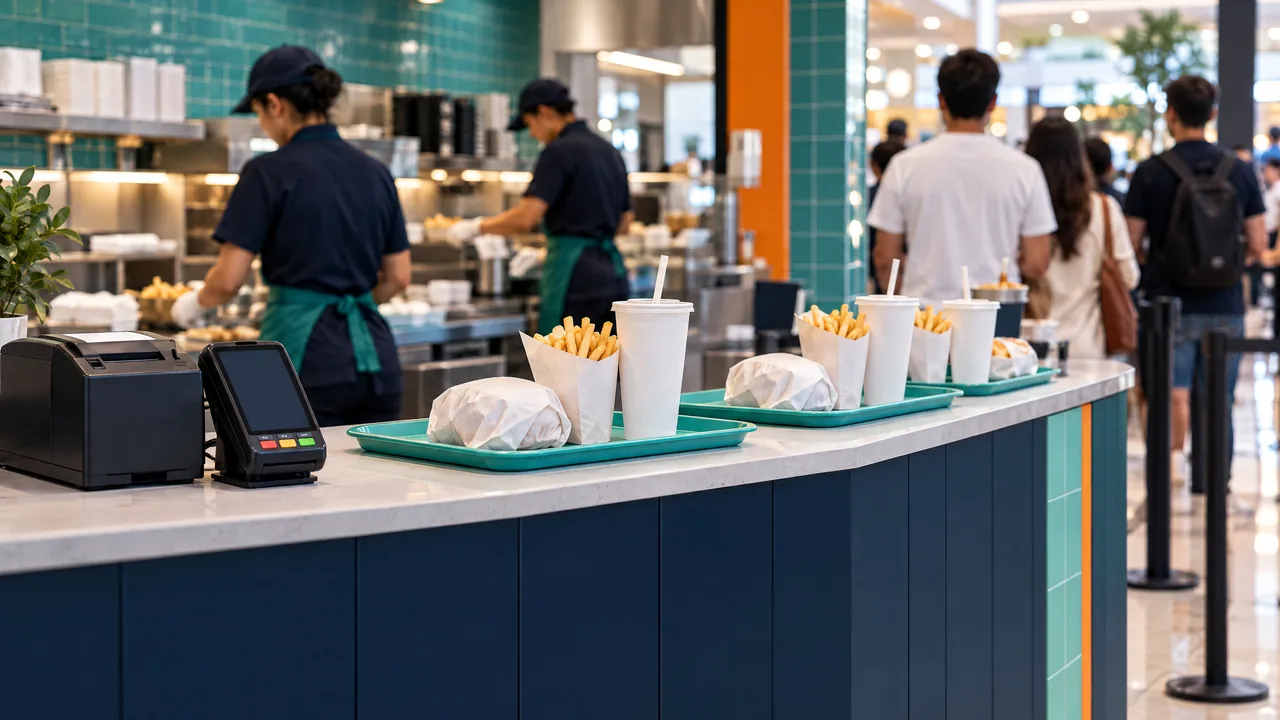
Keep the queue moving at the counter, keep the hot line in order and close the shift with the cash counted.
For quick service, TajerGo puts required choices, add-ons and kitchen notes on one fast selling screen, then routes each order to the hot line display. Held orders wait while a customer decides, and every shift closes with counted cash against what the till expected.
Speed without wrong orders
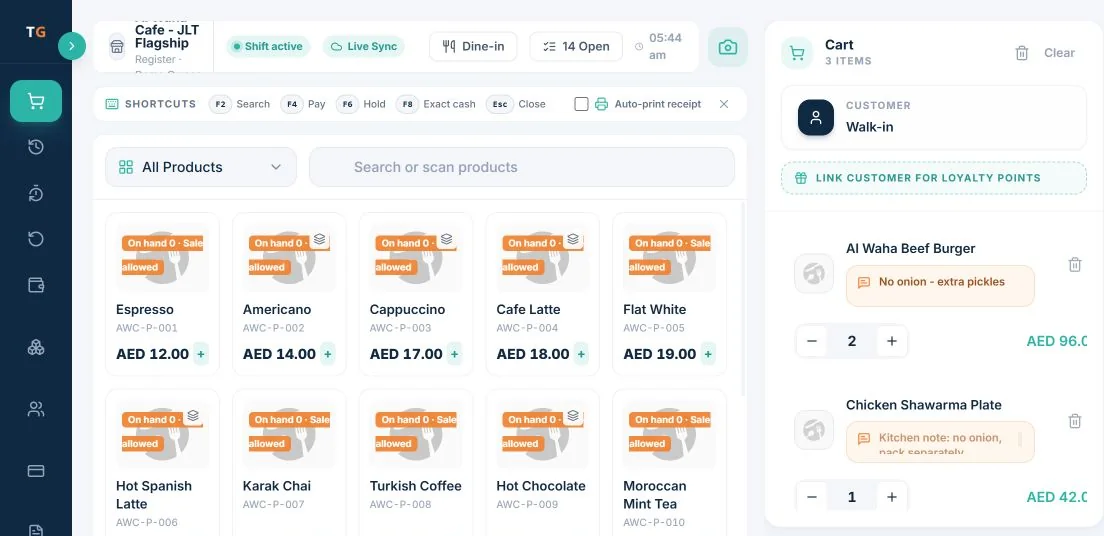
Required and optional choices are set once per item. The cashier picks them in a tap, the upcharge applies itself, and a held order can be picked up again from the Orders screen when the customer comes back.
A hot line that reads the same order
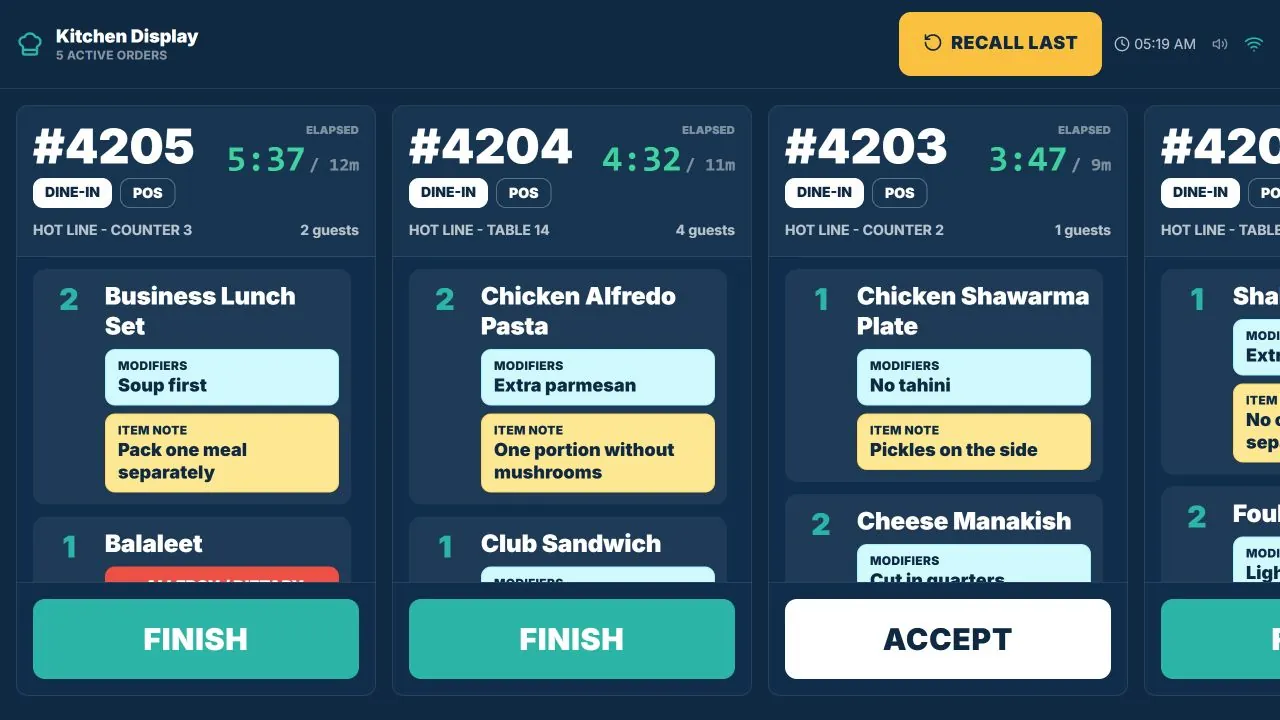
Counter and table tickets land on the kitchen display in the order they were placed, with elapsed time on each. The line accepts and finishes tickets on screen, so the pickup point knows what is ready.
One working day
Your day, connected
Size, drink and add-ons are required choices, so the cashier cannot skip one and the right price applies.
The ticket shows items, quantities, modifiers and notes like pack one meal separately.
The cashier counts the drawer and the close compares it with what the till expected.
Buyer guides
Pricing
Plans and pricing
From the help centre
See how the workflow actually works
Product documentation, not customer stories.
Frequently asked questions
Can the cashier skip a required choice?
No. Required choices such as size or drink must be picked before the item goes in the cart, and the price follows the choice.
Can I hold an order while a customer decides?
Yes. Hold the order and resume it from the Orders screen.
Is the kitchen display included?
The kitchen display is part of the Starter plan at AED 99 per active branch each month, before VAT.
How does shift close work for a busy counter?
Each cashier closes with counted cash against the expected amount, and manager actions such as voids and refunds are recorded.
See TajerGo working in your business
Book a demo or start on the free plan.
Ask our team to call you
Leave your details and the TajerGo team will get back to you.